
Transitioning to a standing desk is one of the most effective ways to combat the sedentary nature of remote work. However, the transition often presents a major challenge: the loss of storage. A standard height-adjustable desk typically features a bare, flat top, forcing you to find alternative homes for your notebooks, pens, chargers, and documents.
When searching for the ideal study table with organizer for adult professionals, the goal is to find a model that merges ergonomic movement with smart, integrated storage. The best solutions prevent desktop clutter while maintaining the structural integrity required for smooth height transitions. Achieving this balance requires looking beyond aesthetics to assess motor capability, structural stability, and spatial clearance.
How to Evaluate Standing Desks With Built-In Storage
Integrating drawers, shelves, or cubbies directly into a height-adjustable desk introduces unique mechanical and structural dynamics. Every gram of weight added to the desktop assembly affects how the lifting columns perform. Understanding these trade-offs is essential to ensuring your desk remains functional and stable for years to come.
Products mentioned in this guide
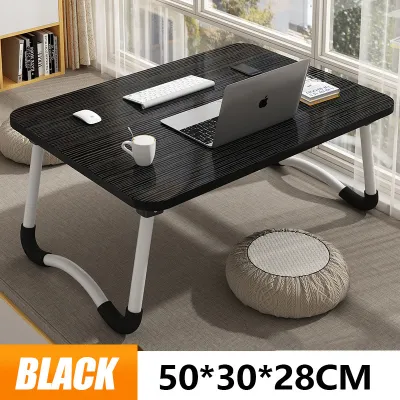
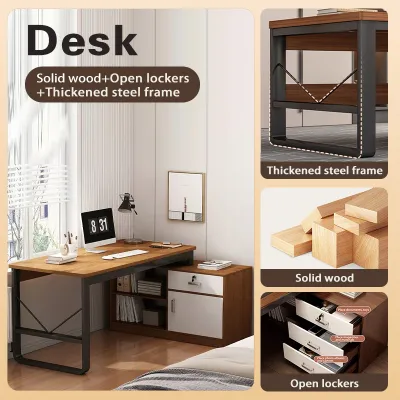
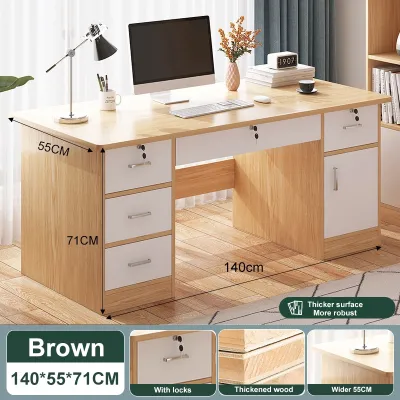
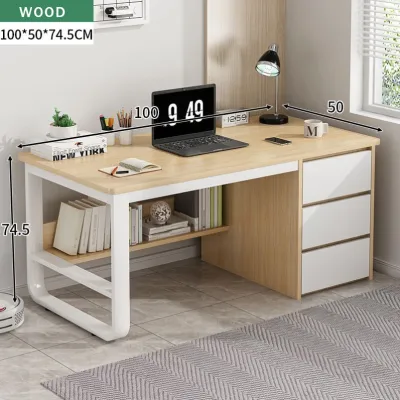
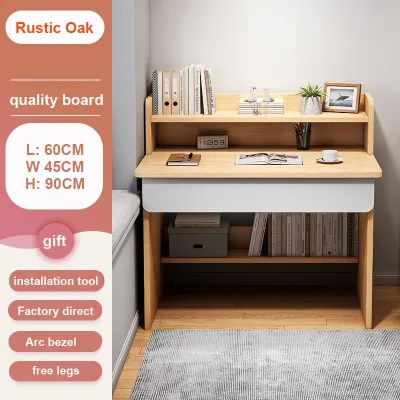
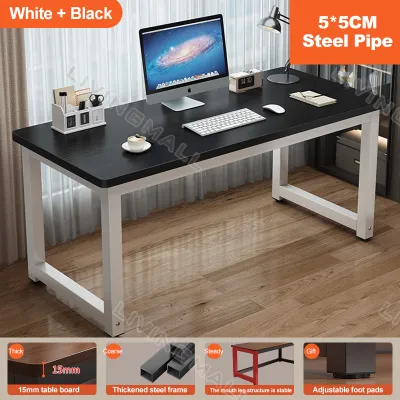
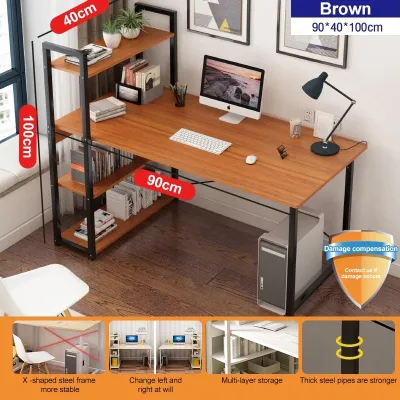
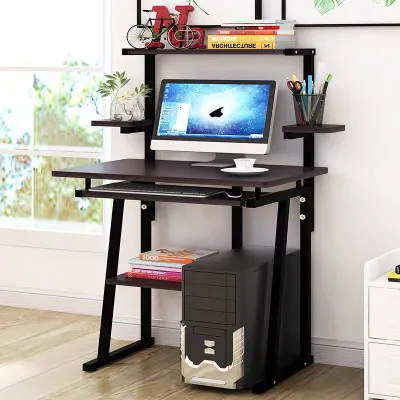
Prices are valid at publication and may change. Please refer to the product page for the latest price.
The most prominent trade-off of built-in storage is its impact on stability, particularly when the desk is extended to its maximum standing height. As a desk rises, its center of gravity shifts upward. If the desk frame is loaded with heavy drawers or asymmetrical shelving units, this elevated center of gravity can amplify lateral wobble. Even premium frames will experience slight movement at higher levels, but poorly balanced storage elements can turn a minor vibration into an annoying shake every time you type.
To offset this added weight, the lifting mechanism becomes a critical point of evaluation. Standing desks generally utilize either single-motor or dual-motor systems. For a study table with organizer for adult users, a dual-motor system is highly recommended. Single-motor desks rely on a single drive shaft to turn both legs, which can struggle or burn out prematurely under the uneven load of stored items, files, and multiple monitors. Dual-motor desks place a dedicated motor in each leg, offering superior lifting capacity, smoother transitions, and better handling of off-center weight distributions.
Another vital consideration is the physical space beneath the desktop. While under-desk drawers are incredibly convenient for hiding clutter, they reduce knee and thigh clearance when you are seated. If the drawer assembly is too thick, you may find your thighs pressing against the bottom of the drawer, or your office chair’s armrests may fail to slide underneath the desk. This forces taller adults into awkward seating postures that compromise ergonomic alignment.
It is also important to distinguish between integrated storage and modular add-ons. Integrated storage is engineered directly into the desk’s frame or desktop by the manufacturer, ensuring that the weight limits and balance are factory-tested. Modular add-ons, such as aftermarket clamp-on drawers or hanging organizers, offer flexibility but can alter the desk’s balance in ways the manufacturer did not intend. Adding heavy aftermarket accessories can unevenly strain the motors or even void your warranty, making it crucial to check the manufacturer’s guidelines before drilling or clamping new components onto the frame.
Top Standing Study Tables With Organizers by Use Case
Selecting the right standing desk with built-in storage depends heavily on your specific work habits, room size, and equipment setup. In the Philippine market, options range from compact, space-saving designs perfect for urban condominiums to heavy-duty dual-motor workstations. The following categories represent the most common configurations designed to address these varying WFH requirements.

When browsing local e-commerce platforms or specialty furniture stores, you will find options across several price tiers. Budget-friendly manual models generally range from ₱8,000 to ₱15,000, while mid-range single-motor options with basic storage sit between ₱15,000 and ₱25,000. Premium, high-capacity dual-motor workstations with fully integrated storage systems often exceed ₱30,000. To ensure accurate pricing and stock availability, always check current online listings directly with local distributors.
Best for Compact Spaces and Minimalist Setups
For professionals working out of cozy apartments or shared rooms in high-density urban areas, maximizing floor space is a top priority. Desks designed for these environments typically feature a smaller footprint—often around 100 to 120 centimeters in width—and utilize vertical space for organization.
Look for models that incorporate a shallow, integrated drawer directly beneath the desktop. This drawer should be just deep enough to house a laptop, tablet, and basic stationery without protruding downward into your legroom. Alternatively, some minimalist designs feature a built-in monitor riser with small cubbies underneath, allowing you to elevate your screen to eye level while keeping your desk surface clear of loose papers.
In highly humid tropical climates, material selection for compact desks is key. Engineered wood or MDF tops should have high-quality, moisture-resistant laminates or edge-banding to prevent swelling or peeling over time. A compact desk with a slim, powder-coated steel frame offers the durability needed to withstand daily use while keeping the visual profile of your room light and uncluttered.
Best for Heavy Equipment and Dual-Monitor Users
If your daily tasks require multiple monitors, heavy computer towers, reference books, and extensive paperwork, a heavy-duty motorized workstation is non-negotiable. These setups demand a desk with an expansive surface area—typically 140 to 180 centimeters wide—and a robust frame built to handle significant weight.
The ideal desk in this category features a dual-motor lifting system with a dynamic load capacity of at least 100 to 125 kilograms. This ensures the motors can smoothly raise and lower your entire setup, including any built-in storage units like wide under-desk drawers or integrated side-shelves. The frame should feature thick steel columns and a reinforced crossbar to minimize lateral sway when the desk is fully extended.
Storage in these heavy-duty models often includes integrated cable management trays and dedicated compartments for power strips, keeping cords organized and out of sight. When evaluating these larger desks, pay close attention to the structural joints. High-quality welds and heavy-duty hardware are essential to keeping a heavily loaded desk stable and quiet during height adjustments.
Best Budget-Friendly and Manual Crank Options
For those who want the health benefits of a standing desk without the premium price tag of a motorized system, manual crank desks with built-in organizers offer a practical compromise. These desks replace electric motors with a hand crank mechanism, allowing you to adjust the height manually.
To keep costs down, budget-friendly models often utilize lighter materials, such as fabric or mesh hanging organizers, slide-out plastic trays, or simple wooden undershelves. While these storage options are less robust than solid wood or steel drawers, they provide highly functional spots for notebooks, headphones, and office supplies without adding excessive weight to the desk frame.
Using a manual crank desk requires a bit of physical effort, especially when the desktop is loaded with equipment. To make cranking easier and prevent uneven wear on the internal gears, it is crucial to distribute your items evenly across the desktop. Keep the heaviest items centered over the legs rather than concentrated on one side, and avoid overloading the manual mechanism beyond its rated capacity.
Critical Dimensions and Clearances to Verify Before Buying
Before purchasing a standing desk with integrated storage, conducting precise physical measurements of both your body and your workspace is essential. Failing to verify these dimensions can lead to delivery headaches, uncomfortable working postures, or a desk that simply does not fit your room.
First, measure the physical path the desk must take to reach its final destination. In many Philippine residential buildings, tight doorways, narrow hallways, and small passenger elevators can present significant obstacles during delivery. Check the packaged dimensions of the desk, as well as the assembled dimensions, to ensure you can safely transport the components into your home office.
Next, determine your personal ergonomic height requirements. To do this, sit in your preferred office chair with your feet flat on the floor and your elbows bent at a 90-degree angle. Measure the distance from the floor to the underside of your elbows; this is your ideal seated desk height. Repeat this measurement while standing in your typical working footwear. Compare these two numbers to the desk’s minimum and maximum height range. Keep in mind that thick desktops or built-in storage units can alter the actual working surface height, so ensure the desk’s adjustment range can accommodate your specific ergonomic needs.
Equally critical is the clearance beneath the desk. Measure the distance from the bottom of any integrated drawers or storage compartments to the floor. You must ensure there is ample room for your thighs when seated, as well as clearance for your chair’s armrests to slide underneath the desk when not in use. If you plan to mount a CPU holder or use an under-desk footrest, verify that these accessories will not collide with the storage units or your legs during daily use.
Finally, calculate the total weight of all the items you plan to place on the desk. This includes your monitors, laptop, keyboard, mouse, desk lamps, books, and the contents of your storage organizers. Compare this total weight against the manufacturer’s specified dynamic (moving) and static (stationary) weight capacities. Exceeding the dynamic weight capacity can strain or burn out the motors of an electric desk, while exceeding the static capacity can cause the frame to bend or buckle over time.
Safe Assembly and Ergonomic Usage Guidelines
Assembling and using a standing desk with integrated storage requires careful attention to detail to ensure safety, stability, and longevity. Because these desks feature moving parts and carry valuable electronic equipment, proper setup is your first line of defense against accidents and mechanical failures.
During assembly, always prioritize a level foundation. If your floor is slightly uneven—a common occurrence in many homes—utilize the adjustable leveling pads on the bottom of the desk feet to eliminate any rocking or instability. A desk that is not level will experience uneven stress on its lifting columns, which can lead to premature motor wear and increased wobble at standing heights.
Proper weight distribution is critical once the desk is assembled. To maintain a low center of gravity and reduce frame sway, store your heaviest items, such as books or heavy files, in the lower or central storage compartments. Avoid placing heavy items at the extreme outer edges of the desk, as this can create an unbalanced load that strains the lifting mechanism during height transitions.
Cable management is another vital safety consideration. Because the desktop moves up and down, your cables must have enough slack to accommodate the full range of motion. Use cable trays, spine organizers, or adhesive clips to secure your cords, and always create a “slack loop” for the main power cables. This prevents wires from snagging, stretching, or violently tearing out of their sockets when you raise the desk to its maximum height.
If your motorized desk features an anti-collision system, ensure it is calibrated and active. This safety feature automatically stops the desk’s movement if it senses an obstruction, such as a chair armrest, a filing cabinet, or a window sill. Finally, never exceed the manufacturer’s weight limits, and warn family members against using the desk frame or storage shelves as a ladder or stepping stool, as the moving joints are not engineered to support dynamic human weight.
Frequently Asked Questions (FAQ)
Can I add aftermarket organizers to a standard standing desk?
Yes, you can add aftermarket organizers, but you must proceed with caution. Clamp-on drawers, under-desk trays, and cable management baskets are popular options, but you must first verify your desk’s edge thickness and structural profile to ensure a secure fit. Avoid using self-tapping screws to mount heavy items directly into the desktop, as this can easily split engineered wood or pierce through the top surface. Additionally, drilling unauthorized holes into the desk’s frame or desktop can void the manufacturer’s warranty, so always consult the warranty terms before making permanent modifications.
How does built-in storage affect a standing desk's stability?
Built-in storage adds dead weight to the moving portion of the desk, which can increase lateral wobble, particularly when the desk is raised to standing height. This extra mass shifts the desk’s center of gravity upward, making it more sensitive to vibrations from typing or leaning. To minimize this effect, look for desks constructed with wide, heavy steel leg columns, long foot bases, and dual-motor lifting systems. Properly distributing your stored items—keeping the heaviest objects low and centered—will also significantly improve overall stability.
Community discussion
Share your experience or ask a question. Comments are reviewed before publication.