
Adjusting your child’s study chair for the new school year is a vital step in preparing their study space for long hours of reading, writing, and online learning. As children grow rapidly, a chair that fit perfectly a few months ago can quickly become a source of slouching, neck strain, or fatigue. Calibrating a Lifetime kids chair involves a systematic, bottom-up approach: setting the seat height and footrest first, aligning the backrest to support the lumbar curve, and coordinating the armrests with the desk height. By taking the time to customize these settings before classes begin, you establish an ergonomic foundation that promotes healthy spinal alignment, improves concentration, and prevents long-term postural issues.
Prepare for the Adjustment: Measure and Observe
Before making any mechanical changes to the chair, gather accurate physical measurements of your child. Have them stand straight against a wall to record their current height, and then have them sit on a flat surface to measure their lower leg length from the back of the knee to the sole of the foot. This measurement serves as your baseline for setting the seat height, ensuring adjustments are based on actual physical proportions rather than guesswork.
Next, observe how your child naturally sits in the chair in its current, unadjusted state. Let them sit for a few minutes while reading a book or writing. Look closely for common postural warning signs, such as feet dangling in the air, shoulders rounded forward, or a noticeable lean to one side. If their pelvis is sliding forward away from the backrest, the seat depth or backrest angle is likely incorrect.
Products mentioned in this guide
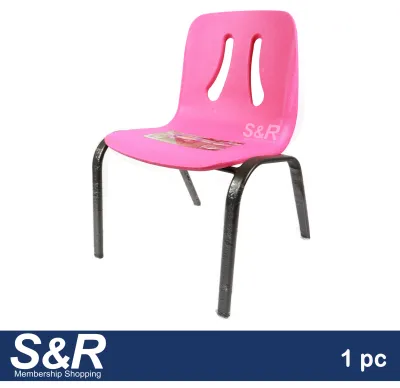
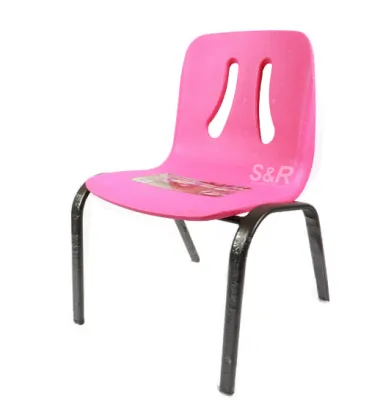
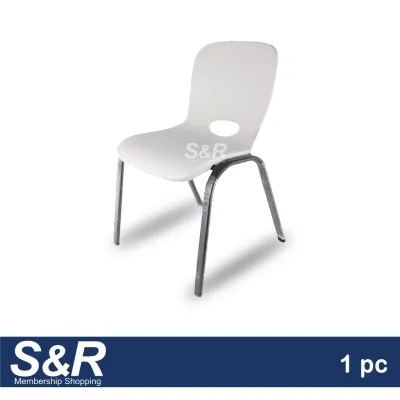
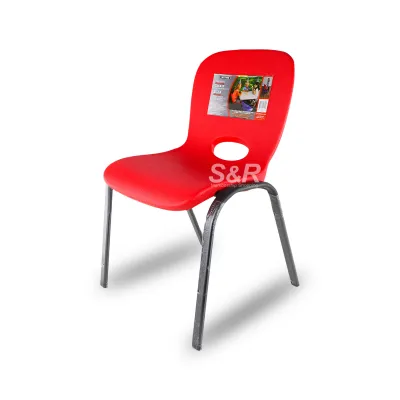
Prices are valid at publication and may change. Please refer to the product page for the latest price.
Finally, locate the manufacturer’s instruction manual for your specific model of the Lifetime kids chair. Different versions utilize distinct adjustment mechanisms, such as manual release pins, threaded knobs, or pneumatic levers. Reviewing the manual helps you identify where these controls are located and how to operate them safely. Additionally, verify the chair’s weight and height limits to ensure your child still falls safely within the recommended guidelines.
Step-by-Step Guide to Calibrating the Chair
Achieving the perfect ergonomic setup requires a systematic, step-by-step approach. Rather than adjusting parts at random, you must build a stable foundation from the floor up. This ensures that the child’s lower body is fully supported before you attempt to align their upper torso and arms with the study desk. Before beginning, ensure the child is standing nearby rather than sitting in the chair, as adjusting mechanisms under load can damage the chair or pinch fingers.

Setting the Seat Height and Footrest
The primary goal when adjusting the lower portion of the chair is to eliminate dangling feet, which restrict blood circulation and place undue pressure on the thighs. Adjust the seat height or the integrated footrest so that the child’s feet rest completely flat on the surface. If the chair features an adjustable footrest, slide it to a position where the feet are fully supported without the back of the knees pressing hard against the seat edge.
Verify the angle of the lower body once the feet are flat. The thighs should run parallel to the floor, and the knees should form an approximate 90-degree angle. If the knees are pushed too high above the hips, the seat is too low; if the heels lift off the floor or footrest, the seat is too high. In the humid tropical climate of the Philippines, proper circulation is especially important to prevent discomfort and restlessness during warm afternoon study sessions.
Check the seat pan depth to ensure proper thigh support. Have your child sit all the way back against the backrest. Slide your hand between the front edge of the seat and the back of your child’s knees. There should be a small gap, roughly two to three fingers’ width. If the seat edge presses directly against the back of the knees, it can restrict blood flow; if the gap is too wide, the thighs will not receive adequate support.
Adjusting the Backrest and Lumbar Support
The backrest must actively support the natural S-curve of the child’s spine to prevent slouching. Loosen the adjustment knob or release the locking mechanism on the backrest column. Slide the backrest vertically until the curved lumbar support section nestles comfortably into the small of the child’s lower back, just above the waistline.
Ensure the backrest depth is calibrated so the child does not have to lean backward or hunch forward to make contact. Their shoulders should remain relaxed and naturally fall back against the upper portion of the backrest. If the child must hunch forward to reach their books, the backrest may be positioned too far back, or the seat pan may be too deep.
Once the ideal position is found, firmly tighten the locking mechanism. Test the stability of the backrest by applying moderate pressure with your hands. It must not slip, wobble, or slide down under the child’s weight. In humid environments, metal threads and plastic locking collars can sometimes slip if they gather dust or moisture, so ensuring a dry, tight lock is essential.
Fine-Tuning Armrests and Desk Alignment
If your model includes armrests, adjust their height so that the child’s elbows rest comfortably at a 90-degree angle. The forearms should remain parallel to the desk surface, allowing the wrists to rest in a neutral, straight position while typing or writing. This minimizes strain on the neck and shoulder muscles.
Evaluate the relationship between the adjusted chair and the study desk. If the desk is too high even after the chair is perfectly calibrated, do not compromise the child’s posture by raising the chair to an unsafe height where their feet dangle. Instead, consider using a stable desk riser, adjusting the desk height if it is an adjustable model, or sourcing a more compatible study table.
Check the clearance between the armrests and the desk edge. The armrests should not prevent the chair from sliding close enough to the desk. If the armrests bump against the desk drawer or frame, the child will be forced to lean forward to reach their work, completely defeating the purpose of the backrest support. If necessary, lower or temporarily remove the armrests to allow proper proximity.
Verify the Fit: The 90-90-90 Posture Check
This is the gold standard of pediatric ergonomics. Check that the ankles are bent at a 90-degree angle with feet flat, the knees are bent at 90 degrees, and the hips are bent at 90 degrees where the thighs meet the torso. This balanced alignment distributes body weight evenly across the sit bones and minimizes muscular fatigue.
Do not rely solely on an immediate visual check. Let your child sit in the adjusted chair and work on a task, such as reading a book or drawing, for five to ten minutes. Observe their natural resting posture once they forget they are being monitored. If they instinctively slide forward, slouch, or prop their chin up with their hands, it indicates that one of the adjustments is slightly off and needs fine-tuning.
Finally, check their line of sight. For physical reading and writing, the head should tilt slightly downward at an angle of no more than 15 to 20 degrees. If they are using a tablet or computer monitor for online classes, the top of the screen should be at or slightly below eye level, ensuring they do not have to crane their neck upward or bend it excessively downward.
Maintenance and Safety Checks for the School Year
Over weeks of daily use, the vibrations and movements of an active child can gradually loosen screws, bolts, and adjustment knobs. Schedule a quick monthly check to inspect the structural integrity of the chair. Tighten any loose fasteners using the appropriate tools, and verify that all height-adjustment locks remain fully engaged.
Set a recurring calendar reminder to reassess the chair’s fit at the start of each new school semester, or immediately following a noticeable growth spurt. Children do not grow at a uniform rate; a sudden stretch over a holiday break can render previous settings obsolete. Regular recalibration ensures their posture remains supported throughout their developmental milestones.
Learn to recognize the warning signs that your child has outgrown the chair entirely. If the seat is adjusted to its maximum height and the child’s knees are still bent at an acute angle, or if their shoulders extend far above the backrest support, the chair’s physical limits have been reached. At this stage, attempting to force a fit can compromise safety, indicating it is time to transition to a larger, adult-sized ergonomic chair.
Frequently Asked Questions (FAQ)
How often should I readjust the chair during the school year?
While a comprehensive mechanical adjustment is typically only necessary every three to six months to keep pace with physical growth, you should perform a quick visual check of your child’s posture weekly. Children often develop habits like sliding forward or sitting on one leg. Trust immediate visual cues, such as your child resting their chin on their hands, slouching over their desk, or fidgeting constantly, as signs that the chair needs immediate readjustment.
What if my child's feet still dangle after adjusting the footrest?
If the chair’s built-in adjustments cannot fully bridge the gap to the floor, you can supplement the setup with a separate, stable, and non-slip footstool. Place the footstool directly under the desk so your child’s feet can rest completely flat on it while maintaining the 90-degree knee angle. Avoid using unstable makeshift items like stacked cardboard boxes, loose books, or plastic storage bins, as these can easily slide away, creating a tripping hazard and disrupting your child’s balance.

Community discussion
Share your experience or ask a question. Comments are reviewed before publication.