
Finding a reliable computer table gaming setup under ₱5,000 in the Philippines requires balancing cost, structural integrity, and usable space. While premium desks offer motorized adjustments and integrated electronics, the budget tier focuses on the fundamentals: a stable frame that does not wobble during intense gameplay and a surface durable enough to withstand daily wear. By understanding what to prioritize and how to inspect listings on online marketplaces, you can secure a highly functional workspace without exceeding your budget.
Essential Features to Prioritize on a Tight Budget
When working with a strict ₱5,000 limit, every peso must go toward structural essentials rather than cosmetic extras. A dedicated computer table gaming setup needs to accommodate your monitor, keyboard, mouse, and potentially a PC tower, meaning surface area is your first critical decision point.
For a comfortable setup, look for a minimum depth of 60 centimeters and a width of at least 100 to 120 centimeters. A desk shallower than 60 centimeters places your eyes too close to the monitor, which can cause strain, and leaves little room for a keyboard and mouse pad. If you plan to place your PC tower on the desk, aim for a width of 120 centimeters or more to prevent your workspace from feeling cramped.
Products mentioned in this guide
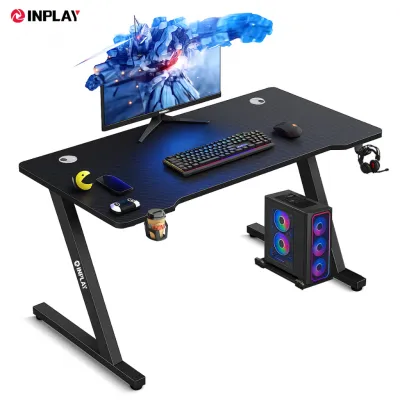
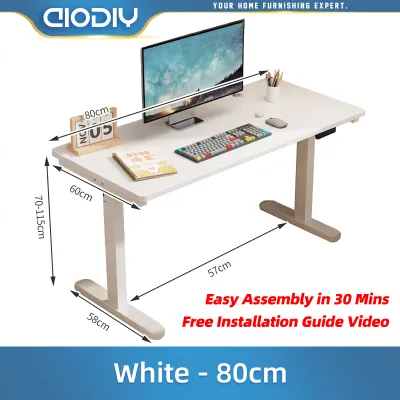
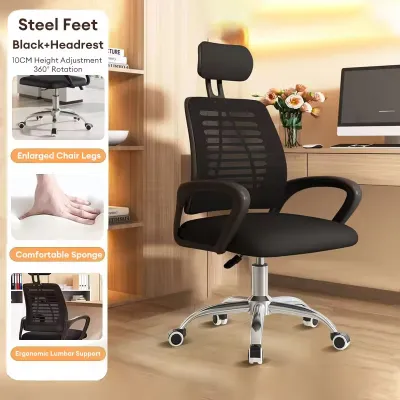
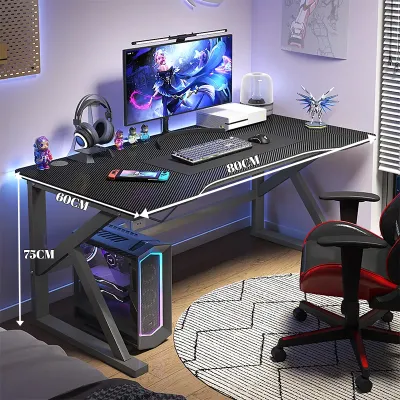
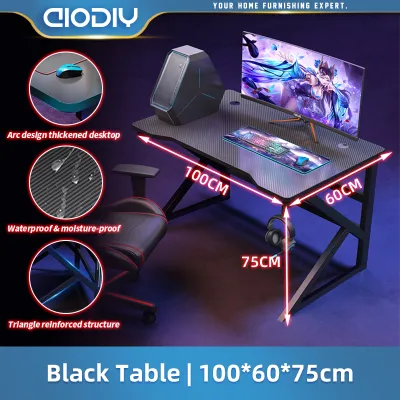
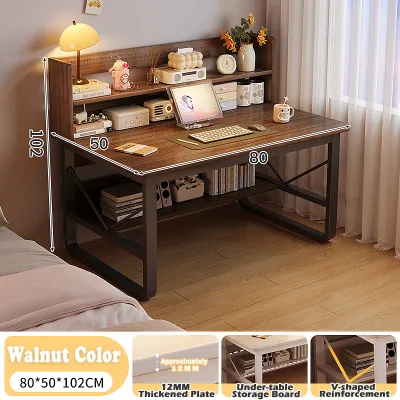
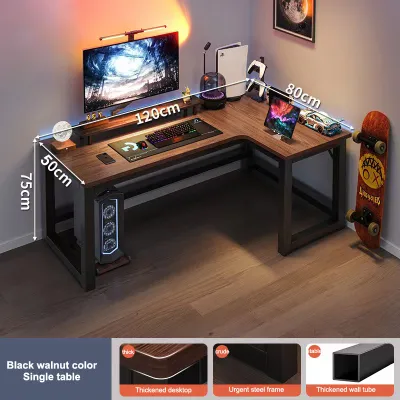
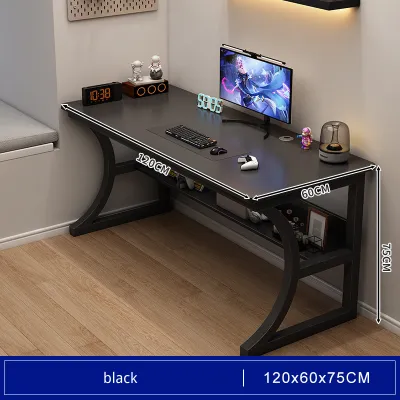
Prices are valid at publication and may change. Please refer to the product page for the latest price.
Frame stability is the next non-negotiable feature. Budget desks often use thinner metal legs that can sway under lateral movement. To prevent your monitor from wobbling every time you type or move your mouse, prioritize frames that feature triangular gussets, reinforced corner joints, or a rear crossbar. A simple four-legged design without any diagonal bracing or lower support bars is highly susceptible to shaking, especially on tiled or uneven floors common in many Philippine homes.
Finally, you must verify the load capacity. While manufacturers might claim a high weight limit, you should calculate your actual hardware weight before purchasing. A typical setup—consisting of a 27-inch monitor, a mechanical keyboard, a mouse, and a mid-tower PC—can easily weigh 15 to 25 kilograms. Ensure the desk’s rated capacity comfortably exceeds this total, keeping in mind that leaning your arms on the desk adds significant downward force.
Expected Trade-Offs Under ₱5,000
Staying under a ₱5,000 budget means accepting certain design compromises. Understanding these trade-offs beforehand prevents disappointment and helps you focus on what truly matters for your gaming experience.

The most significant compromise lies in the materials. At this price point, solid wood is virtually non-existent. Instead, you will find engineered wood, such as Medium-Density Fiberboard (MDF) or particleboard, finished with a thin laminate or veneer. In the humid tropical climate of the Philippines, cheap laminates are prone to peeling, and unsealed engineered wood can absorb moisture from the air, leading to swelling and warping. To mitigate this, look for desks with melamine-faced chipboard (MFC) or those with fully sealed edges that protect the inner core from humidity.
You must also manage your expectations regarding built-in features. Motorized height adjustment, integrated RGB lighting strips, and advanced under-desk cable management trays are rarely found on stable budget desks. If a desk under ₱5,000 promises motorized standing capabilities, it often sacrifices frame thickness or motor durability to meet the price point. It is far safer to buy a sturdy, manual, fixed-height desk and add your own aftermarket cable clips or LED strips later.
Aesthetic and ergonomic limitations are also standard in this price tier. You will generally be limited to basic color schemes like solid black, white, or faux wood grain. The edges of the desk are typically finished with standard PVC edge banding rather than ergonomic, sloped wrist rests. Because these desks feature a fixed height—usually around 73 to 75 centimeters—you will need to rely on an adjustable office chair to achieve proper ergonomic alignment for your elbows and wrists.
How to Evaluate Desk Stability and Build Quality Online
Since most budget furniture in the Philippines is purchased through online marketplaces, you cannot physically shake the desk to test its stability before buying. You must become adept at analyzing product listings, specifications, and user reviews to assess build quality.
Begin by analyzing the frame construction in the product images. Look for the thickness of the steel tubes, which is often listed in the specifications (such as 20mm x 20mm or 40mm x 40mm). Thicker steel tubes generally translate to better rigidity. Examine the leg configuration; T-shaped or K-shaped leg designs often provide better stability than simple vertical poles, provided they have a solid connection plate at the top. Additionally, check if the desk includes adjustable leveling feet. These small, screw-in plastic pads under the legs are essential for stabilizing the desk on uneven floors, preventing annoying wobbles.
Customer reviews are an invaluable source of real-world performance data. When browsing reviews on ecommerce platforms, filter or search specifically for terms like “wobble,” “shake,” “malambot” (flimsy), “sag,” or “missing screws.” Pay close attention to reviews written after several weeks or months of use, as these often reveal issues like sagging center spans or stripped screw holes that occurred during assembly.
Inspect user-uploaded photos rather than relying on polished marketing renders. Marketing images often use 3D models that hide imperfections. User photos will show you the actual texture of the laminate, the quality of the edge banding, and how the joints align. Look closely at the corners of the desk in user photos; if you see gaps in the edge banding or exposed particleboard, the desk is highly vulnerable to moisture damage from spilled drinks or high humidity.
Hidden Costs and Delivery Considerations
A desk that costs ₱4,500 on paper can easily push past your ₱5,000 budget once you factor in logistics and assembly. To avoid unexpected expenses, you must calculate the total cost of ownership before clicking the buy button.
Shipping fees for bulky furniture can be surprisingly high in the Philippines. Because desks are heavy and come in large, flat-packed boxes, standard shipping rates do not apply. If you live outside Metro Manila, such as in provincial areas of Luzon, Visayas, or Mindanao, shipping surcharges can add ₱500 to ₱1,500 to your total. Always add the item to your cart and input your exact delivery address to see the final shipping fee before making your decision.
Assembly is another factor to consider. Most budget desks are delivered flat-packed and require self-assembly. While basic tools like an Allen wrench are usually included, they can be difficult to use and may lead to loose joints if not tightened properly. Having a basic screwdriver set or a low-powered electric drill on hand can make the assembly process much faster and ensure that screws are driven straight and secure, which directly impacts the final stability of the desk.
Finally, review the seller’s return and warranty policies. Shipping a heavy, defective desk back to the seller can be incredibly expensive and logistically challenging. Check if the seller offers a local warranty or a hassle-free return policy for items damaged during transit. Ensure you take an unboxing video when the package arrives; many local online sellers require this as proof of damage before they will process a replacement or refund for cracked desktop boards or bent metal frames.
Space Planning and Measurement Checklist
Before finalizing your purchase, you must ensure the desk physically fits your living space and accommodates your specific gaming gear. Proper planning prevents the frustration of receiving a desk that is too large for your room or incompatible with your accessories.
Start by measuring the designated floor space in your room, keeping in mind the clearance needed for your chair. You should leave at least 80 to 100 centimeters of open space behind the desk so you can comfortably push your chair back and stand up. Additionally, measure the width of your doorways, hallways, and any tight stairwells. Even though the desk arrives flat-packed, the box itself is often long and heavy, and you must ensure you can safely maneuver it into your home.
If you plan to use a clamp-on monitor arm to save desk space, you must inspect the desk’s edge profile and thickness. Many budget desks use thin boards (around 1.5 centimeters thick) that may warp or crack under the concentrated pressure of a heavy monitor clamp. Furthermore, some desks feature metal support frames that run directly along the outer edge of the underside, blocking the clamp from gripping the wood securely. Ensure there is a flat, unobstructed lip of at least 5 to 7 centimeters along the back edge of the desk for the clamp to attach.
Lastly, check the ergonomic clearance underneath the desk. Some budget designs feature low-hanging crossbars or storage shelves that can restrict your legroom or prevent your gaming chair’s armrests from sliding under the desk when not in use. Measure the height of your chair’s armrests at their lowest setting and compare it to the clearance height of the desk frame to ensure a seamless fit.
Frequently Asked Questions (FAQ)
Can I use a regular office desk as a computer table for gaming?
Yes, a standard office desk can serve perfectly well as a computer table gaming setup, provided it meets your spatial and structural needs. The primary difference often lies in the depth of the surface. Standard office desks are sometimes shallower, designed primarily for laptops or paperwork, whereas gaming setups benefit from a depth of 60 centimeters or more to maintain a safe viewing distance from larger monitors. Additionally, ensure the office desk’s frame is robust enough to handle the weight of heavy gaming peripherals and that it does not wobble during active gameplay.
Is a 120cm x 60cm desk large enough for a dual-monitor setup?
A 120cm x 60cm desk can accommodate a dual-monitor setup, but space will be tight if both monitors use their original desktop stands. Two 24-inch monitors placed side-by-side typically span about 110 centimeters in width, leaving very little room for your PC tower or other desktop accessories. To maximize your usable surface area on a 120cm desk, consider using a dual-monitor arm clamp. This lifts the screens off the desk surface, reclaiming valuable space for your keyboard, mouse, and speakers while allowing for better ergonomic adjustment.
Community discussion
Share your experience or ask a question. Comments are reviewed before publication.