
Finding a comfortable, supportive seat for your home office does not require spending a fortune. When shopping with a budget of under ₱5,000 in the Philippines, the key is focusing on core structural integrity and essential adjustability rather than high-end design gimmicks. With the tropical heat and long hours of remote work, prioritizing breathable materials and reliable mechanical parts will ensure your investment keeps you comfortable and productive day after day.
By understanding what a budget of this size can realistically deliver, you can avoid common marketing traps and select a chair that truly supports your body. This guide breaks down the essential features to look for, the premium additions you can safely skip, and the critical safety checks to perform before making your purchase.
Setting Realistic Expectations for Your ₱5,000 Budget
When shopping for an ergonomic chair in the entry-level price bracket, managing your expectations is the first step toward a successful purchase. At this price point, you will not find highly complex, multi-dimensional adjustment systems that automatically adapt to your every movement. Instead, you are looking for a well-built, simplified chair that executes the basics exceptionally well.
Products mentioned in this guide
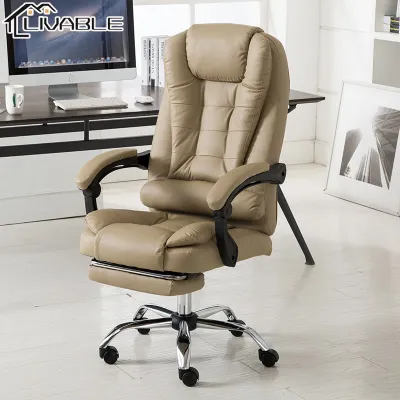
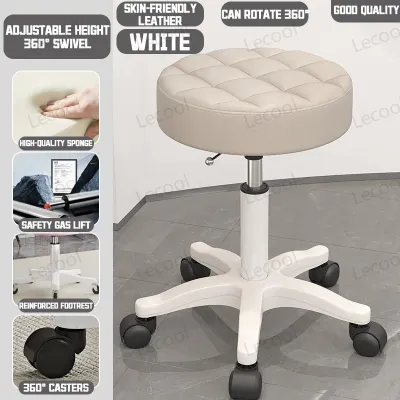
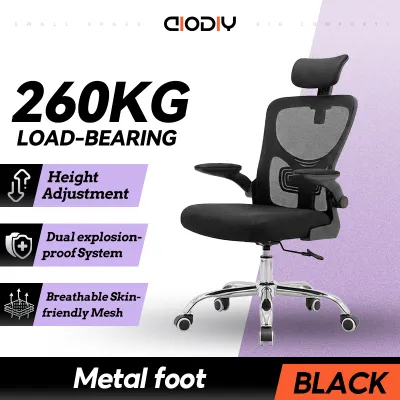
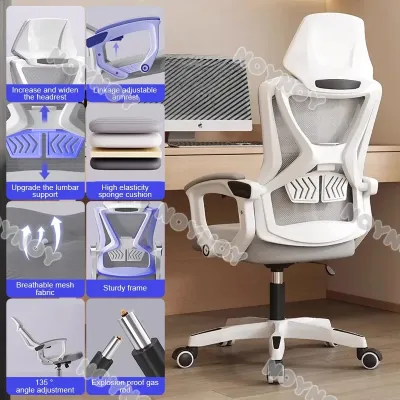
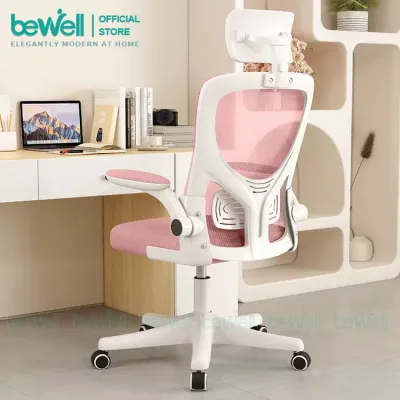
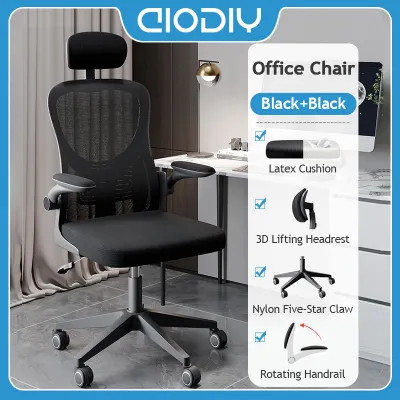
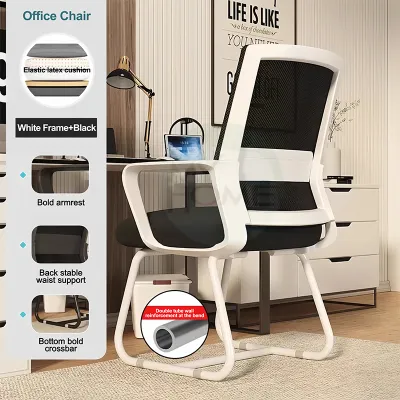
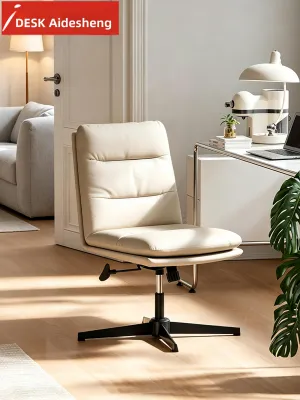
Prices are valid at publication and may change. Please refer to the product page for the latest price.
True ergonomic chairs costing tens of thousands of pesos offer synchronized movement, where the seat and backrest tilt in a perfect, dynamic ratio. In contrast, a reliable under-₱5,000 model will typically feature a fixed backrest angle or a simple tilt-and-lock mechanism. The focus here is on static support—ensuring the chair holds you in a healthy, upright posture during your active working hours.
Material durability also follows a different standard in the budget segment. While premium chairs use proprietary, high-tension elastomeric mesh designed to retain its shape for a decade, budget models utilize standard nylon or polyester mesh. Over several years of daily use, this entry-level mesh will naturally experience some minor stretching, and high-density foam seat cushions will gradually compress. Expecting a realistic lifespan of two to four years of daily use is reasonable for chairs in this price range.
Furthermore, the overall build quality relies on basic, sturdy materials rather than lightweight aluminum alloys or advanced polymers. Heavy-duty nylon plastics and steel plates form the foundation of these budget frames. While they may feel slightly heavier and look less sleek than premium office furniture, these materials provide the necessary structural stability to keep you safe and supported without inflating the retail price.
Essential Ergonomic Features You Must Prioritize
To protect your body from the physical strain of sitting for eight hours a day, certain adjustable features are absolutely non-negotiable. The most critical of these is a reliable pneumatic seat height adjustment. To find your ideal setup, you must be able to adjust the seat height so that your feet rest completely flat on the floor while your knees form a clean 90-degree angle, preventing pressure build-up behind your thighs.

Next, look closely at the lumbar support system. Sitting without lower back support forces your spine to slouch, placing immense pressure on your lumbar discs. In this budget range, look for either a pronounced, built-in curve in the backrest frame or a simple, height-adjustable lumbar pad. Even a basic plastic lumbar support bar that can be slid up or down a few centimeters makes a massive difference in maintaining the natural curve of your spine.
Seat pan dimensions and weight capacity are equally vital to verify before buying. A seat that is too deep will press against the back of your knees, cutting off circulation, while a seat that is too shallow will not support your thighs adequately. Always check the manufacturer’s specified seat width and depth, and ensure the verified weight capacity safely accommodates your body weight with a reasonable buffer.
Finally, given the high humidity and warm temperatures across the Philippines, a breathable mesh backrest is an essential ergonomic feature. Solid leather or thick vinyl backrests trap body heat and sweat, leading to physical discomfort that forces you to shift into awkward, unsupportive postures. A porous mesh backrest allows constant airflow, keeping your core cool and helping you maintain a focused, upright position throughout the afternoon heat.
Premium Features You Can Safely Skip
To keep your purchase strictly under the ₱5,000 limit, you must distinguish between features that protect your health and those that merely add convenience. One of the easiest premium upgrades to skip is the highly adjustable armrest system, often marketed as 3D or 4D armrests. These allow users to slide the arm pads forward, backward, sideways, and at angled rotations.
Instead, look for simple height-adjustable armrests, or even sturdy fixed armrests, provided they align well with your desk. You can easily compensate for fixed armrests by adjusting your overall seat height and utilizing your desk surface to support your forearms. This simple compromise can save you thousands of pesos while keeping your shoulders relaxed and tension-free.
An integrated headrest is another feature that is often unnecessary for standard computer work. If your primary monitor is already positioned correctly at eye level, your neck should remain in a neutral, self-supporting position without needing to lean back against a headrest. Unless you spend hours in a deeply reclined position reading documents or watching videos, a mid-back chair without a headrest will serve your daily typing needs perfectly.
Lastly, do not worry about missing out on complex synchronous tilt mechanisms. These advanced systems allow the backrest to recline at a faster rate than the seat pan, keeping your feet flat on the floor even when leaning back. For standard home office tasks, a basic upright lock—which secures the backrest firmly in a vertical position—combined with a manual tilt tension knob is more than sufficient to keep you stable and comfortable.
Safety Red Flags and Quality Traps to Avoid
The budget furniture market is filled with low-quality products that prioritize aesthetics over safety and durability. The most critical safety component on any office chair is the gas lift cylinder, which regulates the seat height. Uncertified, low-grade gas cylinders pose a genuine safety hazard; therefore, you must verify that the cylinder has a Class 3 or Class 4 safety rating etched directly into the metal casing.
Be highly skeptical of generic online listings that plaster the word “ergonomic” across chairs that are entirely rigid. A brightly colored plastic chair with a fixed, non-adjustable frame and a thin cushion is not an ergonomic chair, regardless of what the product title claims. True ergonomic design requires at least basic adjustability to adapt to different human body proportions.
Inspect the quality of the mesh and the design of the seat pan edge before finalizing your choice. Low-grade mesh feels incredibly rough to the touch, similar to coarse plastic window screening, and will lose its tension within a few months of use. Additionally, avoid seat pans that feature a sharp, hard plastic front lip. A proper seat pan should have a sloping, waterfall-style front edge padded with foam to prevent the frame from digging into your under-thigh blood vessels.
Finally, pay close attention to the base of the chair. While nylon bases are perfectly acceptable and highly durable, they must be thick and reinforced with internal ribbing. Avoid chairs that feature thin, hollow plastic bases with visible warping or rough seams from the molding process, as these are prone to cracking under sudden shifts in weight.
Pre-Purchase Checklist and Hidden Costs to Verify
Before you click the buy button on an online marketplace, you must account for several practical factors that can push your total expenditure past the ₱5,000 threshold. Shipping fees for bulky furniture items can be surprisingly high in the Philippines, especially if you live outside Metro Manila or in island provinces. Always calculate the final delivery charge and any potential remote area surcharges before assuming a chair fits your budget.
Warranty coverage is another critical factor that separates reliable budget manufacturers from fly-by-night sellers. Even at this price point, a reputable brand should offer at least a six-month to one-year warranty on core mechanical components, specifically the gas lift cylinder, the caster wheels, and the adjustment mechanism. Avoid sellers who offer no warranty or only cover “parts upon arrival,” as this indicates a lack of confidence in the product’s long-term durability.
Assembly is another area where hidden costs or frustrations can arise. Most budget chairs ordered online arrive flat-packed and require self-assembly. Check if the package includes all necessary hex keys and clear instructions, or if you will need to pay a local handyman to assist you. Reading customer reviews specifically mentioning the ease of assembly can save you hours of frustration.
Lastly, take physical measurements of your workspace. Measure the height of your desk from the floor to the underside of the tabletop, and compare this against the chair’s maximum armrest and seat height. You must also ensure the outer diameter of the wheeled base has enough clearance to slide smoothly between your desk legs, preventing you from being forced to sit too far back from your keyboard.
Frequently Asked Questions (FAQ)
Is a budget gaming chair a good alternative for office work?
Budget gaming chairs are generally less suitable for long office working hours compared to dedicated ergonomic office chairs. Most low-cost gaming chairs utilize a bucket-seat design inspired by race cars, which features raised side bolsters that restrict your leg movement and shoulder posture. Additionally, they often rely on loose, strap-on lumbar pillows that slide out of place, rather than a built-in frame that supports the natural curvature of your spine. For typing and active desk work, the upright, breathable design of a mesh office chair provides far superior support and comfort.
How can I improve a basic chair if it lacks built-in lumbar support?
If you have purchased a basic chair that lacks adequate lower back support, you can easily upgrade its ergonomics using affordable, external accessories. Adding a separate memory foam lumbar support cushion that straps securely around the backrest can instantly fill the gap between your lower spine and the chair. To complement this, placing a simple under-desk footrest on the floor can help tilt your pelvis into a neutral position, reducing lower back strain. Ensuring your computer monitor is raised to eye level will also naturally discourage you from slouching forward, maximizing the effectiveness of your existing chair setup.
Community discussion
Share your experience or ask a question. Comments are reviewed before publication.