
Selecting a side table with integrated charging and storage requires balancing physical dimensions, electrical specifications, and storage layouts. The ideal piece of furniture keeps your devices powered, hides clutter, and fits seamlessly beside your bed frame without blocking walkways. To make the right choice, you must look beyond aesthetics and evaluate port compatibility, power output, material durability under local climate conditions, and structural stability.
By focusing on how you use your bedside space daily, you can find a functional table that enhances your bedroom’s organization. Whether you need to charge multiple devices overnight or store reading materials, understanding the key features of these modern tables ensures a safe and convenient setup.
Measure Your Space and Define Side Table Dimensions
Before browsing designs, you must determine the physical boundaries of your bedside area. Start by measuring the available floor space beside your bed frame. Be sure to account for the swing of nearby wardrobe doors, bedroom entryways, and any under-bed storage drawers that need to open fully without obstruction. Leaving a comfortable walking clearance around the bed prevents accidental bumps in the dark.
Products mentioned in this guide

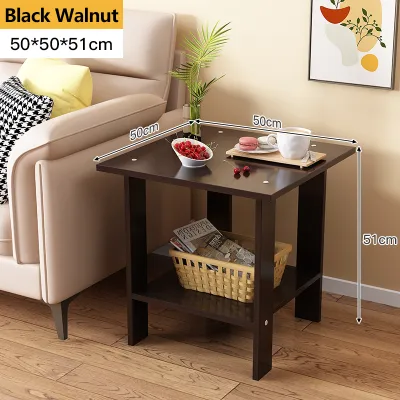
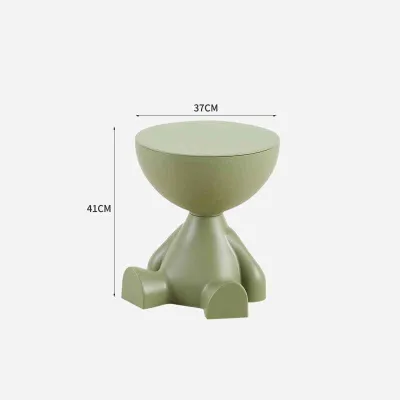
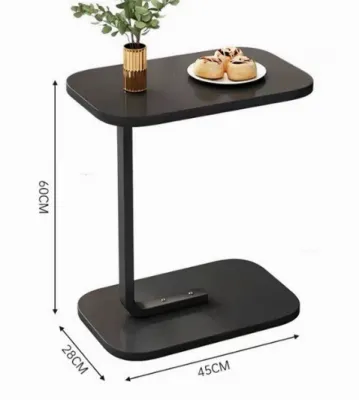
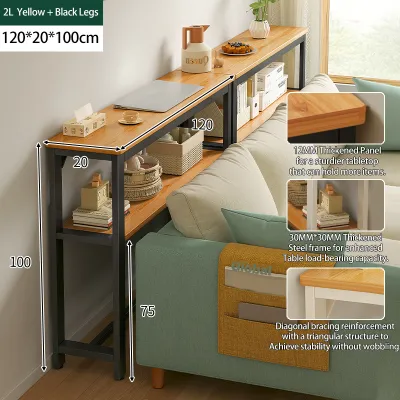
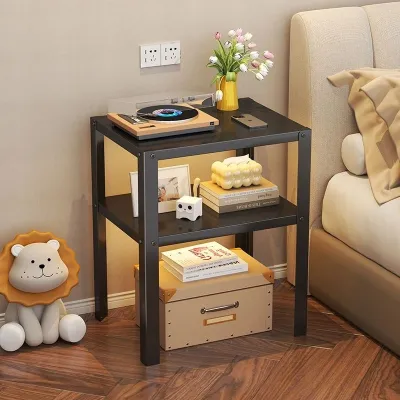
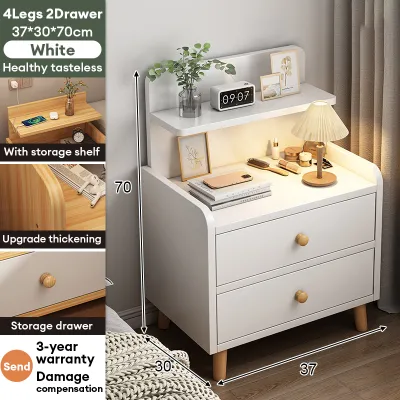
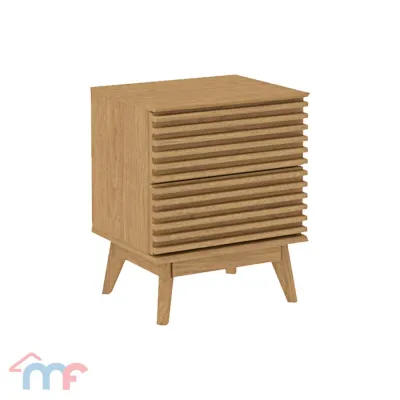
Prices are valid at publication and may change. Please refer to the product page for the latest price.
The height of your side table is critical for both comfort and ergonomics. Ideally, the tabletop should sit level with or slightly above the top of your mattress. This alignment allows you to reach for your phone, a glass of water, or a lamp switch easily from a lying or sitting position without straining your back or shoulders. A table that is too tall or too short can make daily use awkward and increase the risk of knocking items over.
Depth and width are equally important when assessing how the table fits your room. A table that is too deep may protrude past the bed frame, creating a corner that blocks your path. Ensure the surface area is wide enough to hold your nighttime essentials while leaving a clear walkway. If your bedroom is compact, a narrow but deep table might offer the best balance of surface space and floor clearance.
Evaluate Built-In Charging Ports and Power Specifications
Integrated charging features must safely and efficiently support your specific electronic devices. Begin by identifying the types of ports provided on the table’s power strip. A good mix of standard AC outlets, USB-A ports, and USB-C ports ensures you can charge older accessories alongside modern smartphones and tablets without relying on bulky adapters.

Check the product label or manufacturer specifications for the power output of each port. Low-wattage USB ports may charge modern devices very slowly, which can be frustrating if you need a quick power boost. Look for ports that offer higher wattage or fast-charging capabilities to ensure your devices are ready to use when you wake up. If you plan to plug in a laptop or a specialized device, verify that the AC outlets can handle the required voltage and amperage.
Cable management features are essential for keeping your bedside organized and safe. Look for tables with built-in channels, recessed power strips, or rear grommets that allow you to route cords cleanly. Proper cable routing prevents a tangled mess of wires on your tabletop and keeps cords from dangling where they can be snagged by pets, vacuum cleaners, or your feet.
Because these tables connect directly to your home’s electrical system, safety certifications are non-negotiable. Look for recognized safety markings on the product or packaging, which indicate the electrical components have been tested for overcurrent, short-circuit, and overheat protection. This is especially important in tropical regions where high humidity and temperature fluctuations can affect electrical performance.
Choose the Right Storage Configuration for Bedside Use
A well-designed side table should balance concealed organization with quick access to your nighttime essentials. Consider whether you prefer open shelving, enclosed drawers, or a combination of both. Open shelves are excellent for displaying decorative items or keeping books within easy reach, but they tend to accumulate dust quickly, requiring more frequent cleaning.
Enclosed drawers are ideal for hiding clutter and keeping personal items private. They also protect your electronics and cables from dust and moisture, which is beneficial in humid environments. When evaluating drawers, pay close attention to the glide mechanisms. Smooth, quiet drawer runners, such as soft-close or ball-bearing glides, prevent squeaking and sticking, allowing you to open the drawer quietly in the middle of the night.
Assess the internal dimensions of the drawers or shelves to ensure they can accommodate your specific items. If you use a medical device like a CPAP machine, you will need a shelf or drawer with sufficient height, depth, and ventilation, along with a rear opening for power cords. For general storage, deep drawers are useful for larger items, while shallow drawers keep smaller accessories organized.
Finally, consider how much tabletop surface area remains after accounting for the built-in charging hub. The charging ports and power outlets often occupy physical space on the top surface. Ensure there is still ample flat space left for a bedside lamp, a glass of water, and your glasses or phone without crowding the area.
Inspect Build Quality, Materials, and Electrical Safety
The structural durability of your side table is just as important as its electronic features. Examine the joint construction and leg stability to ensure the table can support the weight of your bedside items without wobbling. A wobbly table is not only annoying but can also cause liquids to spill onto your electronic devices, creating a safety hazard.
Review the surface material and finish care instructions to verify resistance to everyday wear. In humid climates, solid wood can warp if not properly sealed, while low-grade particle board may swell when exposed to moisture. Look for water-resistant finishes, protective laminates, or glass tops that can withstand condensation from cold drinks without leaving permanent water rings.
The length of the main power cord is a practical detail that is often overlooked. Measure the distance from your bedside to the nearest wall outlet before purchasing. The side table’s power cord must be long enough to reach the outlet comfortably without being stretched tight. Avoid using extension cords or adapters, as they can clutter the floor and introduce additional electrical risks.
Tipping risks should also be evaluated, especially for tall or narrow tables. When heavy items are placed on top or when multiple drawers are pulled out, the table’s center of gravity can shift. Check if the manufacturer includes or recommends anti-tip anchoring hardware to secure the table to the wall, ensuring a safe environment for homes with children or pets.
Finalize Your Selection and Prepare for Setup
Before making your final purchase, verify the retailer’s return policy and warranty coverage. Ensure the warranty specifically covers both the wooden structure and the integrated electrical components. Because electrical parts can sometimes fail independently of the furniture frame, having clear warranty terms provides peace of mind.
Plan your unboxing and assembly area before the table arrives. Clear a spacious, clean area on your bedroom floor to lay out all the parts and hardware. Review the manufacturer’s instructions to ensure you have the correct tools, such as a screwdriver or hex key, and follow the assembly steps carefully to maintain structural integrity.
When positioning the assembled table, route the main power cord safely away from high-traffic walking paths. Ensure the cord is not pinched beneath the bed frame, table legs, or heavy furniture, as this can damage the protective insulation over time. Keeping the cord flat and visible helps prevent tripping hazards.
Immediately after assembly and before placing your decorative items, plug the table into the wall outlet and test all charging ports and AC outlets with your devices. Confirming that every port functions correctly ensures that you can enjoy the full utility of your new side table from day one.
Frequently Asked Questions (FAQ)
Can I plug a power strip into the side table's built-in outlet?
It is generally not recommended to plug a power strip into the side table’s built-in outlet. This practice, known as daisy-chaining, can easily overload the table’s internal circuitry and your wall outlet, increasing the risk of overheating or electrical fires. Always check the manufacturer’s manual for specific load limits and warnings regarding external power sources.
How should I clean the built-in charging ports safely?
To clean the built-in charging ports safely, always unplug the side table’s main power cord from the wall outlet first. Use a dry microfiber cloth, a soft-bristled brush, or a can of compressed air to remove dust and debris from the ports. Never use liquid cleaners, wet wipes, or damp cloths directly on or inside the electrical components, as moisture can cause short circuits and permanent damage.
Community discussion
Share your experience or ask a question. Comments are reviewed before publication.