
Finding the right bedside table with drawers and built-in charging ports requires balancing modern convenience with practical furniture design. In the Philippines, where high humidity and warm temperatures can affect both electronic components and wood stability, making an informed choice is essential. A well-chosen nightstand keeps your devices powered overnight while offering secure, organized storage for personal items right at your bedside.
To make the best decision, you must look beyond aesthetic appeal. The ideal piece of furniture integrates reliable electrical components with durable construction materials that can withstand daily use. By evaluating charging specifications, drawer mechanics, space constraints, and safety certifications, you can select a bedside table that serves your needs safely and effectively for years to come.
Key Features to Evaluate in Charging Nightstands
When assessing the electronic capabilities of a bedside table, the types of charging ports available are your first consideration. Most modern units feature a combination of USB-A and USB-C ports, while some also include integrated wireless charging pads. USB-A ports are suitable for older accessories, but USB-C ports are increasingly necessary for modern smartphones, tablets, and smartwatches that require higher power delivery.
Products mentioned in this guide
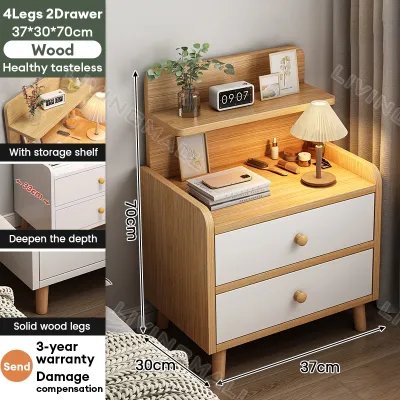
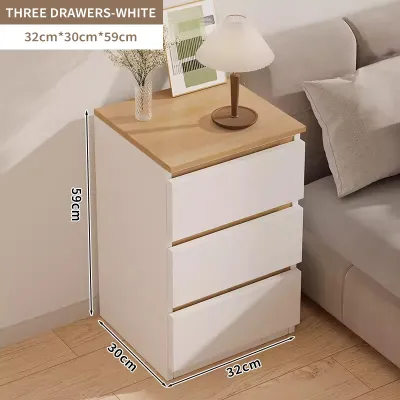
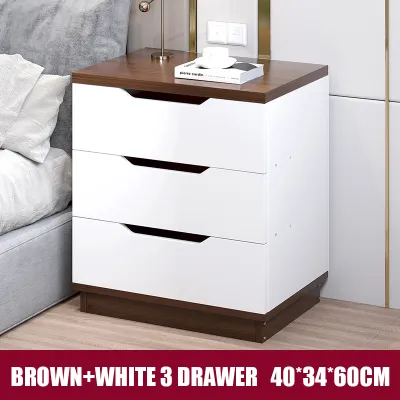
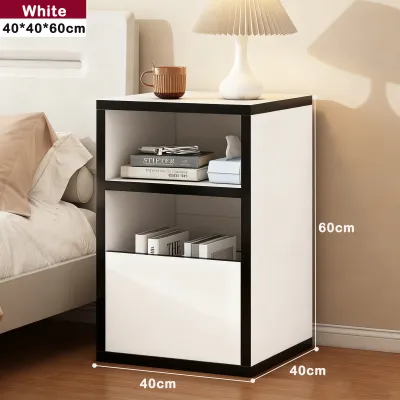
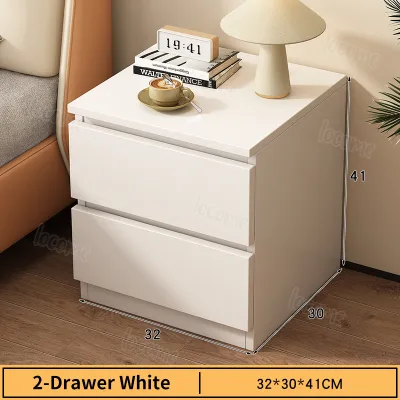
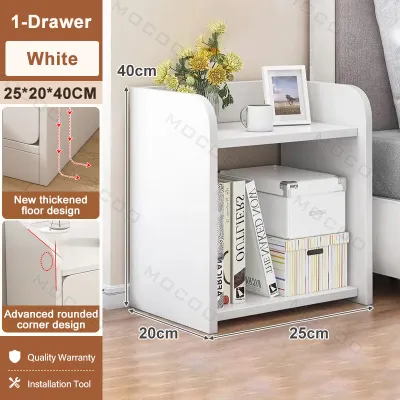
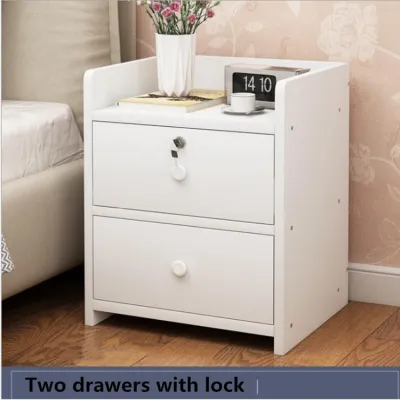
![[On Hand] Bamboo Bedside Table with drawer side table bedroom Storage Cabinet](https://img.lazcdn.com/g/p/d4244dd65e8e8408cc6da72ec85ce232.jpg_400x400q80.jpg_.webp)
Prices are valid at publication and may change. Please refer to the product page for the latest price.
Before purchasing, verify the wattage output of each port rather than just counting the number of connections. A standard USB port might only offer 5 watts, which results in slow charging times. For faster charging, look for ports specified as supporting Power Delivery (PD) or Quick Charge (QC) standards, ideally offering 15 to 20 watts or more per port. If you plan to charge multiple devices simultaneously, check if the total wattage is shared across ports, as this can reduce the charging speed for individual devices when multiple items are plugged in.
Wireless charging pads offer convenience by eliminating cable clutter on your tabletop, but they require careful evaluation. Look for surfaces certified with standard wireless charging protocols, such as Qi. Keep in mind that wireless charging naturally generates more heat than wired charging. In a tropical climate like the Philippines, where ambient room temperatures can already be high, this extra heat can affect your device’s battery health over time. Choosing a nightstand with a wireless pad that features built-in temperature regulation or heat-dissipation vents is a prudent step.
The physical storage components of the bedside table deserve equal scrutiny. Drawers provide essential dust-free storage, but their longevity depends heavily on construction quality and hardware. Look for drawer glide mechanisms made of metal, preferably ball-bearing glides, which offer smoother operation and greater durability than simple wooden runners. Wooden runners can swell and stick during the humid rainy season in the Philippines, making drawers difficult to open and close.
Examine the joint construction of the drawers. Dovetail joints or sturdy dowel connections indicate a higher level of craftsmanship and load-bearing capacity compared to drawers held together solely by staples or thin glue lines. Verify the manufacturer’s rated weight capacity for both the individual drawers and the tabletop. This ensures the unit can safely support heavy books, lamps, and multiple electronic devices without sagging or structural failure.
Finally, evaluate the durability and heat resistance of the tabletop surface. Because devices generate heat while charging, the surface material must be resilient. Solid wood with a high-quality, moisture-resistant sealant, tempered glass, or high-pressure laminates are excellent choices. Avoid low-grade paper foils or thin vinyl wraps, which can bubble, peel, or discolor when exposed to the localized heat of a charging phone or the moisture from an accidental water spill or condensation from a cold drink.
Space, Safety, and Setup Considerations
Integrating electrical components into bedroom furniture introduces specific spatial and safety requirements that differ from standard nightstands. Before browsing options, take precise measurements of your bedroom layout. Measure the available width and depth next to your bed, ensuring there is ample clearance for the drawers to extend fully without hitting the bed frame, wardrobe doors, or nearby walkways.

Consider the height of the bedside table in relation to your mattress. Ideally, the tabletop should sit level with or slightly above the top of your mattress. This alignment makes it comfortable to reach your phone or a glass of water and ensures that wireless charging pads are easily accessible without awkward stretching.
Cable management and electrical outlet proximity are critical for both aesthetics and safety. A charging nightstand must connect to a wall outlet to power its integrated ports. Measure the distance from the proposed nightstand location to the nearest wall outlet. Most charging furniture comes with a power cord ranging from 1.2 to 1.8 meters in length. Avoid stretching this cord tightly across walkways, as this creates a tripping hazard and can damage the cord or the wall outlet over time.
Using extension cords or daisy-chained power strips to reach a distant outlet is not recommended for long-term installations. If your bedroom has older wiring, ensure the wall outlet can safely handle the load of the nightstand and any other connected appliances. In the Philippines, residential electricity standardly runs at 220 volts. Verify that the nightstand’s integrated power strip or adapter is rated for 220V input to prevent electrical shorts or damage to the internal circuitry.
Electrical safety should be your top priority when buying furniture with built-in power. Look for units that feature integrated overcurrent protection, surge protection, and short-circuit prevention. These safety features protect your expensive personal devices from voltage fluctuations, which are relatively common in many parts of the Philippines.
Inspect the product specifications or physical labels for recognized safety certifications. While international certifications like UL, CE, or FCC indicate that the electronic components have undergone rigorous testing, you should also check for local compliance indicators where applicable. Ensure the power plug matches your home’s wall outlets—typically Type A or Type B flat-prong plugs in the Philippines—to avoid the need for unstable adapters that can loosen and cause sparking.
How to Verify Product Specifications Before Buying
Shopping for furniture online requires a diligent verification process to ensure you receive a high-quality, safe product. Online marketplace listings often use generic photos and vague descriptions that may not match the actual item delivered. To protect your investment, cross-reference the product specifications across multiple sources.
Start by looking up the specific model or brand on official manufacturer websites if they are available. Compare the listed wattage, voltage ratings, and exact drawer dimensions with the descriptions provided on e-commerce platforms. If an online listing claims a bedside table features “fast charging” but fails to provide the exact wattage or output specifications (such as 5V/2A or 9V/2A), treat this as a warning sign. Reliable manufacturers always provide detailed electrical specifications for their integrated components.
Carefully review the warranty coverage and return policies before finalizing your purchase. A key detail to check is whether the warranty covers both the wooden furniture frame and the integrated electronic components. Often, retailers offer a standard warranty on the structural integrity of the wood but exclude the charging ports, or they may offer a much shorter warranty period for the electronics. Ensure you understand the process for claiming a replacement or repair if the USB ports or wireless pad fail within the first few months of use.
Be vigilant for common red flags in product listings. Unrealistically low prices in ₱ for a nightstand claiming to feature solid wood construction and advanced wireless charging are highly suspicious. High-quality materials and certified electronics carry inherent manufacturing costs; extremely cheap options often compromise on electrical safety, using uncertified wiring or low-grade engineered wood that emits high levels of formaldehyde or warps easily in humid conditions.
Another red flag is vague material descriptions, such as labeling a product as “solid wood” in the title but listing “MDF” or “particle board” in the fine print of the specifications. Always read the detailed specifications sheet and customer reviews carefully. Look for reviews that mention the actual performance of the charging ports, the smoothness of the drawers, and the overall stability of the unit upon delivery.
Frequently Asked Questions (FAQ)
Can I replace the built-in charging module if it stops working?
Whether you can replace the built-in charging module depends entirely on the design of the bedside table. Some manufacturers use modular designs where the power strip or wireless charging pad is secured with standard screws and can be easily unplugged and swapped out if it fails. In these cases, you should contact the manufacturer or an authorized service center to obtain a compatible, certified replacement part.
However, many budget-friendly nightstands feature permanently integrated or glued-in electronic modules. Attempting to pry open or rewire these integrated units yourself poses significant electrical and fire risks. If the electronics fail and the unit is out of warranty, do not attempt DIY electrical repairs on the furniture. Instead, consult a qualified professional electrician or simply use the table as standard furniture while routing a separate, external charging cable to your bedside.
Do wireless charging nightstands work with all phone cases?
Integrated wireless charging pads do not work with all phone cases due to physical and material limitations. Most standard wireless chargers can penetrate non-metallic cases up to a thickness of 3 to 5 millimeters. If your phone case is exceptionally thick, ruggedized, or features an integrated kickstand, it may prevent the wireless receiver in your phone from aligning properly with the charging coil in the table.
Material interference is another critical factor. Cases made of metal, or those containing magnetic plates, metal ring holders, or credit cards, will block the electromagnetic field required for wireless charging. This interference can also cause the charging pad to heat up excessively, triggering safety shut-offs. Before relying on a wireless charging nightstand, check your phone case specifications to ensure it is compatible with standard Qi wireless charging, or be prepared to remove the case before placing your device on the charging surface.

Community discussion
Share your experience or ask a question. Comments are reviewed before publication.