
The Short Answer: Is an 80×60 Table Enough for Your Setup?
An 80×60 table is a highly compact furniture piece that can serve as a functional work-from-home station under the right conditions. Measuring approximately 31.5 inches wide by 23.6 inches deep, this footprint is specifically designed to fit into tight spaces, making it a popular choice for studio apartments, shared bedrooms, and small home offices.
Whether this size is sufficient for your daily routine depends entirely on your hardware footprint, your job requirements, and your tolerance for a minimal workspace. If your work relies solely on a single laptop or a modest single-monitor setup, this compact surface provides just enough room to keep you productive without taking over your living space.
However, this dimensions-bracket leaves very little margin for error. Before purchasing, you must carefully evaluate how your physical equipment, daily tasks, and room layout will interact with a limited tabletop surface. Balancing these factors is key to maintaining both productivity and physical comfort throughout long working hours.
Products mentioned in this guide
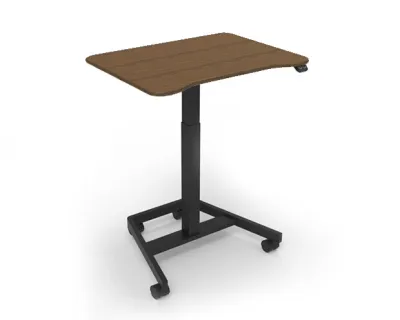
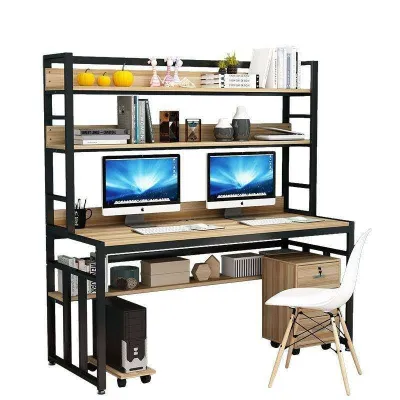
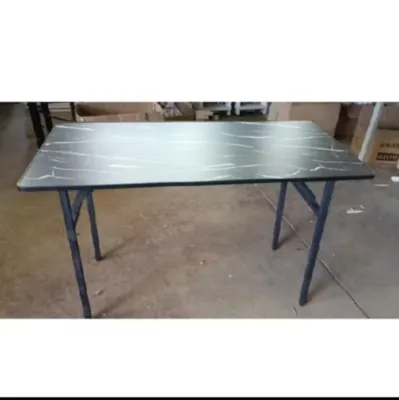
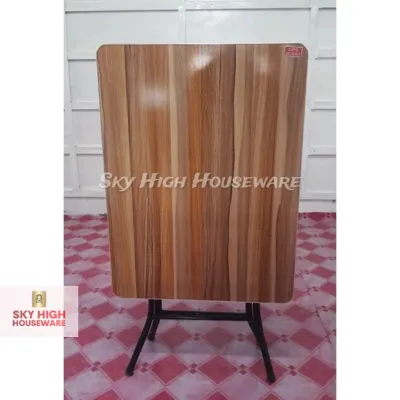
Prices are valid at publication and may change. Please refer to the product page for the latest price.
What Physically Fits on an 80x60cm Surface?
To understand if an 80×60 table will work for you, it helps to break down the physical mathematics of the tabletop surface. An 80cm width is relatively narrow but can comfortably accommodate a standard 24-inch monitor, which typically measures about 54cm in physical width. This leaves roughly 26cm of leftover horizontal space, which is just enough room for a compact desktop speaker, a cup of coffee, or a small stationery holder.

If you prefer a larger 27-inch monitor, the screen itself will stretch to about 61cm wide. While it will physically fit on an 80cm wide table, it will occupy nearly 76% of the total width, leaving almost no room on either side for other items.
The 60cm depth is where most remote workers face their biggest layout challenges. A standard full-size keyboard requires about 15cm to 20cm of depth, while a typical monitor stand can easily occupy 20cm to 25cm of space. When you place these items inline, you are left with only 15cm to 25cm of empty space for your wrists, hands, and mouse movement.
This spatial squeeze is often worsened by the “dead space” created by bulky monitor bases. Many stock monitor stands feature wide, sprawling plastic or metal legs that project forward, eating up the exact center of your desk where you would otherwise rest a notepad or your wrists.
Weight distribution and structural integrity are also crucial when dealing with compact frames. You should never assume a table can support heavy setups based solely on its material name. Instead of guessing the load capacity, always check the manufacturer’s specifications to see the exact weight limit of the tabletop and frame.
This is particularly important if you plan to use a heavy solid wood top or mount a clamp-on monitor arm, as dense materials and concentrated pressure points require a sturdy, stable frame. Additionally, inspect the joints and fastening hardware of the desk to ensure it will not wobble during intensive typing sessions.
Matching the Desk to Your Daily Workflow
Your daily job responsibilities dictate how much physical space you actually need to perform efficiently. Different professions have vastly different spatial requirements, and a desk that works perfectly for one person might feel incredibly restrictive to another.
Single Screen and Laptop Users
For professionals who work exclusively on a laptop, an 80×60 table offers a highly efficient and flexible workspace. A standard 13-inch or 15-inch laptop occupies a small footprint of roughly 30cm by 22cm, leaving ample space on both sides for a mousepad, a mobile phone, and a beverage.
To improve ergonomics, you can pair your laptop with an external laptop stand to elevate the screen to eye level. This configuration allows you to tuck a compact external keyboard directly under the stand when not in use, effectively reclaiming valuable surface area.
This setup is highly suitable for writers, virtual assistants, customer support representatives, and digital marketers who handle almost all of their tasks digitally. Because there is no need for physical paperwork or secondary screens, the compact surface feels organized rather than cluttered.
Dual Monitor and Paper-Heavy Tasks
If your daily workflow requires multiple screens, attempting to force a dual-monitor setup onto an 80cm wide table is highly impractical. Two 24-inch monitors placed side-by-side require a minimum width of 108cm to sit properly within your field of view.
On an 80cm table, dual screens will overhang the left and right edges by several centimeters, making them highly vulnerable to accidental bumps. Furthermore, because the desk is only 60cm deep, the screens will sit too close to your face, leading to eye strain, glare, and poor viewing angles.
Professionals who rely on physical paperwork, such as accountants, lawyers, or architects, will also find the 60cm depth highly restrictive. If you need to spread out legal folders, large tax ledgers, or design sketchpads alongside a keyboard, you will constantly find yourself running out of room and stacking items awkwardly on top of each other.
Room Space and Placement Considerations
One of the greatest advantages of an 80×60 table is its ability to slip into small rooms and awkward corners. In high-density urban areas where residential space is limited, finding furniture with a minimal footprint is essential for maintaining a balanced living environment.
When planning where to place your desk, you must look beyond the physical dimensions of the tabletop itself. You need to allocate at least 60cm to 80cm of clear space behind the desk to accommodate your office chair. This clearance ensures you can push your chair back, stand up, and sit down comfortably without striking a wall, bed, or wardrobe.
Traffic paths within the room must also remain unobstructed. Ensure that the desk placement does not block door swings, wardrobe doors, or access to windows. Proper window access is especially important in tropical climates, where natural ventilation helps manage indoor humidity and temperature.
If you are placing a wooden desk near a window, check that the wood has a high-quality protective finish. High humidity levels can cause untreated wood or cheap veneers to warp or peel over time, so verifying the manufacturer’s care instructions is a smart pre-purchase step.
Finally, always measure your home’s entry points before ordering. While most compact desks in this size category are delivered as flat-pack boxes for home assembly, some premium models feature fully welded steel frames or pre-assembled drawer units. Verify that these larger components can easily pass through your doorways, narrow hallways, and elevator doors.
Maximizing a Compact 80×60 Workspace
If you decide that an 80×60 table is the right fit for your room, you can use several smart organization strategies to make the limited surface area feel much larger than it actually is.
- Install a Monitor Arm: Utilizing a clamp-on or grommet-mount monitor arm is the single most effective way to reclaim depth. By lifting the screen off the tabletop, you completely eliminate the bulky stock monitor stand, freeing up the space directly underneath the screen.
- Verify Desk Compatibility: Before buying a clamp-on accessory, check your desk's edge thickness and structural material. Avoid clamping heavy arms onto thin glass tops or hollow-core particle board without reinforcement plates, and ensure there are no metal support bars blocking the clamp's path.
- Organize Your Cables: A small desk looks cluttered instantly when wires are left hanging. Use under-desk cable management trays, adhesive wire clips, or hook-and-loop straps to keep power strips and device cords neatly tucked away beneath the tabletop.
- Utilize Vertical Space: Install floating wall shelves or a pegboard directly above your desk. This allows you to store stationery, reference books, headphones, and personal items off your active workspace while keeping them within arm's reach.
Signs You Need to Upgrade to a Larger Desk
While a compact table is an excellent space-saver, it is important to recognize when a small desk is actively hindering your productivity or compromising your physical health.
Physical discomfort is the most common warning sign. If you find yourself constantly hunching forward, experiencing neck stiffness, or suffering from shoulder pain, your screen is likely positioned too close to your eyes. Achieving a proper ergonomic viewing distance—typically about an arm’s length—is very difficult on a 60cm deep desk if your monitor stand forces the screen forward.
Another clear indicator is persistent clutter. If your morning coffee, notepad, and smartphone are constantly competing for space, or if you regularly find yourself moving items to your lap or the floor to make room for typing, your desk is simply too small for your daily habits.
If you experience these issues regularly, it is highly recommended to upgrade to a larger size, such as a 120x60cm desk or a compact L-shaped corner desk. These options provide the extra horizontal space needed to support a healthy, comfortable, and productive work-from-home setup without overwhelming your room’s layout.
Community discussion
Share your experience or ask a question. Comments are reviewed before publication.