
Finding the perfect low-profile media console involves balancing screen size, hardware weight, and room layout. When you choose a drawer with wheels long enough to support your entire home entertainment system, you gain both valuable storage and the flexibility to reposition your setup for optimal viewing angles or easy cleaning. In tropical climates like the Philippines, where dust accumulation and high humidity require regular maintenance behind heavy electronics, a mobile storage unit is highly practical. However, selecting the wrong size or weight capacity can lead to sagging shelves, damaged floor tiles, or a dangerous tip-over hazard.
To make an informed decision, you must evaluate the finished dimensions of the unit, its dynamic load capacity, and specific mobility features designed to protect both your floor and your expensive media gear.
Quick Specs: What to Look for in a Mobile TV Drawer Unit
Before evaluating specific designs, establishing baseline technical requirements prevents costly purchasing mistakes. A mobile entertainment console must satisfy several strict physical parameters to ensure safe, daily operation.
Products mentioned in this guide
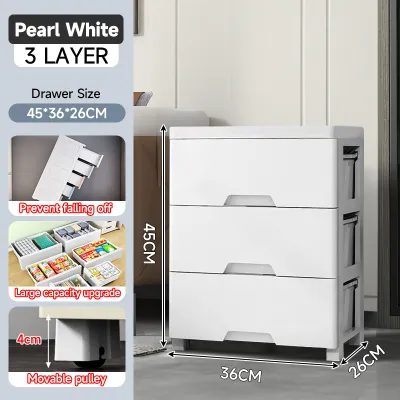
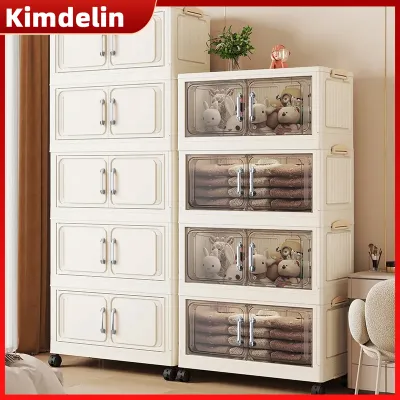
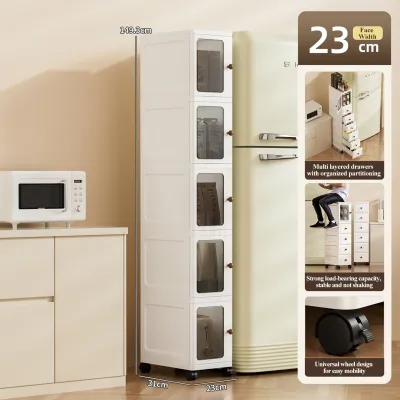
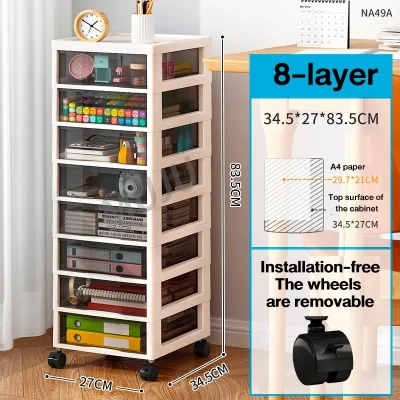
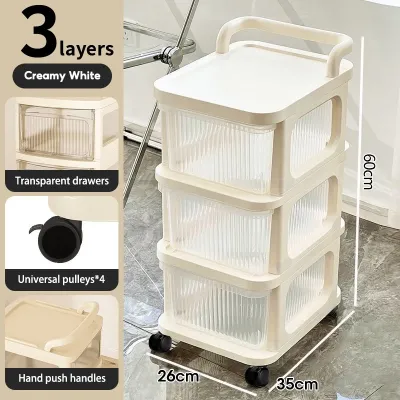
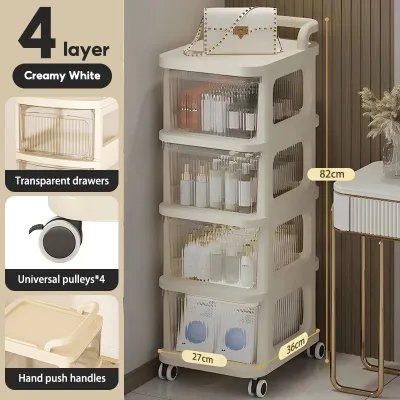
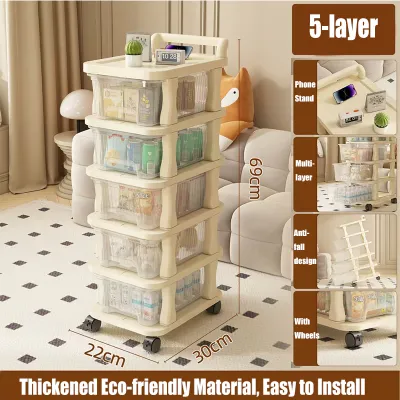
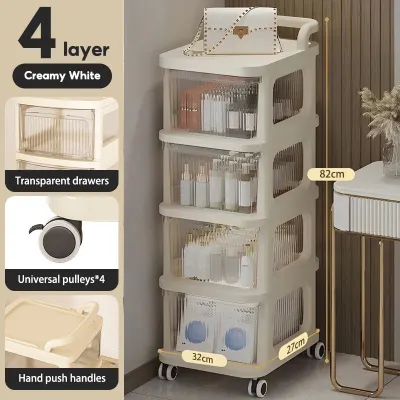
Prices are valid at publication and may change. Please refer to the product page for the latest price.
- Length Rule: The unit should be at least 10 to 20 centimeters wider than your TV screen on each side to maintain visual balance and prevent accidental side-impact bumps.
- Minimum Depth: Look for a minimum depth of 40 to 45 centimeters to accommodate standard AV receivers, gaming consoles, and necessary cable clearance.
- Weight Capacity: Ensure the unit's dynamic load rating covers the combined weight of your TV, media players, and drawer contents, plus a minimum 20% safety buffer.
- Mobility Essentials: Prioritize heavy-duty caster wheels with at least two locking mechanisms and integrated rear cable management cutouts.
Decoding Dimensions: Selecting a Drawer with Wheels Long Enough for Media Gear
Selecting the correct physical dimensions is the first step in ensuring your entertainment equipment fits securely and operates without overheating.

The length of your console dictates both its stability and its aesthetic harmony with your television. A drawer with wheels long enough to extend past the edges of your TV screen prevents the entire setup from looking top-heavy. This extra surface area is not just for show; it provides the necessary space to place a soundbar, smart home hubs, or remote sensors without crowding the screen. In Philippine living rooms, where space is often shared with cooling fans or indoor plants, a longer unit helps define the entertainment zone clearly.
Depth is equally critical but frequently overlooked. Standard gaming consoles and AV receivers require a minimum shelf depth of 40 centimeters. Crucially, you must account for the rear clearance needed for cable bending radii and proper ventilation. Pushing devices flat against a solid back panel pinches HDMI and power cables, which can damage internal ports. In warm, humid environments, restricted airflow accelerates heat buildup, potentially shortening the lifespan of your electronics.
Height calculations must factor in the added clearance of the caster wheels, which typically add 5 to 10 centimeters to the overall profile. To maintain ergonomic eye-level viewing from a seated position, the top of your TV screen should align closely with your eye line. If the unit is too tall, you risk neck strain over long viewing sessions. Measure your sofa’s seat height and calculate the final screen position before finalizing your furniture selection.
Weight Capacity and Structural Limits Explained
A mobile media console experiences different physical stresses than a stationary cabinet, requiring a deeper look at structural integrity.
Calculating the total load of your setup involves summing the weight of every component. This includes the television, gaming consoles, sound systems, surge protectors, and the maximum potential weight of items stored inside the drawers. When a furniture piece is designed to move, you must rely on its dynamic weight capacity rather than its static weight rating. A unit that safely holds 50 kilograms while stationary can fail under the lateral forces generated when rolling across a room.
This difference between static and dynamic stress is why joint construction matters immensely. As you push a loaded drawer unit, the resistance from the floor puts shear stress on the caster mounts and lower joints. Over time, weak joints made from simple dowels or thin glue can wobble and fail. To ensure long-term durability, look for structural indicators such as reinforced metal corner brackets, thick bottom panels, and steel wheel plates that bolt directly into a solid frame.
Relying solely on generic material labels like “engineered wood” or “hardwood” is not enough to guarantee stability. Instead, verify the manufacturer’s specified panel thickness—ideally 15mm to 18mm for load-bearing surfaces—and check if the frame includes center support legs or reinforced vertical dividers. These design elements distribute the heavy downward pressure of modern electronics evenly, preventing the center of the unit from sagging over time.
Essential Features for Media Storage and Safe Mobility
Beyond basic dimensions and weight limits, the daily usability of a mobile console depends on specific hardware features and layout choices.
Caster wheels are the foundation of any mobile unit, and their material composition determines how well they perform on your specific flooring. For the tiled, terrazzo, or polished concrete floors common in Philippine homes, soft polyurethane or rubberized wheels are ideal because they absorb vibrations and prevent scratching. Hard plastic wheels, while common on budget models, can crack under heavy loads or scuff delicate surfaces. It is essential that at least two of the wheels feature robust locking levers to keep the console firmly in place once positioned.
Cable management is another non-negotiable feature for any movable entertainment center. Without proper routing, moving the unit even a few inches can pull cables taut, unplugging devices or damaging delicate ports. Look for units with pre-drilled grommets, wide rear cutouts, or dedicated vertical channels that keep power strips and interconnecting cables organized. Securing these cables within the chassis ensures they do not dangle near the wheels, where they could easily get caught and run over during relocation.
The drawer configuration directly influences both storage utility and physical stability. A smart layout combines shallow top drawers—perfect for storing remote controls, gaming controllers, and media discs—with deeper bottom drawers for bulkier items like controllers, headphones, or VR headsets. When loading the unit, always place the heaviest items in the lowest drawers to keep the center of gravity as low as possible. Additionally, high-quality drawer slides with safety stops are crucial to prevent drawers from sliding open accidentally while the unit is in motion, which could cause a sudden shift in weight and tip the entire console forward.
Frequently Asked Questions (FAQ)
Can I use a long drawer unit with wheels on uneven floors or rugs?
Using mobile furniture on uneven floors or thick rugs requires caution due to increased rolling resistance and tipping risks. Hard plastic wheels struggle on textured surfaces and can easily get stuck in rug fibers, while soft rubberized wheels glide more smoothly but still face resistance on high-pile carpets. If your floor has noticeable transitions or thresholds, moving a fully loaded, top-heavy media unit can cause the wheels to catch suddenly, transferring the momentum upward and risking a tip-over. Always check the manufacturer’s floor-compatibility guidelines and consider clearing a flat, unobstructed path before attempting to roll the unit.
How do I prevent the TV from tipping when moving the drawer unit?
To secure a television on a mobile drawer unit, you should install heavy-duty anti-tip straps that anchor the back of the TV directly to the frame of the console. Relying on the TV’s default stand is unsafe when the base is in motion. Before moving the unit, ensure the heaviest media gear and accessories are stored in the bottom drawers to maintain a low center of gravity. Double-check that all caster locks are fully disengaged, clear any power cords or debris from the floor path, and always push the unit slowly from its lowest sturdy frame point rather than pushing from the top or grabbing the TV itself.
Community discussion
Share your experience or ask a question. Comments are reviewed before publication.