
Finding the right computer chair within the ₱3,000 to ₱15,000 price range requires balancing immediate comfort with long-term durability. In a tropical climate where high humidity and heat can accelerate material wear, making an informed decision is crucial. This budget span covers everything from basic office seating to highly adjustable ergonomic models. Navigating these options involves understanding which features are essential for spinal support and which upgrades justify a higher price tag. This guide outlines the key adjustability features, material differences, and structural checks to prioritize before committing to a purchase.
Defining Your Non-Negotiables for a Computer Chair
Regardless of whether you spend ₱3,000 or ₱15,000, certain baseline features should not be compromised to ensure basic physical support and safety. The first non-negotiable is pneumatic seat height adjustability. A suitable computer chair should allow you to adjust the seat height so that your feet rest flat on the floor, with your knees bent at a 90-degree angle, helping to prevent pressure on the back of your thighs.
Lumbar support is another critical element. Even at the lowest price point, a chair should feature some form of lumbar curve, whether fixed or adjustable, to help maintain the natural inward curve of your lower spine. Without this support, long hours of sitting often lead to slouching and muscle fatigue.
Products mentioned in this guide
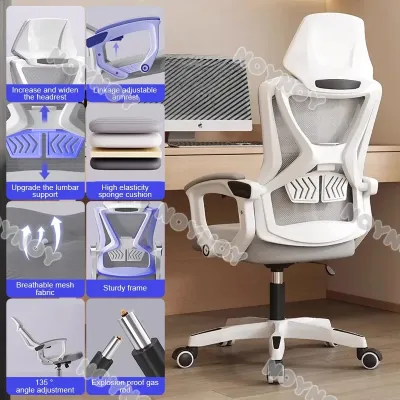
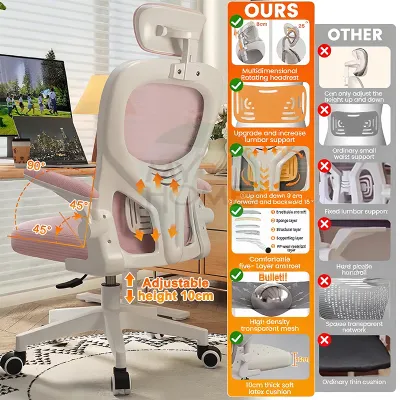
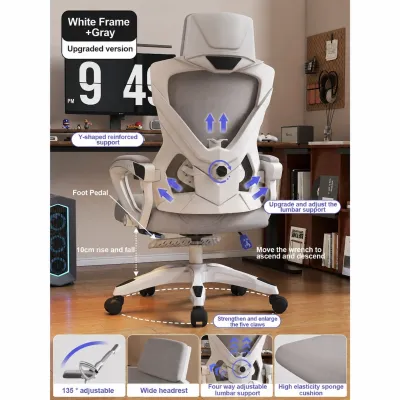
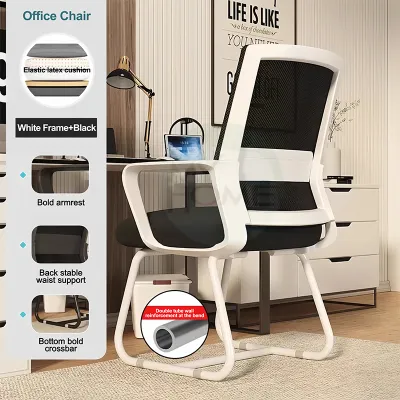
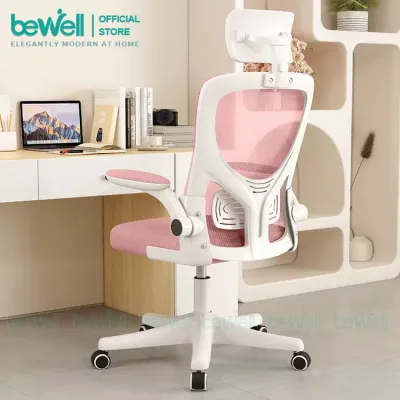
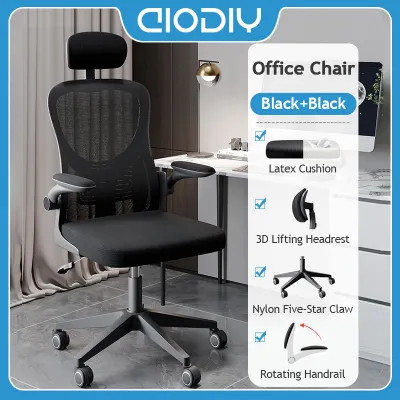
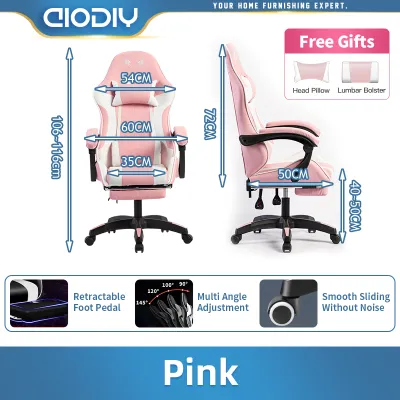
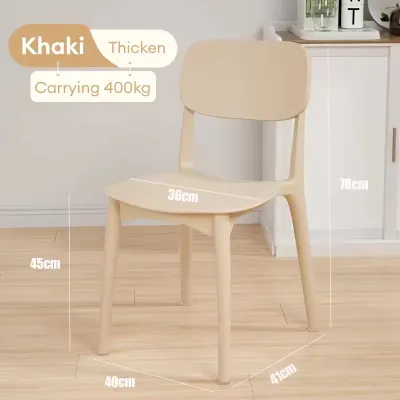
Prices are valid at publication and may change. Please refer to the product page for the latest price.
You must also verify the structural integrity of the chair. This includes checking the manufacturer’s stated weight capacity to ensure it matches your physical requirements. A stable five-star base helps prevent tipping, and the casters must be suitable for your specific flooring. Hard casters work well on carpets, while soft, polyurethane-coated casters are designed to prevent scratching on delicate hardwood or tile floors.
Feature Expectations Across the ₱3,000 to ₱15,000 Range
As your budget increases from ₱3,000 to ₱15,000, the level of customization and the quality of materials change significantly. Understanding these tiers helps you evaluate whether a specific computer chair offers genuine value or simply carries an inflated price tag.

Entry-Level Adjustability (₱3,000 to ₱6,000)
At the entry-level tier of ₱3,000 to ₱6,000, expect basic mechanical adjustments and standard materials. These chairs typically feature a simple pneumatic gas lift for height adjustment and a basic tilt mechanism. The tilt function usually operates on a single lock position, meaning you can either lock the chair in an upright posture or allow it to rock freely with adjustable tilt tension.
Material choices in this price bracket often involve trade-offs. You will commonly find mesh backrests paired with high-density foam seat cushions covered in fabric. While the mesh backrest provides helpful ventilation in warm environments, the quality of the seat foam is critical. Lower-grade foam can flatten quickly under daily use, so it is wise to look for high-density or molded foam specifications.
Armrests at this level are usually fixed to the frame or offer basic one-dimensional height adjustment. When shopping in this range, pay close attention to the manufacturer’s warranty terms. A reliable entry-level chair should still offer a basic warranty on core components like the gas lift and base, along with clear return conditions if the ergonomics do not suit your frame.
Mid-Range Ergonomic Upgrades (₱6,000 to ₱10,000)
Moving into the ₱6,000 to ₱10,000 mid-range tier introduces a higher level of customization designed to accommodate a wider variety of body types. One of the most significant upgrades in this bracket is adjustable lumbar support. Instead of a fixed plastic band, chairs in this range often feature lumbar supports that can be adjusted vertically or in depth to target your lower back precisely.
Armrests also become more versatile, moving from fixed designs to two-dimensional (2D) or three-dimensional (3D) adjustments. These allow you to alter the height, depth, and sometimes the angle of the armrests, reducing strain on your shoulders and neck during long typing sessions.
The tilt mechanism undergoes an upgrade to a synchro-tilt system. This mechanism allows the backrest and the seat to recline at different ratios, typically 2:1, keeping your feet flat on the floor and maintaining proper spinal alignment as you lean back. Additionally, structural components transition from basic plastics to reinforced nylon or entry-level aluminum bases, improving overall stability.
Advanced Customization (₱10,000 to ₱15,000)
At the upper end of the budget, from ₱10,000 to ₱15,000, a computer chair offers comprehensive adjustability and premium materials built for heavy daily use. A key feature to look for is seat depth adjustment, which allows you to slide the seat pan forward or backward. This is crucial for taller or shorter users, as it ensures proper thigh support without cutting off circulation behind the knees.
Armrests in this tier are often four-dimensional (4D), allowing adjustments in height, width, depth, and angle to match your exact desk setup. You will also find fully adjustable headrests that support the cervical spine during rest periods.
Material quality improves significantly with the introduction of high-tension, elastomeric mesh on both the seat and the backrest. This full-mesh design maximizes airflow, which is highly beneficial in humid tropical climates, while resisting sagging over years of use. The base and structural frame are typically constructed from polished aluminum, paired with heavy-duty casters that ensure smooth movement and high weight capacities.
Build Quality and Materials to Verify Before Buying
Before finalizing your purchase, it is essential to look past marketing descriptions and verify the physical build quality of the computer chair. One of the primary safety components to verify is the gas lift cylinder. Look for a stamped certification on the cylinder itself from recognized testing bodies such as SGS, TÜV, or BIFMA. A Class 3 or Class 4 gas lift is standard for durable office seating, indicating thicker steel walls and better pressure resistance.
Next, evaluate the mesh tension and frame rigidity. Press firmly on the center of the mesh backrest; it should feel firm and spring back immediately without leaving a visible indentation. The plastic frame surrounding the mesh should not twist or flex excessively when you apply pressure, as flimsy frames can lead to structural failure over time.
Examine the connection points underneath the seat. The plate where the gas lift meets the seat mechanism should be constructed of heavy-gauge steel rather than thin metal or plastic. Solid metal connections prevent wobbling and ensure the chair remains level.
Finally, cross-reference the manufacturer’s stated weight capacity with the physical proportions of the chair. A high weight rating on a chair with a narrow seat or a lightweight plastic base is a warning sign. Ensure the base diameter and caster size are proportional to the weight the chair is rated to support.
Hidden Costs and Pre-Purchase Checks
The price tag on the box is rarely the final cost of owning a computer chair. When purchasing online, shipping fees can add a significant amount to your total expense, especially for heavy, bulky items traveling to provincial areas. Always check the shipping calculator before checking out.
Assembly is another factor to consider. Many ergonomic chairs arrive flat-packed, requiring self-assembly. Verify if the package includes all necessary tools and clear instructions. If you prefer not to assemble the chair yourself, check if the retailer offers a professional assembly service and whether this service incurs an additional fee.
Carefully read the warranty terms. A comprehensive warranty should specify which parts are covered and for how long. It is common for manufacturers to offer a longer warranty on the frame and a shorter warranty on wear-and-tear components like the mesh, foam, and casters.
Lastly, understand the return policy. Because ergonomic comfort is highly subjective, you may find that a chair does not fit your body shape after a few days of use. Verify whether the seller allows returns for comfort reasons, how long the return window is, and who is responsible for the return shipping costs, which can be substantial for a fully assembled chair.
Frequently Asked Questions (FAQ)
Is a ₱3,000 computer chair safe for daily eight-hour use?
An entry-level computer chair priced around ₱3,000 can be safe for daily eight-hour use, provided it meets basic structural safety standards. You must verify that the chair features a certified Class 3 or Class 4 gas lift and a stable, reinforced base. However, comfort limits are more pronounced at this price point. The high-density foam used in budget chairs may compress over several hours, leading to discomfort, and the lack of advanced adjustability means you cannot customize the chair to your exact posture. For full-time daily use, you must monitor the chair for signs of material fatigue, such as foam flattening or mesh sagging, which can compromise your posture over time.
How do I verify the true weight capacity of an ergonomic chair?
To verify the true weight capacity of a computer chair, avoid relying solely on e-commerce listing titles or promotional descriptions, which can sometimes be exaggerated. Instead, locate the official specification sheet or user manual provided by the manufacturer. Look for compliance with international testing standards like BIFMA, which subjects chairs to rigorous load and durability tests. You can also check the physical indicators of weight capacity, such as the class rating of the gas lift cylinder and the material of the base. A heavy-duty nylon or aluminum base paired with a Class 4 gas lift is a reliable indicator of a higher weight capacity.
Community discussion
Share your experience or ask a question. Comments are reviewed before publication.