
Finding the right computer chair when floor space is limited requires balancing physical dimensions with daily comfort. In tight rooms, a bulky executive chair can block walkways, prevent your desk drawers from opening, and make your workspace feel cramped. To choose the best option for your setup, you must focus on the chair’s actual footprint, its ability to tuck away when not in use, and how well its adjustable features fit both your body and your desk.
Measure Your Available Space and Chair Footprint
When setting up a home office in a compact room, every centimeter counts. Before browsing online marketplaces or visiting local furniture showrooms, you need to establish the physical boundaries of your workspace. Start by measuring your desk’s width, depth, and the height of the under-desk clearance. This clearance height is particularly critical because it determines whether your chair can slide completely under the desk when you are not working, which instantly helps reclaim valuable floor space in a small room. Be sure to measure from the lowest point under the desk, such as a keyboard tray, support beam, or drawer unit, rather than the desktop surface itself.
Next, calculate the total operational footprint of the chair rather than just its static dimensions. A chair requires more room than its base diameter suggests; you must account for the swivel radius and the maximum recline distance. If you choose a model that tilts back, ensure there is enough clearance behind you so the backrest does not strike walls, delicate glass windows, or nearby shelving. A good rule of thumb is to allow at least 50 to 60 centimeters of clear space behind the desk for comfortable movement and reclining.
Products mentioned in this guide
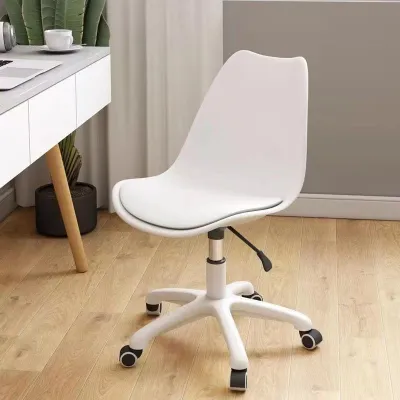
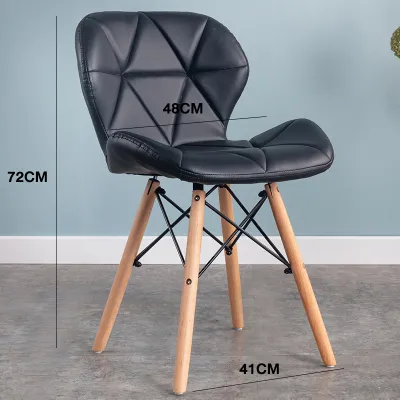
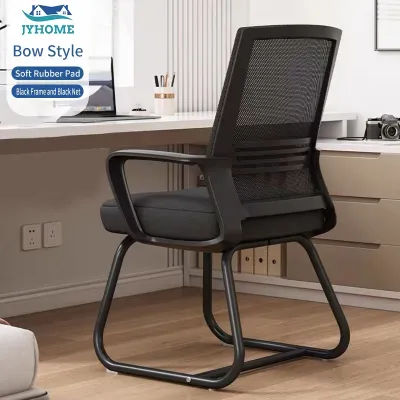
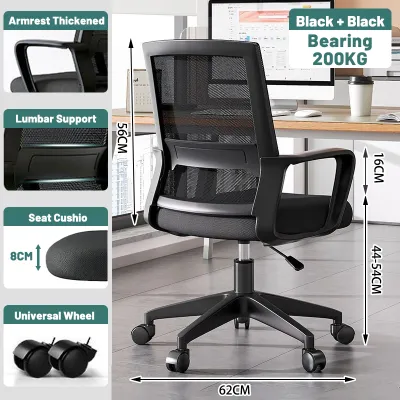
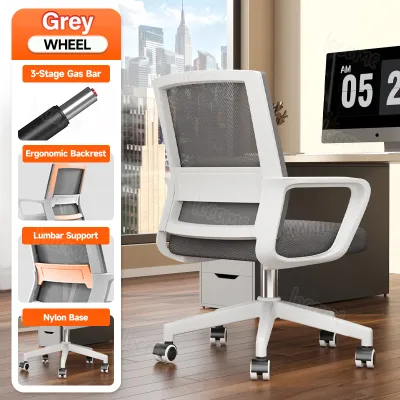
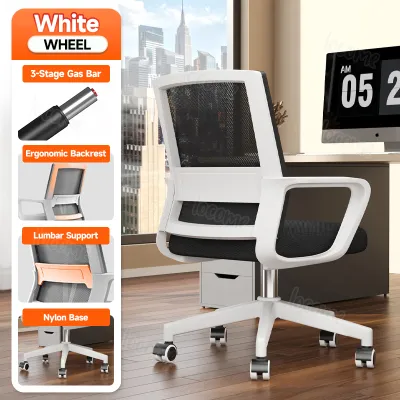
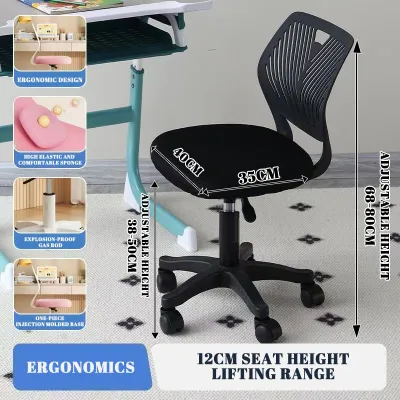
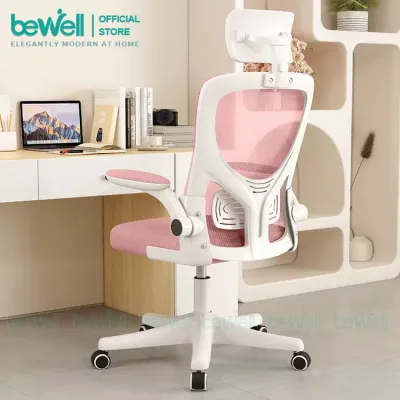
Prices are valid at publication and may change. Please refer to the product page for the latest price.
Finally, map out the surrounding traffic flow and room layout. Leave sufficient walkway clearance behind the chair so family members can pass by without forcing you to tuck in. You should also verify that the chair’s position does not block closet doors, room entryways, or the opening paths of desk drawers and cabinet doors. If your workspace is in a high-traffic area like a hallway or a shared living room, choosing a chair with a smaller base diameter can prevent accidental collisions and keep the space feeling open.
Evaluate Space-Saving Armrest and Base Designs
The design of a chair’s armrests and base plays a massive role in how much physical and visual space it occupies. Fixed armrests often collide with the edge of a desk, preventing the chair from being pushed in and leaving the seat protruding into your room. To solve this, look for chairs with flip-up armrests that rotate upward out of the way, or highly adjustable armrests that can be lowered completely to clear the underside of your desk. This flexibility allows you to enjoy proper arm support during work hours while maintaining a clean, tucked-away setup when your day is done.

The base of the chair is another critical area to examine. A wider base provides good stability but can easily become a tripping hazard in narrow pathways or catch on the legs of your desk. Compare the base diameter of compact models against standard office chairs, and check that the caster wheels are suitable for your flooring. In tropical climates where tiled, polished concrete, or hardwood floors are common, soft polyurethane casters can prevent slipping, protect your floors from scratches, and reduce noise, while hard nylon casters are better suited for low-pile carpets.
While evaluating compact bases, verify the manufacturer’s stated weight capacity and stability limits. Smaller bases sometimes have a narrower center of gravity, meaning you must adhere strictly to the recommended load limits to prevent tipping. Check the product specifications to ensure the base is constructed from durable materials like reinforced nylon or steel, which offer robust support without requiring an excessively wide footprint. Investing in a chair with a sturdy, well-balanced base ensures long-term safety and reliability, even within a smaller physical profile.
Consider Foldable and Stowable Chair Options
If your workspace serves multiple purposes, such as a shared bedroom or a living room corner, a foldable or highly stowable chair might seem like an attractive solution. These chairs can be folded flat and stored against a wall, inside a closet, or under a bed when your workday ends. However, transitioning to a folding model requires weighing the convenience of storage against the physical demands of long working hours.
Standard folding chairs generally lack the contoured lumbar support, adjustable seat depth, and robust cushioning needed for extended desk work. If you decide on a foldable model for occasional tasks, look for designs that feature integrated padding and a slightly curved backrest. For full-time daily use, a dedicated ergonomic chair with a compact frame is generally a more supportive choice for your posture than a temporary folding option, as it provides continuous support to your spine and reduces the risk of fatigue.
If you do choose a folding or stacking chair, perform regular visual safety checks on all moving parts. Inspect the structural hinges, locking pins, and joint connections for signs of wear, loose screws, or material fatigue. In humid environments, metal joints can be prone to rust if not properly coated, so checking these components regularly ensures the chair remains safe to sit on over time. Keeping the joints clean and lightly lubricated can also extend the lifespan of the folding mechanism.
Balance Ergonomic Support with Compact Dimensions
Opting for a smaller chair should not mean sacrificing your physical well-being. When reviewing compact chairs, pay close attention to the seat depth and width. A seat that is too shallow will not support your thighs properly, while a seat that is too deep will prevent your back from reaching the lumbar support unless you slouch. Measure your own body dimensions while sitting to ensure the seat dimensions allow for a small gap between the back of your knees and the front edge of the seat, which helps maintain healthy blood circulation.
The backrest and lumbar support must also align correctly with your spine. Many compact chairs feature lower backrests, which may not provide adequate upper-back or neck support for taller individuals. Look for models that offer height-adjustable lumbar pads or flexible mesh backrests that conform to your natural posture. In warm, humid climates, a breathable mesh backrest is highly beneficial as it promotes airflow, prevents heat buildup, and keeps you cool during long working sessions.
Lastly, always cross-reference the manufacturer’s user height and weight recommendations. Compact designs are sometimes optimized for smaller body frames, meaning taller or heavier users might find them restrictive or unstable. Checking these limits before purchasing ensures that the space-saving chair you choose is both safe and comfortable for your specific body type. Whether you are looking at entry-level options around ₱3,000 or premium ergonomic models up to ₱15,000, prioritizing these ergonomic checks will help you find a chair that fits both your body and your room comfortably.
Frequently Asked Questions (FAQ)
Can a small computer chair support heavy daily use?
Yes, a smaller physical size does not automatically mean a chair is less durable. A chair’s longevity and daily weight capacity depend on the quality of its frame materials, gas lift cylinder class, and base construction rather than its overall dimensions. When shopping, look for models with heavy-duty nylon or steel bases, high-density foam or resilient mesh, and a certified gas lift. Always check the manufacturer’s official weight rating and warranty terms to verify if the chair is rated for full-time daily use.
Are armless chairs better for tight spaces?
Armless chairs are highly effective for extremely tight spaces because they have a narrower overall width and can slide completely under almost any desk height. This makes them excellent for reclaiming floor space in small rooms. However, the lack of armrests means your shoulders and neck must work harder to support your arms during long typing sessions. If you choose an armless chair, ensure your desk is deep enough to support your forearms comfortably, or limit its use to shorter, occasional tasks to avoid muscle strain.

Community discussion
Share your experience or ask a question. Comments are reviewed before publication.