
Working from home in the Philippines often requires a creative approach to space management. With many professionals operating out of compact condominium units, shared family apartments, or multi-purpose bedrooms, finding room for a dedicated workstation can be a challenge. An extension table desk offers a practical solution to this spatial puzzle, providing a compact footprint for daily tasks and expanding only when your workload demands extra surface area. By choosing a desk that adapts to your daily routine, you can maintain a productive professional environment without permanently sacrificing your living space.
Selecting the right extension desk involves more than simply finding an appealing design online. Because these desks rely on moving parts, hinges, and sliding tracks, you must carefully evaluate their structural integrity, weight limits, and spatial requirements before making a purchase. Balancing these mechanical factors with the specific layout of your home ensures that your workstation remains stable, ergonomic, and safe over years of daily use.
Why Consider an Extension Table Desk for Your Home Office
When planning a home office, the primary decision often comes down to choosing between a traditional fixed desk and an extendable model. A standard fixed desk provides a reliable, solid surface, but its permanent footprint can severely restrict movement in smaller rooms. If your workspace doubles as a bedroom, living room, or dining area, a large fixed desk can make the environment feel cramped and cluttered even after your working hours have ended.
Products mentioned in this guide
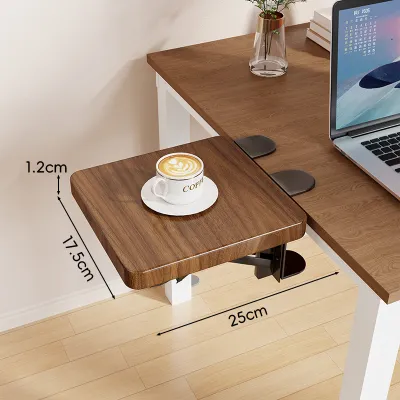
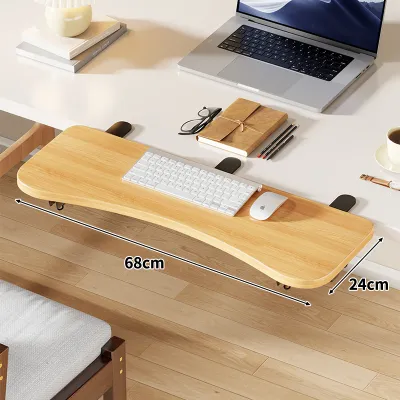
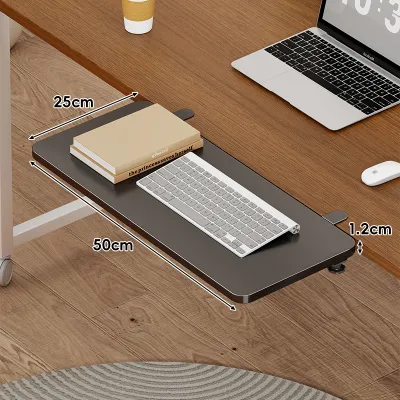
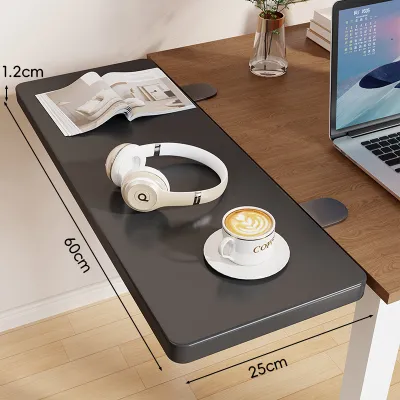
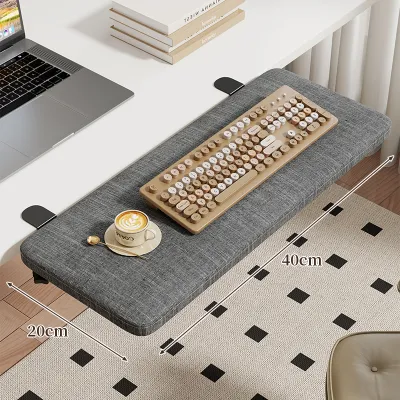
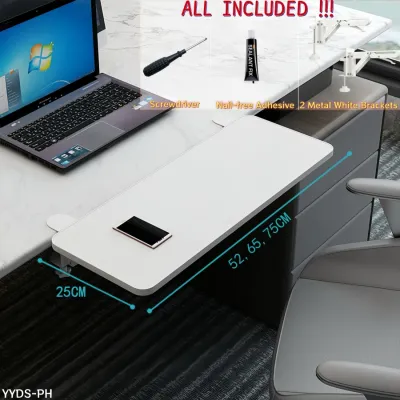
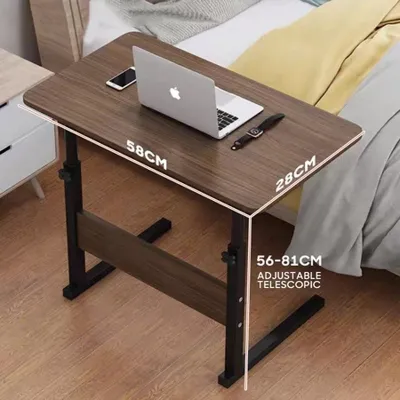
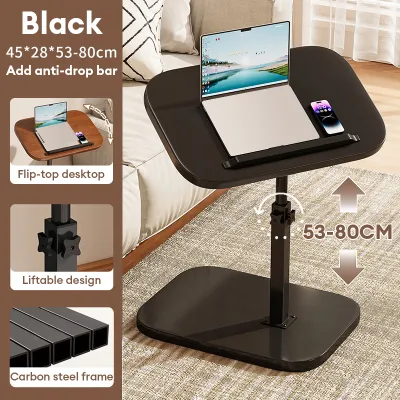
Prices are valid at publication and may change. Please refer to the product page for the latest price.
An extension table desk solves this issue by offering a variable footprint. During the morning, you can fully extend the surface to organize physical documents, set up secondary reference screens, or spread out design materials. Once the workday concludes, the extended portion slides, folds, or tucks away, instantly reclaiming valuable floor space for your evening activities. This flexibility is particularly beneficial in urban Philippine households where multi-functional rooms are the norm.
Temporary tasks that require collaborative work or extra organization also highlight the utility of an extendable surface. For instance, if you occasionally need to share your desk with a child doing schoolwork or a partner who also works from home, the extended section provides a temporary secondary zone without requiring a second piece of bulky furniture. It allows you to scale your workspace up or down based on the immediate needs of the hour.
However, choosing an extendable model does introduce specific trade-offs that you must consider. Because these desks rely on joints, tracks, or hinges, they inherently possess more moving parts than a solid, single-piece desk. Over time, these components can experience wear, potentially leading to slight alignment issues or a minor reduction in stability when fully extended. Understanding these mechanical realities helps you set realistic expectations and prioritize robust hardware over purely aesthetic features.
Essential Dimensions and Specifications to Verify
Before purchasing any extension desk from an online marketplace or local furniture retailer, taking precise measurements of your room is non-negotiable. You must measure the available floor space for both the fully collapsed and fully extended states of the desk. It is easy to forget that an extended desk requires not only space for the furniture itself but also adequate clearance for your office chair and comfortable walking paths around the perimeter.

To ensure a comfortable setup, map out the desk’s maximum dimensions on your floor using masking tape. This physical outline allows you to visualize how much room remains for your chair to glide backward and whether the extended leaf will block nearby doors, wardrobe panels, or walkways. In tight quarters, even a discrepancy of a few centimeters can prevent a door from opening fully or force you into an awkward, unergonomic seating position.
Weight capacity is another critical specification that requires careful verification. Manufacturers typically provide a maximum weight rating for the main body of the desk, but this limit often decreases significantly on the extended section. If you plan to use heavy equipment, such as dual monitors, desktop towers, or heavy books, you must verify that the extended portion can support that specific load without sagging or tipping. Always look for explicit weight ratings in the product documentation rather than assuming uniform strength across the entire surface.
Ergonomics should also guide your measurements, particularly regarding height clearance and legroom. Some extension mechanisms utilize low-hanging support bars, metal brackets, or storage drawers beneath the main surface. These components can restrict your legroom, preventing you from pulling your chair close enough to the desk or causing your knees to bump against the frame. Ensure that the clearance height accommodates both your legs and the armrests of your office chair.
Finally, pay close attention to the type of extension mechanism used. Sliding metal rails, fold-out support brackets, and drop-leaf hinges each offer different levels of durability and ease of use. Metal rails should operate smoothly without catching, while fold-out brackets must lock securely into place to prevent accidental collapse. Inspecting these mechanical details through user reviews or product specifications helps you avoid flimsy designs that might fail under daily wear.
Common Extension Desk Configurations for WFH Setups
Understanding the different structural designs of extension desks allows you to match the furniture to your specific room layout and daily workflow. One of the most common designs is the drop-leaf or fold-out desk. These models feature a hinged surface that hangs vertically when collapsed and lifts up to lock into a horizontal position when needed. They are exceptionally space-efficient, making them ideal for narrow hallways or small bedroom corners where a permanent desk would block traffic. When evaluating a drop-leaf model, prioritize those with heavy-duty steel support brackets that click firmly into place.
Another popular option is the sliding or pull-out extension desk. This configuration typically features a secondary desk surface nested directly beneath the primary desktop. When you need extra space, you simply slide the lower section out, creating a stepped or continuous L-shaped workspace. This design is highly suited for users who need a temporary secondary surface for a tablet, keyboard, or notebook while keeping their main monitors on the upper tier. Ensure the sliding tracks feature built-in stoppers to prevent the lower section from being pulled completely out of its housing.
For those who have a dedicated corner but still want flexibility, L-shaped convertible desks offer an excellent compromise. Many of these models feature a pivoting joint that allows the secondary wing of the desk to swing out at a ninety-degree angle or fold flat against the main desk when not in use. This setup provides a generous amount of workspace for multitasking, but it requires a perfectly level floor to ensure the pivoting leg glides smoothly without scratching your tiles or wood planks.
If your workspace must blend seamlessly into a living room or entryway, console-to-desk transformers are a highly functional choice. When closed, these pieces resemble a slim, decorative console table that sits flat against the wall. When extended, the top slides forward or unfolds, and hidden legs roll out to support a full-sized writing desk. This configuration is perfect for multi-purpose homes, though you must carefully check the stability of the telescoping legs to ensure they do not wobble on uneven flooring or thick rugs.
Installation, Safety, and Maintenance Checks
Proper assembly is the foundation of a safe and durable extension desk. When your desk arrives, follow the manufacturer’s installation manual step-by-step, ensuring that every screw, bolt, and bracket is tightened securely. Pay extra attention to the alignment of the extension tracks and hinges; even a minor misalignment during assembly can cause the mechanism to bind, squeak, or wear down prematurely. If the instructions feel unclear, consult the manufacturer’s customer support or hire a professional assembly service to avoid damaging the components.
Tipping hazards are a serious safety consideration, particularly for desks with long extensions or those placed in homes with active children or pets. When a desk is fully extended, the center of gravity shifts forward, making it more susceptible to tipping if heavy objects are placed on the outer edge. To mitigate this risk, consider anchoring the main, non-moving frame of the desk to the wall using furniture safety straps. This simple precaution ensures the desk remains stable even if someone accidentally leans heavily on the extended leaf.
Maintaining the moving parts of your desk is essential for long-term functionality, especially in the humid tropical climate of the Philippines. High humidity can cause wooden components to swell slightly and metal parts to experience friction. Periodically inspect the sliding rails, hinges, and locking pins for dust buildup or signs of wear. If recommended by the product manual, apply a small amount of dry silicone lubricant to the metal tracks to keep them sliding smoothly; avoid heavy oils or greases that can attract dust and create a sticky residue.
Lastly, establish a habit of regular structural checks. Every few months, gently shake the desk to check for loose joints, wobbling legs, or sagging surfaces. If you notice any uneven dropping of the extended leaf, loose screws, or structural instability, stop using the extension mechanism immediately. Continuing to operate a compromised mechanism can lead to sudden structural failure, potentially damaging your expensive computer equipment or causing personal injury. Consult a qualified professional or reach out to the manufacturer for replacement parts or repair advice.
Frequently Asked Questions (FAQ)
Can I place a heavy dual-monitor setup on the extended part of the desk?
It is generally not recommended to place heavy dual-monitor setups, desktop towers, or heavy printer equipment directly on the extended portion of the desk. The extended leaf or pull-out section is designed to handle lighter, temporary items such as keyboards, notebooks, tablets, or a single lightweight laptop. Because the extension relies on hinges, brackets, or cantilevered rails, placing excessive weight on it can cause the mechanism to sag, bend, or fail entirely over time.
To ensure the longevity of your workstation, always position your heaviest equipment on the primary, fixed section of the desk directly over the main support legs. This keeps the center of gravity stable and prevents the desk from tipping forward. Always consult the manufacturer’s specifications for the exact weight capacity of both the main desktop and the extended sections before arranging your gear.
How do I prevent the extension mechanism from scratching my floor?
To protect your flooring from scratches and scuffs when operating the extension mechanism, attach high-quality felt pads or rubber glides to the bottom of any moving legs or support brackets. These pads allow the legs to slide smoothly across tile, laminate, or wood floors without leaving marks. If your desk features rolling casters on the extendable portion, ensure the wheels are made of soft polyurethane rather than hard plastic, which can scratch delicate surfaces.
Additionally, placing a low-profile protective desk mat or a durable area rug under the entire footprint of the desk—including the maximum extended area—provides an extra layer of defense for your floors. Always clear the floor of any small debris, sand, or dirt before sliding the desk open or closed, as trapped particles can act like sandpaper under the weight of the moving legs. When moving the entire desk to a new location, always lift it with assistance rather than dragging it across the room.

Community discussion
Share your experience or ask a question. Comments are reviewed before publication.