
Navigating the ₱3,000 to ₱15,000 budget for an ergonomic office chair with a headrest requires balancing essential postural support with material durability and adjustability. Because market prices and specific model availability fluctuate, this guide focuses on helping you establish clear priorities, evaluate structural specifications, and avoid common e-commerce pricing traps. By understanding what features are realistically achievable within your budget tier and knowing how to verify manufacturer claims, you can make a confident purchasing decision that protects your neck and spine during long work hours without overspending on unnecessary add-ons.
Understanding the ₱3K to ₱15K Budget Tiers
When searching for an ergonomic chair within this price range, managing expectations is key to finding a satisfactory product. The market is broadly divided into three distinct price segments, each offering a different level of build quality, adjustability, and material performance.
In the lower tier (₱3,000–₱6,000), chairs offer basic utility. Headrests are often fixed or only offer single-axis height adjustment, meaning you cannot tilt the angle to match your neck’s natural curve. The upholstery usually consists of standard nylon mesh and a simple fabric-covered foam cushion. While these chairs upgrade your setup from a standard dining chair, the lumbar support is non-customizable, and the frame is built for lighter use.
Products mentioned in this guide
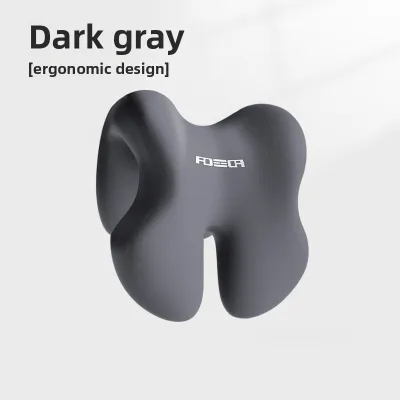
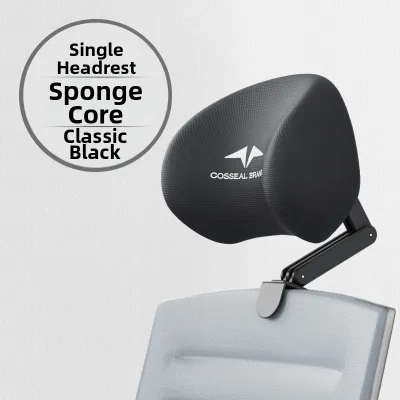
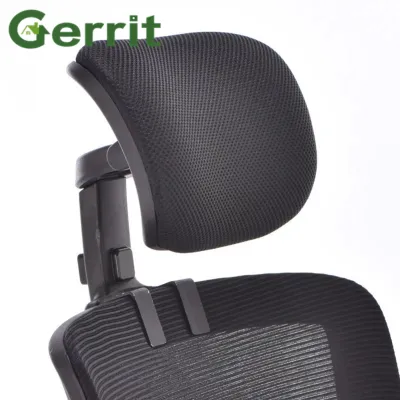
![[Neil]Office Computer Chair Headrest Office Chair Headrest Adjustable Extension Frame](https://img.lazcdn.com/g/p/17c091630d4b65ce6e1adb1e982794e0.jpg_400x400q80.jpg_.webp)
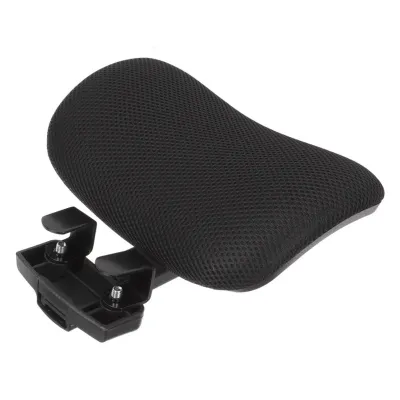
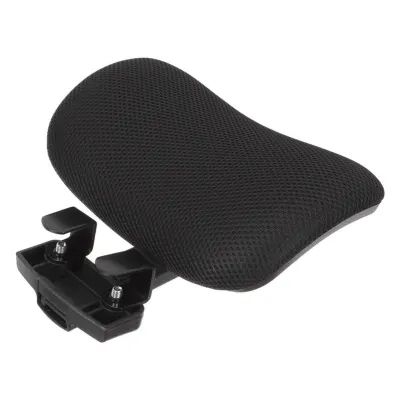
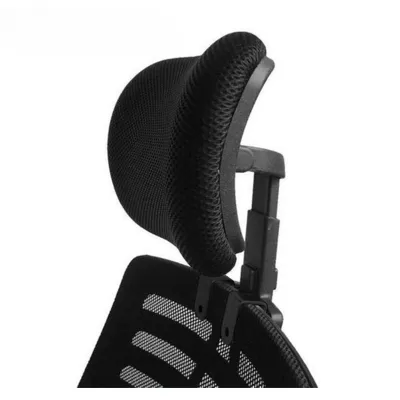
Prices are valid at publication and may change. Please refer to the product page for the latest price.
The mid tier (₱6,000–₱10,000) introduces better adjustability and material quality. Headrests here frequently feature multi-dimensional adjustments, allowing you to modify both the height and the tilt angle to cradle your cervical spine. You will also find smoother recline mechanisms with adjustable tension control, which lets you lean back comfortably. The mesh used in this tier is typically more resilient, offering better tension retention and superior breathability for hot afternoons.
In the upper tier (₱10,000–₱15,000), chairs incorporate advanced ergonomic features. You can expect synchronized tilting mechanisms where the seat and backrest move in harmony, high-density molded foam cushions, and robust warranties. Headrests in this tier are highly customizable, offering three-way adjustments (height, depth, and angle) or auto-adjusting designs that shift dynamically as you recline. The overall build quality is sturdier, utilizing reinforced nylon or aluminum bases.
Evaluating Headrest Adjustability and Ergonomic Fit
A headrest should act as a supportive cradle for your cervical spine rather than a rigid, uncomfortable barrier that pushes your head forward. To achieve this, the headrest must align with the natural curve of your neck, which requires specific adjustment capabilities.

Height and depth adjustments are critical for accommodating different torso lengths. A headrest that only moves vertically might push your head forward or leave your neck unsupported. Dual-axis adjustability allows you to position the support directly into your cervical curve, maintaining a neutral spine alignment whether sitting upright or leaning back.
Angle and tilt mechanisms are equally crucial for transitioning between tasks. When typing upright, your head needs subtle support to prevent forward-head posture. When reclining to read or rest, the headrest should tilt backward to support the weight of your head, allowing neck muscles to relax completely.
Choosing between fixed and adjustable designs depends on who uses the chair. A fixed headrest only works if your height matches the manufacturer’s exact design proportions. If you are shorter or taller than average, it can press uncomfortably against your upper back or skull. Multi-axis adjustable designs are highly recommended for shared home offices.
Before checking out, perform a pre-purchase measurement to avoid a costly return. Sit upright against a wall and measure the distance from your seat to the curve of your neck. Compare this against the backrest and headrest height ranges in the product’s specification table to ensure a proper fit.
Prioritizing Core Ergonomic Features Over Add-Ons
While a headrest is excellent for neck support, it should not come at the expense of foundational ergonomics. If a tight budget forces trade-offs, prioritize features that support your entire spine.
Lumbar support and seat depth must take precedence over a premium headrest. If a chair lacks proper lower back support or has an overly deep seat pan, your pelvis will tilt backward, causing you to slouch. This flattens your spine and forces your neck forward, rendering the headrest useless.
Recline tension and locking mechanisms must work with the headrest to prevent neck strain. If the recline is too loose, you will struggle to stay upright, straining your neck. A reliable locking mechanism secures the backrest at comfortable angles, letting the headrest support your head during rest periods.
Armrest adjustability also directly impacts neck comfort. If armrests are too low or non-adjustable, your shoulders will sag, pulling on the trapezius muscles and causing neck tension. Look for at least 2D or 3D armrests to keep your shoulders relaxed.
Material trade-offs are vital in a warm, humid tropical climate. Synthetic leather traps heat and sweat, leading to discomfort and rapid peeling. Standard mesh or breathable padded fabric is highly preferable for local home offices, as they allow air to circulate freely, keeping you cool and extending the chair’s lifespan.
Verifying Claims and Avoiding Pricing Traps Online
Shopping on online marketplaces requires a critical eye. Vague marketing buzzwords like “orthopedic-approved” or “maximum comfort” should be ignored in favor of verifiable technical specifications.
Always check the technical specification tables for exact dimensions. Verify the seat height range, backrest height, and headrest adjustment range. If these measurements are missing, contact the seller directly before ordering.
Pay close attention to weight capacity and base materials. A sturdy wheelbase is essential for stability when reclining. Nylon bases are common in lower tiers but must be reinforced; steel or aluminum bases in mid-to-upper tiers offer superior durability and a lower risk of cracking.
Filter customer reviews to assess long-term performance. Search for specific complaints about headrest wobbling, loose joints, or cushions flattening. Pay attention to feedback regarding assembly, as some chairs require complex tool setups or have unclear instructions.
Be skeptical of massive, inflated discounts during monthly promotional events on ecommerce platforms. Sellers often raise the “original” price right before a sale to make the discount look dramatic. Track the price over a few weeks and focus entirely on the final checkout price.
Accounting for Hidden Costs and Post-Purchase Support
The listed price of an office chair is rarely the final cost. To avoid unexpected expenses, you must account for delivery, assembly, and potential maintenance.
Shipping bulky furniture can be expensive, especially outside Metro Manila or in provincial areas. Always check shipping fees at checkout and verify if delivery includes handling to your doorstep, particularly for multi-story buildings without elevators.
Understand return policies and trial periods before purchasing. Returning a fully assembled, heavy chair is difficult and costly if the headrest is uncomfortable. Check if the seller allows returns for comfort issues and keep the original packaging intact during the first week.
Review warranty coverage in detail. A reliable warranty should cover structural components like the gas lift cylinder, recline mechanism, and headrest joints for at least one to three years. Avoid sellers offering vague warranties or only covering “factory defects” upon arrival.
Finally, consider replacement parts. Over years of daily use, casters wear down, mesh loses tension, or headrest joints loosen. Choosing a reputable distributor that sells spare parts ensures you can repair your chair rather than replacing the entire unit if a single component fails.
Frequently Asked Questions (FAQ)
Can I add an aftermarket headrest to a chair that does not have one?
Retrofitting an aftermarket headrest onto a chair that was not designed for one is generally difficult and risky. Most office chairs have specific backrest frame shapes, thicknesses, and materials that cannot accommodate third-party clamp-on headrests securely. Attempting to drill holes or force a clamp onto a plastic or mesh frame can permanently damage the chair, compromise its structural integrity, and void any existing manufacturer warranty. If you require neck support, it is highly recommended to purchase a chair with an integrated, factory-designed headrest rather than attempting a DIY modification.
Is a headrest necessary for short daily desk sessions?
If you only sit at your desk for one or two hours a day, a headrest is generally not a strict necessity. During short sessions, maintaining an active, upright posture is easier, and your neck muscles are less likely to experience severe fatigue. You can often prevent neck strain simply by ensuring your monitor is positioned at eye level and taking short breaks to stretch. However, if you have pre-existing neck or shoulder conditions, or if your short sessions frequently turn into longer, continuous periods of focused work, a well-adjusted headrest becomes a valuable tool to prevent muscle strain and support your cervical spine.

Community discussion
Share your experience or ask a question. Comments are reviewed before publication.