
Finding the right work-from-home setup in a compact living space, such as a modern condominium or a shared bedroom, requires a careful balance of footprint and functionality. When floor space is limited, a standard office desk can quickly make a room feel cramped. A foldable office table with drawers offers a practical compromise, allowing you to set up a dedicated workstation during the day and reclaim your living area once office hours are over.
However, combining a folding mechanism with integrated storage introduces unique design challenges. Unlike simple folding tray tables, a desk with drawers must maintain its structural balance whether open or closed, while keeping your files and devices organized. Selecting the ideal model involves evaluating how the desk fits into your room, how the storage interacts with the folding parts, and whether the materials can withstand daily use.
To make an informed decision, you must look beyond aesthetics and focus on physical clearances, hardware durability, and layout integration. By understanding how these elements work together, you can establish a highly productive workspace that seamlessly disappears when your workday ends.
Products mentioned in this guide
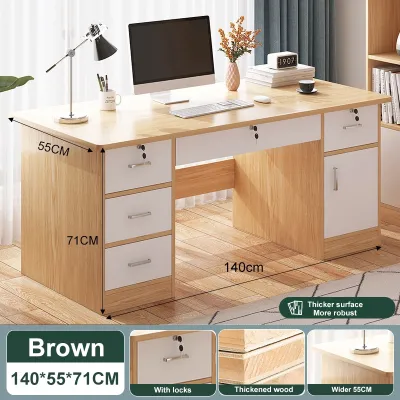
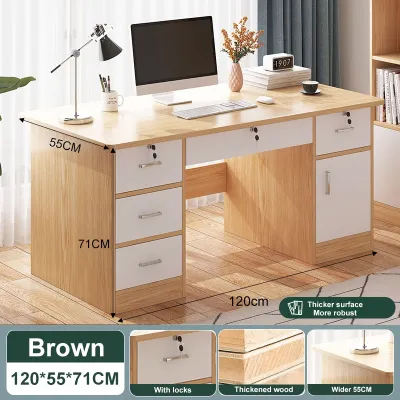
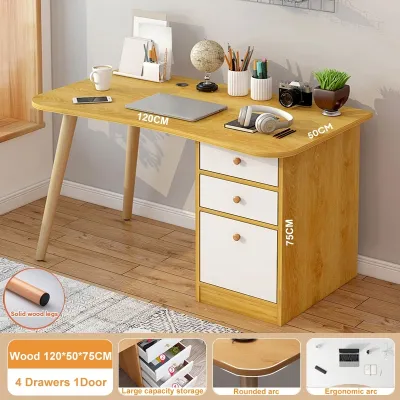
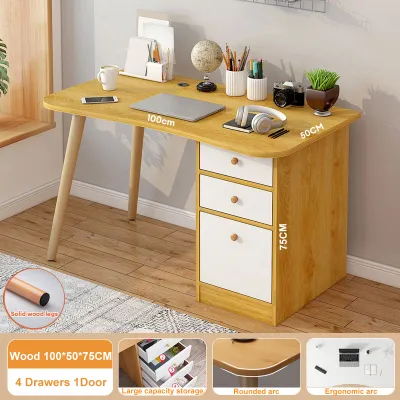
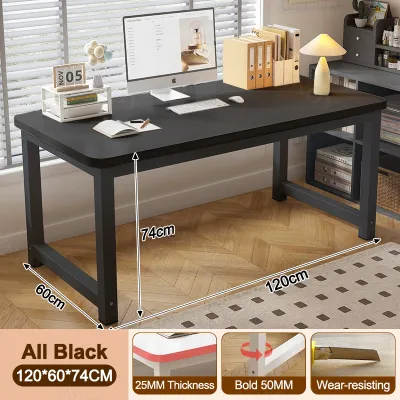
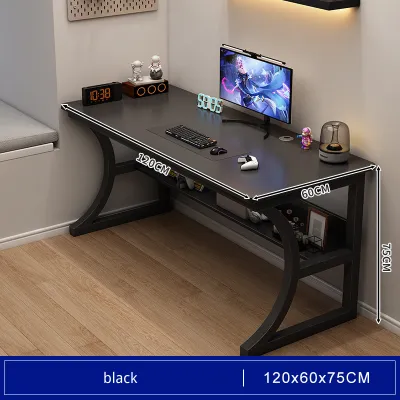
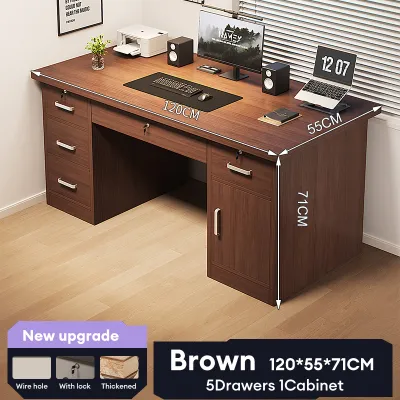
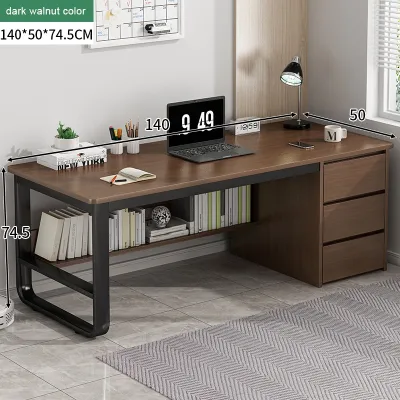
Prices are valid at publication and may change. Please refer to the product page for the latest price.
Measuring Your Space and Clearances for a Foldable Desk
Before browsing online marketplaces or visiting local furniture showrooms, you must obtain precise measurements of your designated work area. Start by measuring the maximum floor footprint available when the desk is fully expanded. It is not enough to measure just the tabletop dimensions; you must also account for the clearance required for your office chair. Ensure there is sufficient space behind the desk for you to push the chair back, stand up, and sit down comfortably without hitting walls or other furniture.
Next, transition your focus to the folded state of the desk. If you plan to store a freestanding foldable desk in a closet, behind a door, or under a bed when it is not in use, measure those storage spaces carefully. You must also verify the folded dimensions against the widths of your doorways, hallways, and elevator entrances. A desk that cannot easily navigate the tight corners of a condominium corridor or a narrow stairwell will present significant delivery and daily handling challenges.
Architectural details along your walls can also impact how a foldable desk fits into your room. Baseboards, for instance, can prevent a wall-mounted or freestanding desk from sitting completely flush against the wall, which can compromise stability or create awkward gaps. Take note of the height and depth of your baseboards before finalizing your purchase.
Additionally, map out the locations of power outlets, internet ports, and light switches in the immediate vicinity. A foldable desk should not block access to these essential utilities, nor should its folding joints pinch or damage power cords. If you plan to place the desk near a window to utilize natural light, check the height of the window sill to ensure it does not interfere with the desktop when it is raised or lowered.
Balancing Folding Mechanisms and Drawer Accessibility
Foldable desks with drawers generally fall into three design categories: wall-mounted drop-leaf units, fold-down secretary cabinets, and freestanding folding tables. Wall-mounted drop-leaf desks are permanently fixed to the wall and feature a desktop that swings down or up when needed. Fold-down cabinets, often styled like modern secretary desks, mount to the wall or stand on the floor, featuring a front panel that hinges down to serve as a writing surface while revealing interior shelves and small drawers. Freestanding folding tables use collapsible legs or swing-out support panels, offering the flexibility to move the workstation to different rooms.

The placement of the drawers within these designs directly affects both weight distribution and daily usability. In some models, drawers are integrated into a fixed central column or frame, while the desktop leaves fold down on either side. This configuration is highly stable because the heavy storage component remains anchored to the floor, and you can access your files even when the desk is folded. In contrast, other designs feature drawers built directly into the folding sections or the underside of the moving desktop, which can make the desk front-heavy and harder to operate.
You must also closely examine how the drawer hardware interacts with the folding mechanisms. High-quality drawer slides should operate smoothly without catching on the hinges, brackets, or support legs that facilitate the folding action. Check that the drawer handles or pulls are flush or recessed, especially if they face a folding panel. Protruding hardware can scratch adjacent surfaces when the desk is collapsed or restrict the folding angle, preventing the unit from closing completely.
Furthermore, consider your physical comfort when seated at the desk. Some folding mechanisms rely on diagonal support brackets or cross-braces underneath the desktop. If these structural elements are positioned too close to the drawers, they can severely limit your legroom and knee clearance. Ensure that the combination of drawer depth and folding hardware leaves enough space for you to sit ergonomically without constantly bumping your knees.
Verifying Stability, Hardware, and Weight Capacity
Because a foldable desk relies on moving joints to transition between states, its overall stability depends heavily on the quality of its hardware. When evaluating a desk, pay close attention to the hinges, locking pins, and support brackets. Look for heavy-duty steel or brass hardware that locks securely into place when the desk is fully open. Any lateral movement or wobbling while typing can lead to physical discomfort, eye strain, and distraction during long working hours.
Weight capacity is another critical factor that you must verify through the manufacturer’s official specifications. Foldable desks generally have lower load limits than solid, non-folding alternatives. If you plan to use a multi-monitor setup, heavy reference books, or clamp-on monitor arms, you must ensure the desk frame and folding joints can support the cumulative weight. Never assume a desk can handle heavy equipment without checking the rated capacity on the product label or user manual.
The choice of materials and surface finishes also plays a vital role in the longevity of your desk, particularly in tropical environments characterized by high humidity and seasonal temperature shifts. Engineered wood products, such as standard particleboard, are highly susceptible to moisture absorption, which can cause the material to swell, warp, and weaken over time. This warping can lead to misaligned drawers that stick or fail to close properly.
To prevent moisture-related damage, look for desks constructed from high-quality materials like medium-density fiberboard (MDF) or solid wood, treated with protective coatings. A durable melamine or high-pressure laminate surface finish offers excellent resistance to daily wear, scratches, and minor spills. Additionally, inspect the edge banding along the sides of the desktop and drawers; tight, seamless edge banding prevents humid air from penetrating the inner core of the wood, ensuring the desk remains structurally sound for years.
Common Sizing and Layout Mistakes to Avoid
One of the most frequent errors when installing a foldable desk is failing to account for the swing radius of the folding components. Whether it is a leg that swings outward, a support bracket that pivots diagonally, or a desktop leaf that drops downward, these moving parts require unobstructed space to operate. If you place the desk too close to a bed, wardrobe, or doorway, you may find yourself constantly moving other furniture just to open or close your workstation.
Another common mistake is choosing a desk with insufficient depth for a comfortable computer setup. In an effort to save space, some buyers opt for ultra-shallow desks that measure less than 40 centimeters in depth. While this may suffice for a small tablet, it does not provide enough distance between your eyes and a standard laptop or monitor screen. A shallow surface also leaves little to no room for a keyboard, mouse, and proper wrist support, which can lead to ergonomic strain over time.
Additionally, pay attention to how the surrounding layout affects drawer accessibility when the desk is folded. If you position the desk in a tight corner or right next to a large armchair, the drawers may become completely blocked when the desktop is collapsed. This forces you to fully set up the desk every time you need to retrieve a simple pen or notepad, defeating the convenience of integrated storage.
Finally, avoid overloading the folding sections of the desk with permanent items. If your drawers or desktop are cluttered with heavy decorative objects or bulky organizers, folding the desk away becomes a tedious chore rather than a quick, effortless transition. Keep your desktop setup minimal and utilize the drawers strictly for essential items to maintain the true space-saving benefits of a foldable workstation.
Frequently Asked Questions (FAQ)
How do I verify the weight capacity for my computer setup?
To verify if a foldable desk can safely support your computer equipment, you should always consult the manufacturer’s official product specifications, which are typically found on the product packaging, instruction manual, or the retailer’s detailed listing. Calculate the total weight of your devices, including your laptop, external monitors, keyboard, mouse, and any desk accessories, and compare this sum to the desk’s rated weight limit.
When setting up your workspace, distribute the weight of your equipment as evenly as possible across the desktop surface. Avoid placing heavy items, such as large monitors or desktop towers, directly over the folding hinges, joints, or the unsupported edges of a drop-leaf section. Placing the heaviest components over the main support legs or the fixed portion of the frame minimizes stress on the folding hardware and prevents structural sagging.
What are the safe anchoring requirements for wall-mounted desks?
Safe installation of a wall-mounted foldable desk requires anchoring the unit directly into solid wall studs or using heavy-duty wall anchors specifically rated for the total weight of the desk and its intended load. Standard drywall or plasterboard alone cannot support the downward pressure and leverage exerted when you lean on the desk or place heavy items on it. Using a stud finder to locate wooden or metal studs behind your wall is a critical first step before drilling.
If you are mounting the desk to concrete, brick, or masonry walls, you must use appropriate masonry drill bits and expansion anchors designed for solid walls. Because improper installation can lead to sudden structural failure and damage to your equipment, you should always consult a qualified professional or professional installer if you are unsure about your wall type, stud locations, or the appropriate hardware to use.

Community discussion
Share your experience or ask a question. Comments are reviewed before publication.