
Finding the right computer table rack for a compact condominium or a shared bedroom requires balancing utility with physical boundaries. When floor space is limited, a desk cannot simply be a permanent fixture; it must adapt to your daily routine. The best foldable computer desk with a rack matches your spatial limits, structural freedom, and storage needs.
To make the right choice, you must evaluate whether a freestanding portable unit or a wall-mounted drop-leaf design fits your lifestyle. Renters often require mobile, damage-free furniture, while homeowners might prefer the permanent space savings of a wall-anchored system. By analyzing your room’s layout, understanding structural limits, and choosing materials that withstand local environmental conditions, you can create a highly productive workstation that vanishes when the workday ends.
Measuring Your Compact Space for a Foldable Desk and Rack
Before browsing online marketplaces or local furniture showrooms, take precise measurements of your designated work area. Start by measuring the physical floor footprint where the desk will stand when fully extended. Use a physical tape measure to map out the width and depth on your floor, accounting for protruding baseboards, wall trim, and power outlets. If the desk blocks an outlet, you may find yourself running hazardous extension cords across your living space.
Products mentioned in this guide
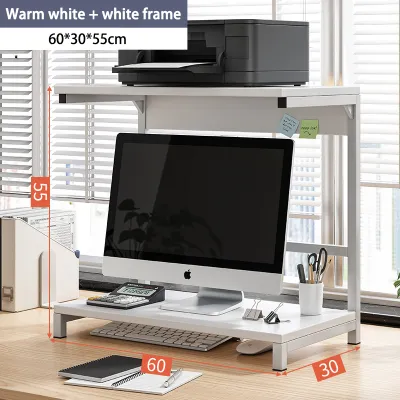
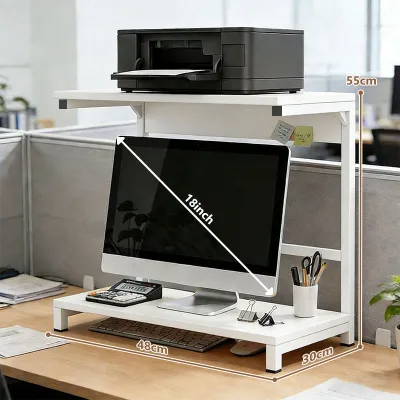
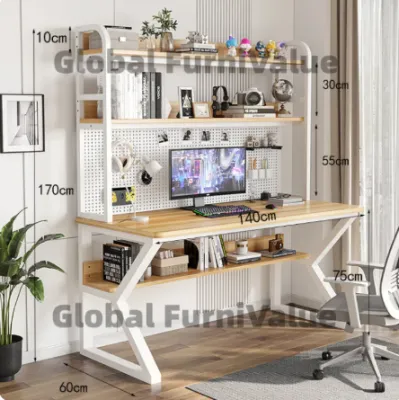
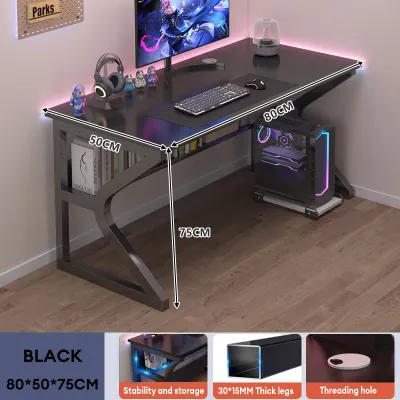
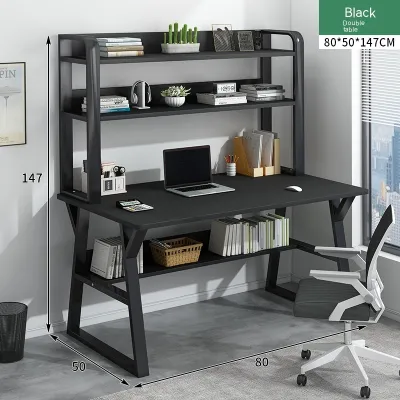
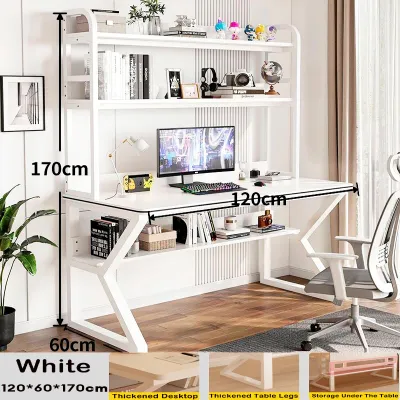
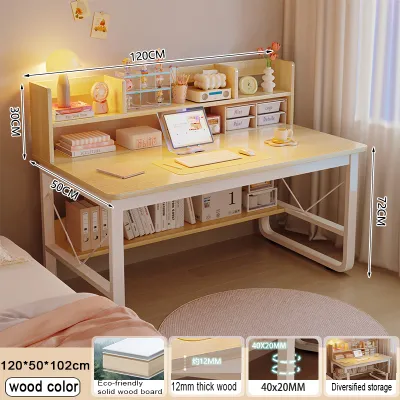
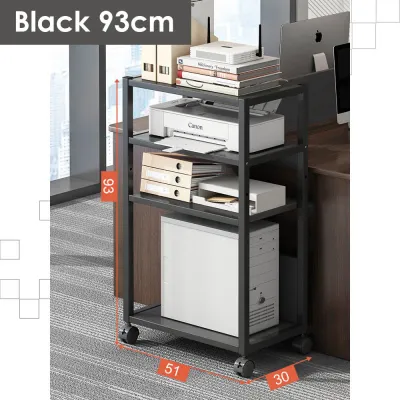
Prices are valid at publication and may change. Please refer to the product page for the latest price.
Next, calculate the clearance required for comfortable operation. An expanded desk requires at least 60 to 90 centimeters of open space behind it to accommodate your office chair and allow you to sit down and stand up without hitting walls. Additionally, verify that the fully opened desk does not block the swing path of nearby closet doors, room entryways, or balcony access points.
Equally important is measuring the desk in its collapsed state to ensure it fits into your storage spot. Measure the depth, width, and height of the folded unit, then compare these figures to narrow gaps in your home, such as the space behind a bedroom door, the side of a wardrobe, or under a bed frame. A desk that is even two centimeters too thick to slide into its designated storage niche will end up permanently cluttering your living area.
Finally, map out the delivery pathway from the street to your room, especially if you live in a high-rise condominium or a multi-story apartment building in dense urban areas like Metro Manila. Measure the width of all entry doors, narrow hallway corners, stairwells, and the internal dimensions of the residential elevator. Foldable desks with integrated racks often ship in large, flat-packed boxes that can be difficult to maneuver through tight communal spaces if you do not plan ahead.
Comparing Freestanding and Wall-Mounted Foldable Desk Designs
The structural design of your foldable desk dictates how much weight it can carry, how easily you can move it, and whether it requires permanent modifications to your home. Choosing between a freestanding unit and a wall-mounted model is primarily a decision between mobility and absolute floor clearance.

Freestanding Foldable Desks with Attached Shelves
Freestanding foldable desks are highly versatile, making them the preferred choice for renters or anyone who likes to rearrange their room layout periodically. These units typically feature a metal or wooden frame that folds flat, with the integrated computer table rack positioned either as side shelves or as a raised top tier. The placement of the rack determines how much desktop surface remains open for your laptop, external monitor, and keyboard.
When evaluating these models, check whether the shelves fold flat in unison with the main desktop or if they must be detached and stored separately. High-quality freestanding designs utilize hinge systems that allow the entire structure to collapse into a single, cohesive flat panel without requiring any tools. This seamless folding capability saves time and reduces the risk of misplacing loose shelf pegs or brackets during storage.
Stability is a common concern with lightweight folding furniture, especially when typing vigorously or using multiple monitors. Look for models equipped with locking casters if you plan to roll the desk between rooms, or adjustable leveling feet if your tiled or wooden floors are slightly uneven. Leveling feet allow you to compensate for minor floor imperfections, preventing distracting wobbles and ensuring your equipment remains secure during long working hours.
Wall-Mounted Drop-Leaf Desks with Shelving
For extremely tight rooms where every square inch of floor space is vital, a wall-mounted drop-leaf desk offers an elegant, floating solution. These systems feature a permanent shelving unit anchored to the wall, with a desktop panel that hinges downward or upward when needed. When the workday is over, you simply fold the desktop flat against the wall, completely freeing up the floor space beneath it for foot traffic or other activities.
However, installing a wall-mounted unit requires strict adherence to safety and structural guidelines. Before purchasing, you must identify the composition of your walls, distinguishing between solid concrete or brick walls and hollow drywall or gypsum partitions. Renters must also review their lease agreements to confirm whether drilling deep holes for heavy-duty wall anchors is permitted by the landlord or building administration.
Because a wall-mounted desk must support its own weight, the weight of the integrated shelving, and your computer equipment, it demands robust structural support. First check the applied product’s label and the treated wall’s manufacturer instructions for any specific hardware requirements. You must use appropriate wall anchors, such as expansion bolts for concrete or toggle bolts aligned with timber studs for hollow walls, to prevent the unit from pulling away from the wall. Always consult the manufacturer’s installation manual and, if you are unsure of your wall’s load-bearing capacity, hire a qualified professional installer to complete the setup.
Evaluating Stability, Weight Capacity, and Climate Resistance
A reliable computer table rack must do more than just fit into a small corner; it must provide a safe, stable, and durable platform for your valuable electronic devices. Assessing specific engineering features and material qualities before buying will prevent premature product failure or accidental damage to your equipment.
Folding Mechanisms and Safety Latches
The integrity of a folding desk relies entirely on its hinges and locking joints. Look for desks that feature physical safety latches, spring-loaded locking pins, or heavy-duty locking hinges that secure the desktop firmly in its open position. These mechanisms prevent the desk from accidentally collapsing if you lean on the front edge or bump into the support legs. Avoid models that rely solely on gravity or friction to stay open, as these can wear down over time and become unstable.
Weight Capacity Limits
Always check the manufacturer’s specified weight limits for both the main desktop surface and the individual rack shelves. A typical setup with a laptop, secondary monitor, external keyboard, and minor accessories can easily weigh 10 to 15 kilograms. Ensure the main desktop is rated to hold at least 20 to 30 kilograms of static weight, and verify that the storage rack can support your books, printers, or UPS backup power units without bending or sagging.
Climate Considerations and Material Durability
The tropical climate of the Philippines introduces unique challenges for wooden and metal furniture due to high relative humidity and seasonal temperature shifts. For metal frames, prioritize powder-coated steel over basic painted iron to prevent rust and corrosion from moisture in the air. For wooden components, look for sealed edges with thick PVC or melamine edge banding, which prevents humid air from penetrating the inner particleboard or medium-density fiberboard (MDF) and causing it to swell, warp, or develop mold. If your budget allows, solid wood or marine plywood options offer superior long-term resistance to tropical humidity.
Cable Management Integration
A functional workspace requires careful routing of power cables, display cords, and charger wires. Look for desks that incorporate built-in cable management features, such as desktop grommets, rear wire baskets, or dedicated routing clips along the frame. Proper cable management is especially critical for foldable furniture; if cords are left hanging loosely, they can easily pinch, fray, or tear within the folding hinges when you collapse the desk, creating electrical hazards or damaging your devices.
Common Space-Matching and Setup Mistakes to Avoid
Even a high-quality foldable desk can become a source of frustration if it is poorly integrated into your living space or set up incorrectly. Avoiding these common pitfalls will ensure your home office remains comfortable, safe, and productive.
Ignoring Ergonomic Heights
Many buyers focus so heavily on finding a compact desk that they forget to check its working height. Standard desk heights range between 70 and 75 centimeters, which is designed to pair with standard office chairs to keep your elbows at a 90-degree angle and your feet flat on the floor. Verify that your existing chair can slide comfortably under the desk frame, and ensure the desk height does not force you to slouch or strain your shoulders while typing.
Overloading the Upper Rack Shelves
When using a freestanding foldable desk with a tall vertical rack, it is tempting to stack heavy books, printers, or storage boxes on the top shelves to keep the desktop clear. However, placing heavy items high up shifts the center of gravity upward, making the entire unit top-heavy and highly susceptible to tipping over if bumped. Always distribute weight logically by placing your heaviest items on the lowest shelves and reserving the upper tiers for lightweight accessories.
Obstructing Critical Pathways and Airflow
In small studio apartments or bedroom setups, an expanded desk can easily block natural walking paths or emergency exit routes. Before setting up your workstation, ensure that you can still navigate the room safely when the desk is fully open. Additionally, avoid placing the desk directly in front of air conditioning units or blocking the airflow of standing electric fans, as poor ventilation can lead to your computer overheating and cause physical discomfort during long working sessions.
Frequently Asked Questions (FAQ)
Can I install a wall-mounted foldable desk on drywall or gypsum board?
Standard drywall or gypsum board partitions do not have the structural strength to support the dynamic, downward leverage of a loaded wall-mounted desk. Mounting a desk directly to drywall using standard plastic anchors will eventually cause the gypsum to crack and pull out, risking severe damage to your walls and computer equipment. If your room has drywall partitions, you must locate the vertical timber or metal studs behind the wall using a stud finder and anchor the mounting brackets directly into those studs. If you cannot locate the studs, or if your landlord prohibits drilling into the walls, you should choose a freestanding foldable computer table rack instead, which requires zero wall modifications.
How do I prevent a freestanding foldable desk with a rack from tipping over?
To secure a tall or top-heavy freestanding foldable desk, you should install an anti-tip wall anchor kit, which connects the top of the desk rack directly to the wall behind it. If drilling is not an option, you can maintain stability by practicing smart weight distribution: always place your heaviest items, such as heavy books, paper stacks, or UPS units, on the lowest shelves of the rack to keep the overall center of gravity as close to the floor as possible. Never allow children or pets to climb on the shelving, avoid leaning your full body weight on the outer edges of the folded-out desktop, and never use the integrated rack shelves as a step stool to reach high places.

Community discussion
Share your experience or ask a question. Comments are reviewed before publication.