
The ideal folding table for a compact condo or apartment home office must balance a minimal physical footprint with sufficient surface area for daily tasks. For most remote workers, a rectangular folding table measuring 80 to 100 centimeters in width and 50 to 60 centimeters in depth offers the sweet spot between ergonomic comfort and space preservation. The best style depends on your daily routine: freestanding folding-leg tables provide excellent temporary setups, wall-mounted drop-leaf designs maximize floor space in tight corners, and mobile folding tables with casters allow for effortless relocation in multi-purpose rooms.
By selecting a configuration that aligns with your specific room dimensions and workflow, you can maintain a highly productive professional environment without sacrificing the comfort and aesthetics of your living space.
Assessing Your Space and Workflow Needs
Before browsing online marketplaces or furniture catalogs, you must accurately measure the physical space where your home office will function. Start by measuring the clear floor area where the table will stand when fully extended, ensuring there is ample room to move around it. Walkways must remain passable, especially in narrow condo layouts typical in urban areas where space is at a premium.
Products mentioned in this guide


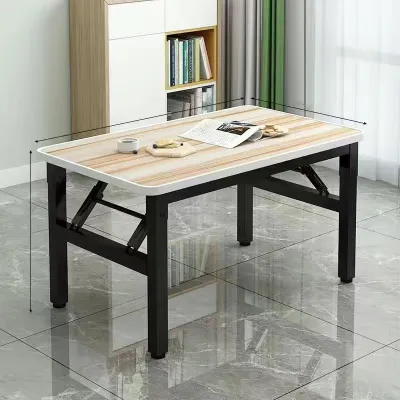
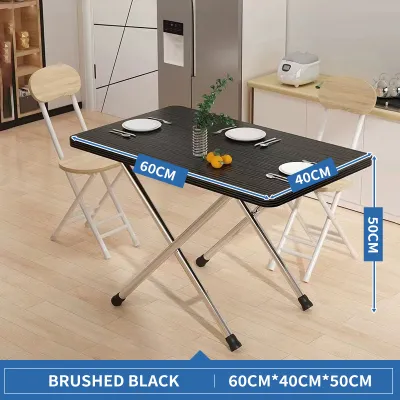
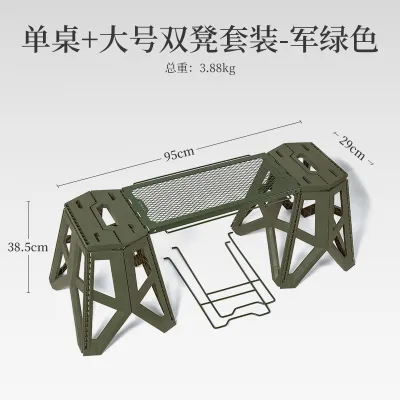
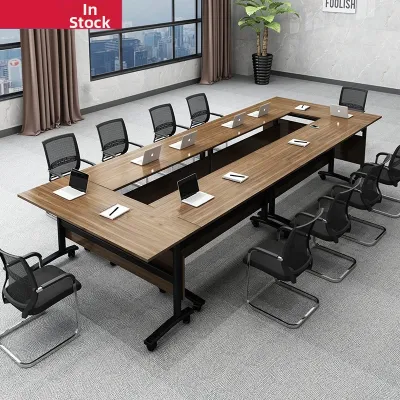
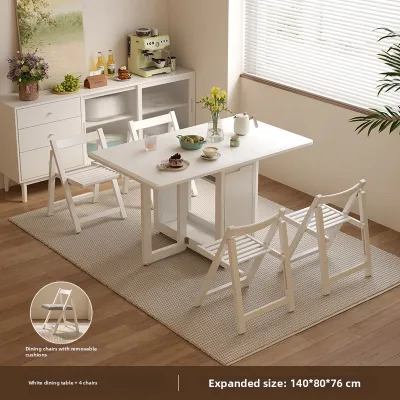
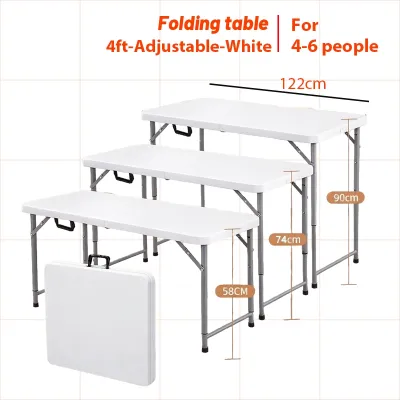
Prices are valid at publication and may change. Please refer to the product page for the latest price.
In addition to the open footprint, measure the width of your doorways, hallways, and storage closets. If you plan to fold and store the table every evening, it must easily pass through these openings and fit inside your designated storage nook, wardrobe, or behind a sofa without scraping walls or door frames.
Next, analyze your daily workflow and the equipment required to complete your tasks. A professional who only uses a single lightweight laptop requires far less surface area and weight capacity than someone operating dual monitors, a dedicated keyboard, and external hard drives. If your daily tasks involve reviewing physical documents, sketching, or taking manual notes, you will need extra depth or width beyond what a laptop alone occupies.
If you are leaning toward a wall-mounted drop-leaf table, you must evaluate the wall itself. Concrete, brick, or solid wood studs are necessary to support the weight of the table and your equipment, whereas simple drywall or thin partition walls may fail under the load. Look out for hidden obstructions like electrical conduits, water pipes, or structural columns common in modern high-rise developments.
Matching Folding Table Styles to Compact Layouts
Freestanding folding-leg tables are highly versatile and require no permanent installation. They can be set up anywhere in the living room, bedroom, or balcony, and then completely tucked away under a bed or behind a wardrobe when the workday ends. However, they do require a dedicated patch of open floor space during use, and you must manually set them up and take them down daily, which can become tedious over time.

Wall-mounted drop-leaf tables are the ultimate space-savers for extremely tight quarters. When folded down, they lie virtually flat against the wall, keeping walkways completely clear. When raised, they provide a sturdy, immediate workspace. The primary limitation is their fixed location; you cannot move your office to another room, and you must ensure the mounting hardware is anchored securely into a load-bearing wall structure.
Mobile folding tables equipped with casters offer excellent adaptability for multi-purpose rooms. If you share your condo with family members or roommates, you might need to shift your workspace from the living area to the bedroom depending on who is using the space. Casters allow you to roll the table smoothly without lifting heavy furniture, though you must ensure the wheels have reliable locking mechanisms to prevent the desk from shifting while you type.
Folding tables with integrated storage compartments or shelving units solve the problem of clutter in studio apartments. These designs often feature a fold-out desktop attached to a small cabinet or bookcase. When the desk is closed, your files, pens, and chargers remain neatly hidden inside the cabinet, maintaining a clean, non-work aesthetic in your living space during your off-hours.
Determining the Ideal Dimensions for Daily WFH Tasks
When selecting the width of your folding table, start by mapping out your essential equipment. A compact width of 80 centimeters is generally sufficient for a single laptop, a mouse, and a small notepad. If you plan to use an external monitor alongside your laptop, you will need to look for a width of at least 100 to 120 centimeters to prevent your screens from overlapping or crowding your physical writing space.
Table depth is equally critical for both physical comfort and room flow. A shallow depth of 40 to 50 centimeters works well in narrow hallways or tight bedroom corners, but it places your eyes very close to the screen, which can cause strain over long hours. A depth of 60 centimeters is highly recommended for a more ergonomic viewing distance, especially if you use a separate keyboard and mouse, though you must verify that this depth does not block the main path through the room.
Height standards must align with your seating arrangement. Most standard desks and folding tables stand between 71 and 76 centimeters high. Before purchasing, check the product specifications on the manufacturer’s label and compare them with the height of your office chair. If you use an ergonomic chair with armrests, ensure the armrests can slide comfortably under the table surface when the desk is in use to maintain proper posture.
Avoid common sizing mistakes that can ruin a small layout. Many condo dwellers forget to account for the physical depth of monitor stands or clamp-on monitor arms, which can push the screen too far forward on a shallow desk. Another frequent oversight is failing to measure the clearance behind the desk; you need at least 60 to 75 centimeters of open space behind the table to push your chair back comfortably and stand up without hitting walls or other furniture.
Safety, Stability, and Installation Checks
Safety and stability should never be compromised for the sake of convenience. Always check the manufacturer’s specified weight capacity on the product label before placing heavy equipment on a folding table. While a standard laptop setup is lightweight, adding a heavy monitor, a printer, or leaning your forearms on the desk edge can quickly approach the weight limit of lighter folding-leg or wall-mounted models.
Inspect the physical locking mechanisms of any folding table you consider. High-quality models feature robust hinge locks, safety pins, or latching systems that prevent the table from accidentally collapsing if bumped. For mobile units, ensure that at least two of the casters feature heavy-duty brakes that lock both the wheel rotation and the swivel mechanism to keep the desk completely stationary during intense typing sessions.
Before purchasing a wall-mounted drop-leaf table, carefully review your condo association rules or tenancy agreement. Many rental properties and condominium developments have strict guidelines regarding drilling into walls, especially concrete shear walls or partition walls containing utility lines. Unauthorized drilling can lead to penalties or costly damage to hidden building infrastructure.
If you encounter any uncertainty during the installation process, stop immediately. If you cannot identify the wall material, if the mounting instructions are unclear, or if you suspect the wall cannot support the weight of a loaded desk, consult a qualified professional installer or carpenter. Taking this precaution protects your valuable work equipment, your home’s structure, and your personal safety.
Frequently Asked Questions (FAQ)
Can I use a folding table for a dual-monitor setup in a small condo?
Yes, but you must select a folding table with a robust frame and a wider surface. Dual monitors typically require a table width of at least 120 centimeters and a depth of 60 centimeters to accommodate the screens and maintain an ergonomic viewing distance. It is vital to check the manufacturer’s weight capacity label, as dual monitors and heavy mounting arms can stress lightweight folding mechanisms. Avoid using clamp-on monitor arms on thin plastic or hollow-core wood folding tables, as the concentrated pressure can crack or warp the tabletop material.
How do I protect my condo floors from a mobile folding table?
Protecting your flooring is essential, especially in rented condos with delicate hardwood, laminate, or vinyl tile floors. First, verify that the casters on your mobile folding table are made of soft materials like polyurethane or rubber, which are designed to roll smoothly without scratching hard surfaces; avoid hard plastic or nylon wheels. Additionally, place a low-profile, durable chair mat or a small area rug under the workspace to act as a protective barrier. Regularly inspect the wheels and clean off any trapped dirt, grit, or debris, as dragged particles are a primary cause of floor scratches.

Community discussion
Share your experience or ask a question. Comments are reviewed before publication.