
Choosing between a rotating computer table and an L-shaped desk is a pivotal decision for your work-from-home (WFH) setup, directly impacting your daily productivity, physical comfort, and room layout. A rotating computer table offers dynamic flexibility, allowing you to swing a secondary work surface out when needed and tuck it away to save floor space when your workday ends. In contrast, an L-shaped desk provides a spacious, permanent workstation with distinct zones for multiple screens, paperwork, and peripherals.
Deciding which configuration fits your home office depends on your available floor space, the complexity of your daily tasks, and how much equipment you need to support. By evaluating the structural differences, spatial footprints, and ergonomic impacts of each option, you can create a comfortable and efficient workspace tailored to your home environment.
Core Structural Differences: Rotating vs. L-Shaped
To make an informed choice, it is essential to understand the mechanical and structural foundations of both designs. A rotating computer table features a primary desk surface connected to a secondary, lower, or equal-height shelf via a heavy-duty swivel joint or pivot axis. This mechanical connection allows the secondary surface to swing smoothly through an arc, typically ranging from 90 to 360 degrees. You can position it parallel to the main desk to extend your workspace, angle it to fit a corner, or nest it completely underneath to minimize its footprint.
Products mentioned in this guide
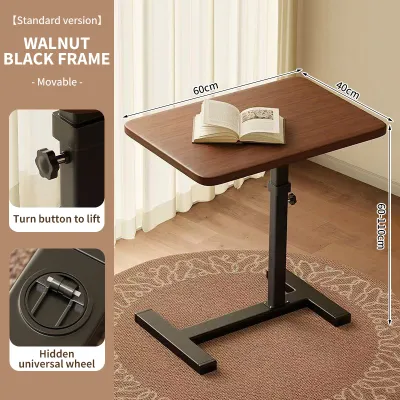
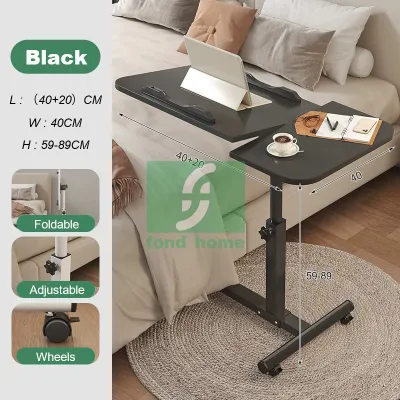
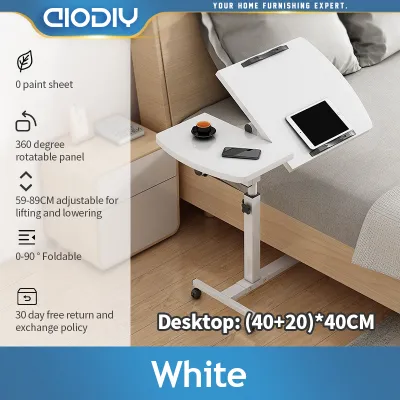
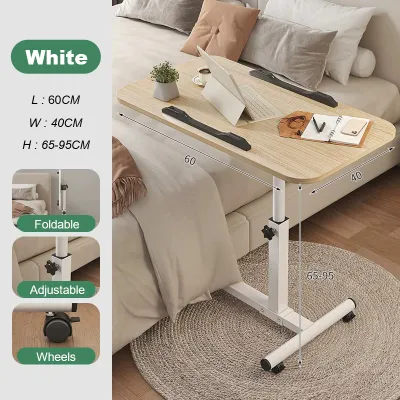
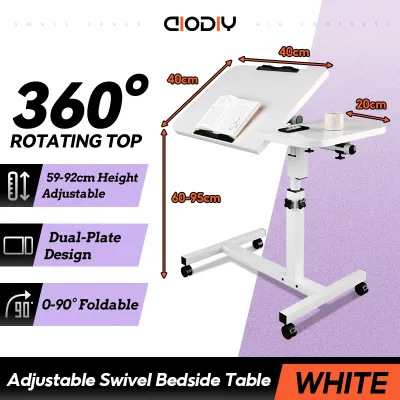
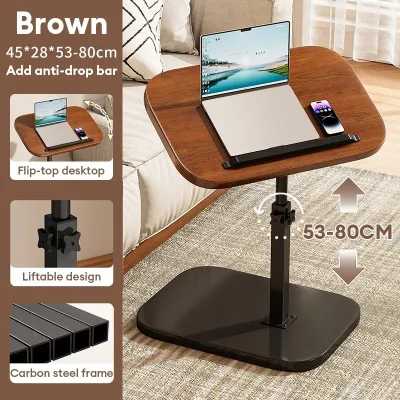
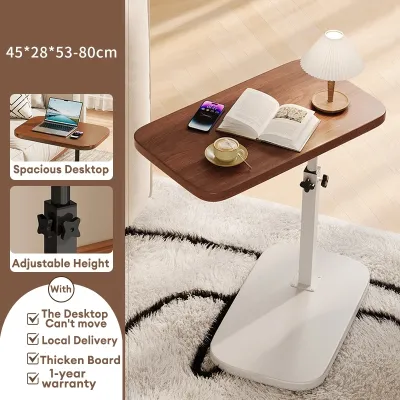
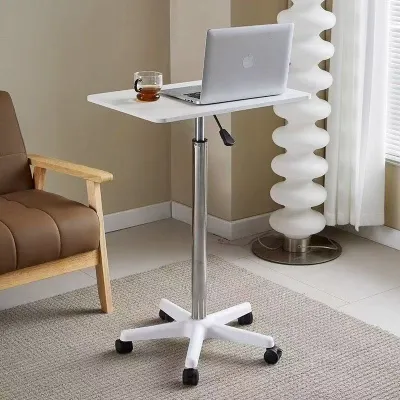
Prices are valid at publication and may change. Please refer to the product page for the latest price.
An L-shaped desk, on the other hand, consists of two perpendicular work surfaces joined together to form a fixed, continuous “L” configuration. This layout is usually supported by a rigid metal or wooden frame, often utilizing a modular construction where the return desk can be assembled on either the left or right side. Unlike its rotating counterpart, the L-shaped desk is entirely static, relying on its solid, unmoving structure to provide a reliable and expansive surface area.
The primary design intent of these two configurations highlights their contrasting philosophies. The rotating table is engineered for adaptability and multi-functional spaces, serving as a compact console that transforms into an active workspace on demand. The L-shaped desk is designed for dedicated productivity zones, prioritizing maximum surface area, structural stability, and organized storage for professionals who spend long hours at a single, unchanging workstation.
Space Planning: Footprint and Room Layout Checks
Evaluating your physical room layout is the next critical step, as a desk that looks perfect online can easily overwhelm a small room or block essential pathways. When assessing a rotating computer table, you must calculate not just its static closed footprint, but also the clearance zone required for its rotating mechanism. The secondary surface sweeps through an arc that requires unobstructed floor space, meaning you cannot place permanent furniture, floor fans, or storage bins within its path of motion.

An L-shaped desk demands a larger, permanent block of floor space, typically occupying a corner or extending out to divide a room. While it excels at utilizing underused corner areas, its fixed dimensions mean it cannot be compressed or tucked away. You must measure the length of both walls meeting in the corner to ensure the desk does not overlap with window frames, electrical outlets, or light switches.
Before purchasing either option, perform a series of physical checks in your room. Measure the width of your doorways, hallways, and any tight corners or stairwells to ensure the packaged desk parts can actually reach your designated workspace. Leave at least 70 to 80 centimeters of clearance behind the desk for your office chair to glide back smoothly without hitting walls or wardrobes. In tropical climates where natural ventilation and air conditioning flow are vital, position the desk to avoid blocking air vents or standing directly in front of narrow doorways, ensuring your workspace remains cool and comfortable.
Workflow and Ergonomics: Matching Your Daily Tasks
Your daily workflow and the physical demands of your job should dictate the ergonomics of your desk. If your setup relies on a single laptop, a tablet, and a notepad, a rotating computer table provides more than enough surface area. However, if you use dual monitors, a large desktop tower, a dedicated keyboard, and external drawing tablets, a rotating table may feel cramped and unstable. The moving parts are generally not designed to support the heavy, off-center weight of multiple monitor arms or bulky professional equipment.
The L-shaped desk is the standard choice for multi-device setups and complex workflows. It allows you to establish distinct functional zones: one side of the “L” can hold your primary screens and keyboard, while the adjacent side serves as a dedicated space for writing, reviewing physical documents, or housing a printer. Ergonomically, this layout allows you to transition between tasks simply by swiveling your office chair, keeping all your essential tools within arm’s reach without forcing you to stretch or strain.
Cable management presents distinct challenges for each style. With a rotating computer table, cables running from devices on the moving surface to wall outlets must have enough slack to accommodate the swivel motion without pulling, pinching, or tangling in the joints. You will need flexible cable sleeves and adhesive clips to secure cords along the moving frame. An L-shaped desk, being static, allows for more straightforward cable routing, often featuring built-in grommets, under-desk trays, or modesty panels that hide power strips and keep your workspace looking clean and organized.
Stability, Setup, and Maintenance Requirements
Long-term satisfaction with your WFH desk depends heavily on its structural integrity, ease of assembly, and maintenance needs. For a rotating computer table, the swivel joint is the most critical point of inspection. You must check the manufacturer’s specifications for the weight capacity of both the main desk and the rotating extension. Overloading the swinging arm can cause the joint to sag, leading to an uneven work surface and a noticeable wobble when typing.
L-shaped desks, due to their long spans and multiple joints, require careful assembly to ensure the two desktop sections align perfectly without a lip or gap. Look for frames with adjustable leveling feet, which are essential for stabilizing the desk on slightly uneven tiled or wooden floors. In humid environments, check that the desk’s materials—whether engineered wood, solid timber, or powder-coated steel—are treated to resist moisture, preventing warping, swelling, or rust over time.
Maintenance routines differ based on these mechanical designs. A rotating table requires periodic checks of its moving parts; you may need to tighten the main pivot bolt occasionally and ensure the casters or rollers under the rotating leg remain clean and free of dust or hair. For both desk types, standard surface care involves wiping down the tops with a damp microfiber cloth and avoiding harsh chemical cleaners that could strip the protective finish.
Decision Framework: Choosing the Right Configuration
To finalize your decision, align your specific home environment and work habits with the strengths of each desk configuration.
Choose a rotating computer table if:
- Your WFH space is integrated into a multi-purpose room, such as a bedroom or living area, where you need to reclaim floor space after work.
- Your daily tasks are lightweight, primarily requiring a laptop, a notebook, and minimal peripheral gear.
- You value the ability to quickly reconfigure your room layout to accommodate guests or different activities.
Choose an L-shaped desk if:
- You have a dedicated home office room or a spacious corner that can permanently accommodate a large furniture piece.
- Your workflow involves multiple monitors, heavy desktop computers, or a mix of digital and paper-based tasks.
- You prioritize maximum stability, robust weight capacity, and integrated cable management over mobility.
Before clicking “buy” on any online marketplace, always verify that the desk’s finished dimensions, maximum load capacities, and assembly requirements align perfectly with your physical space and equipment weight.
Frequently Asked Questions (FAQ)
Can I use a monitor arm with a rotating computer table?
Mounting a monitor arm on a rotating computer table requires careful consideration of weight distribution and joint stress. Because monitor arms concentrate weight on a single clamp point and create leverage, they can strain the swivel mechanism or cause the rotating surface to tilt. Before installing one, check the manufacturer’s specified weight limits for the moving parts and ensure the desktop material is thick and sturdy enough to handle the clamp pressure without cracking.
Are L-shaped desks difficult to move or reassemble?
L-shaped desks are generally more challenging to relocate due to their size and fixed, angular shape. Most models feature a modular design that requires partial or complete disassembly to safely pass through standard doorways, narrow hallways, or stairwells. To avoid logistical headaches during delivery or a future move, always measure your home’s entry points and keep the assembly manual handy for reference when taking the frame apart.

Community discussion
Share your experience or ask a question. Comments are reviewed before publication.