
Choosing the right work-from-home (WFH) desk for a desktop PC setup requires balancing physical space, ergonomic needs, and structural safety. Unlike lightweight laptops, a full desktop configuration—comprising a heavy tower, monitors, and peripherals—demands a stable foundation that can handle significant static and dynamic loads. Deciding between a standing desk, a foldable desk, or an L-shaped desk comes down to evaluating your room’s layout, your hardware’s total weight, and how permanently you want to commit to a workspace configuration. By analyzing these factors, you can select a pc table desktop setup that keeps your expensive equipment secure while supporting your daily productivity.
Diagnose Your Space and Desktop PC Footprint
Before browsing online marketplaces or visiting local furniture showrooms, you must establish the physical boundaries of your workspace. In many Philippine homes, especially high-rise condominiums or shared apartments, space is at a premium. Start by measuring the exact floor area where the desk will sit, ensuring there is enough clearance for your office chair to roll back comfortably. Do not overlook the delivery route: measure your doorways, narrow hallways, and elevator or stairway clearances to ensure a large, flat-packed desk can actually reach your room.
Next, calculate the physical footprint of your actual hardware. A standard desktop PC tower can weigh anywhere from 10 to 20 kilograms and occupy a substantial portion of your desktop surface if not placed on the floor. Measure the width and depth of your PC tower, keyboard, mouse pad, and monitors. If you use a dual-monitor setup, calculate the total span of the screens to ensure they do not overhang the edges of the desk.
Products mentioned in this guide

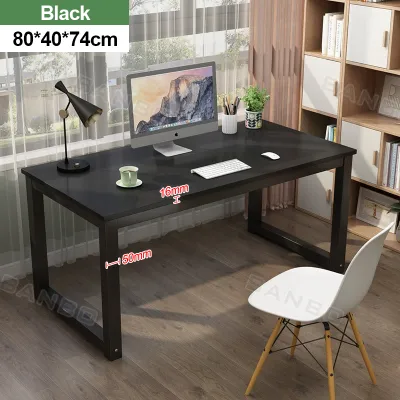
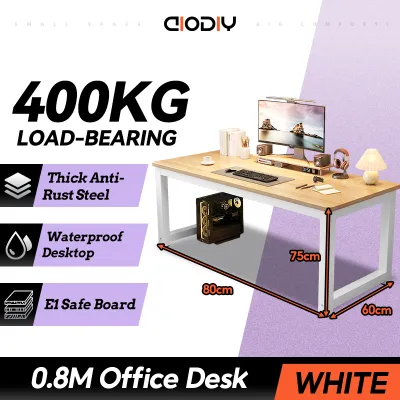
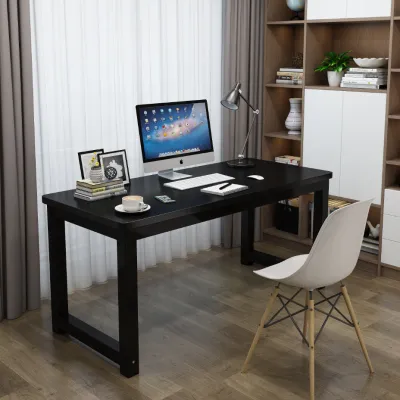
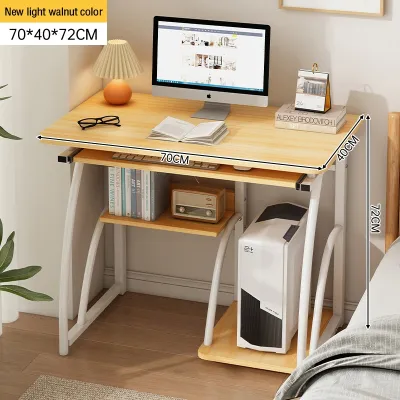
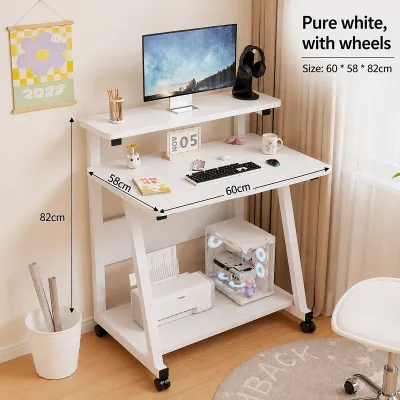
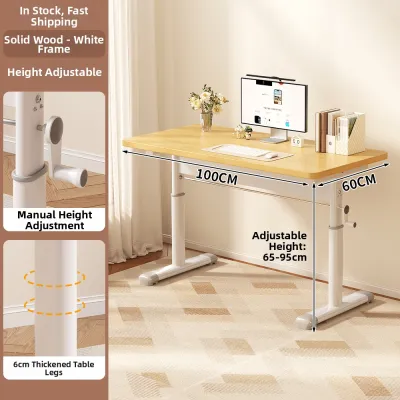
Prices are valid at publication and may change. Please refer to the product page for the latest price.
Finally, assess the environmental and infrastructure constraints of your room. Take note of the nearest power outlets, as a desktop PC requires multiple plugs for the tower, monitors, and accessories. Consider the flooring material; heavy desks on soft vinyl or thin laminate can leave permanent indentations, while uneven tile floors can cause annoying desk wobbles. Additionally, because the tropical climate in the Philippines brings high humidity, check that the desk materials you consider feature sealed edges or moisture-resistant coatings to prevent warping over time.
Evaluate Standing Desks for Ergonomics and Hardware Weight
Standing desks offer excellent ergonomic flexibility, allowing you to transition between sitting and standing throughout long work sessions. However, when pairing a height-adjustable desk with a desktop PC, structural capacity must be your primary concern. You must check the manufacturer’s specified weight limit and compare it against the combined weight of your PC tower, monitors, mounting arms, and desktop accessories. Exceeding this limit can strain the lifting mechanism, leading to premature motor failure.

When choosing between motorized and manual (crank) standing desks, consider your daily routine and local conditions. Motorized desks offer effortless adjustment, but they require a reliable power source. In areas prone to occasional power fluctuations or outages, a manual crank desk remains fully functional, though it requires more physical effort to adjust. If you opt for a motorized model, always plug it into a high-quality surge protector alongside your PC hardware to safeguard the control box from electrical spikes.
Stability at maximum height is another critical factor for desktop users. As a standing desk extends upward, its center of gravity rises, which can introduce a slight wobble during typing or fast mouse movements. Look for frames constructed from heavy-gauge steel with wide footpads to minimize this sway. Furthermore, dynamic cable management is non-negotiable; you must ensure that all power, display, and peripheral cables have enough slack to stretch safely to their highest point without pulling on ports.
Assess Foldable Desks for Space Constraints and Stability
Foldable desks are highly appealing for compact living spaces or multi-purpose rooms where a permanent office setup is not feasible. They allow you to reclaim your living space at the end of the workday by folding flat. However, supporting a full desktop PC on a temporary structure requires careful scrutiny of the desk’s surface area and structural integrity.
First, verify that the usable surface area can accommodate your essential gear without overcrowding. Foldable desks typically feature shallower depths than standard office desks, which can place your monitor uncomfortably close to your eyes. If you must use a foldable desk, a single-monitor setup with a compact keyboard is usually the most practical configuration. Ensure there is sufficient under-desk clearance as well; crossbars and folding leg mechanisms can restrict your legroom or prevent you from placing a PC tower safely beneath the desk.
The most critical check for any foldable desk is its joint construction and locking mechanisms. Unlike solid, fixed-frame desks, foldable models rely on hinges and latches to maintain rigidity. Inspect these components for robust metal construction and secure locking pins. A desk that wobbles or flexes under the weight of your hands while typing not only disrupts your focus but also poses a safety hazard to a top-heavy desktop PC tower and monitor.
Determine if an L-Shaped Desk Fits Your Multi-Monitor Setup
For power users, gamers, and professionals who require expansive screen real estate, an L-shaped desk provides a spacious workspace. The dual-wing design offers a massive surface area, allowing you to dedicate one side to your multi-monitor array and PC tower, while keeping the other side clear for paperwork or secondary devices. This layout is particularly effective for corner placement, maximizing underutilized room corners and creating an efficient, wraparound workstation.
However, the sheer size of an L-shaped desk requires careful structural planning. Because these desks often support heavy, unevenly distributed loads—such as multiple monitors mounted on a single arm on one side—you must verify the strength of the structural bracing. Look for models with reinforced steel frames and support legs positioned to distribute weight evenly without blocking your ability to slide your chair.
Keep in mind that L-shaped desks represent a permanent commitment to your room’s layout. They are significantly more complex to assemble, often requiring two people to put together properly. Their large, fixed footprint means they cannot be easily rearranged or moved to another room. Before purchasing, double-check that the desk’s configuration (whether it has a left-hand or right-hand return, or is fully reversible) matches your room’s traffic flow and does not block windows, built-in cabinets, or air conditioning vents.
Decision Matrix: Matching Desk Type to Your Profile
To finalize your decision, match your physical space and hardware requirements against the primary strengths of each desk type. If your priority is physical well-being, you have a moderate budget, and your total hardware weight falls safely within standard lifting capacities, a standing desk is a strong candidate. It encourages movement and adapts easily to different sitting heights, provided you invest in proper cable management.
Choose a foldable desk only if you face severe space constraints, live in a temporary rental, or use a highly compact desktop PC setup. You must be willing to compromise on surface area and accept lower weight capacities in exchange for portability and space-saving convenience. If you select this route, prioritize models with heavy-duty locking hinges and consider placing your PC tower on a dedicated floor stand rather than the desk surface.
Opt for an L-shaped desk if you have a dedicated room or a spacious corner, utilize multiple monitors, and require maximum stability for heavy hardware. This option provides robust support and surface area but demands a permanent spot in your home. Whichever type you choose, always verify the seller’s delivery options, assembly assistance services (which may cost an extra ₱500 to ₱1,500 depending on the retailer), and return policies to ensure a smooth setup process.
Frequently Asked Questions (FAQ)
Can I place a heavy desktop PC tower directly on a foldable desk?
It is generally not recommended to place a heavy desktop PC tower directly on a foldable desk unless the manufacturer explicitly rates the surface for high concentrated loads. Most foldable desks are designed for lightweight laptops and can bow or collapse under concentrated, static weight. If you must use a foldable desk, check the weight specifications carefully, or place your PC tower on a dedicated floor stand next to the desk to keep the desk surface clear and stable.
Do standing desks wobble when using multiple monitors at maximum height?
Some standing desks can experience minor wobbling or screen shake when extended to their maximum height, especially during active typing. This stability issue is typically caused by the leverage created by high-mounted monitors on articulated arms. To minimize wobble, choose a standing desk with a heavy steel frame, dual-motor lifting systems, and wider feet, and try to position your monitor mounts closer to the desk’s main support columns.

Community discussion
Share your experience or ask a question. Comments are reviewed before publication.