
Choosing the right table for pc computer setups depends on balancing your physical workspace, your daily workflow, and your physical comfort. A standing desk offers dynamic movement for long hours, a foldable desk provides flexibility for tight or multi-use spaces, and an L-shaped desk delivers maximum surface area for multi-monitor setups. Identifying your primary work habits and measuring your room constraints will point you directly to the ideal configuration.
In the Philippines, home office setups must often contend with unique challenges, such as high humidity affecting certain wood finishes, limited floor plans in urban condominiums, and the need to route cables safely around electric fans or air conditioning units. Finding a balance between stability, size, and material durability ensures your workstation remains comfortable and productive for years to come.
Assess Your Available Space and Room Layout
Before browsing online marketplaces, you must physically measure your designated work area. Start by mapping out the floor space with a tape measure, noting how much room remains for your chair to glide backward. If you are considering an L-shaped configuration, verify the wall clearances on both sides of the corner to ensure the desk legs do not block walkways, doorways, or built-in wardrobe doors.
Products mentioned in this guide
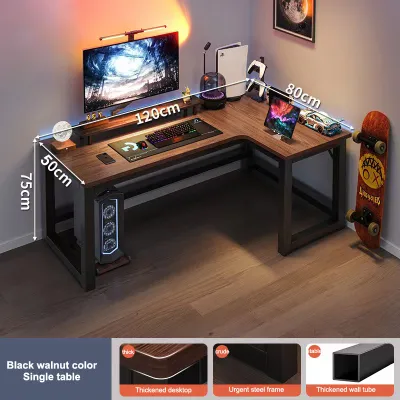
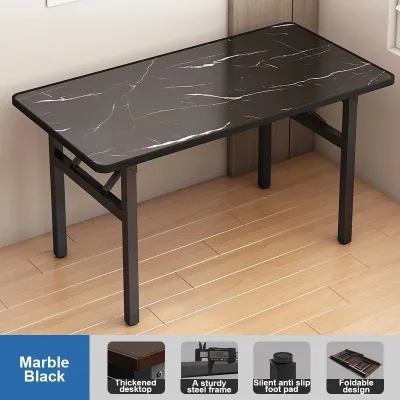

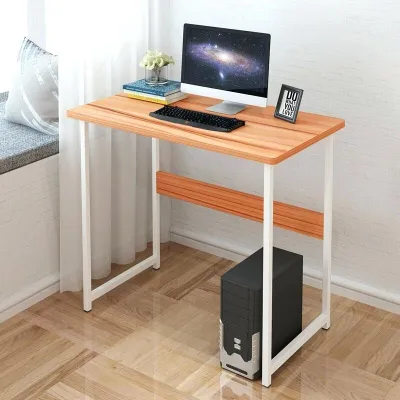
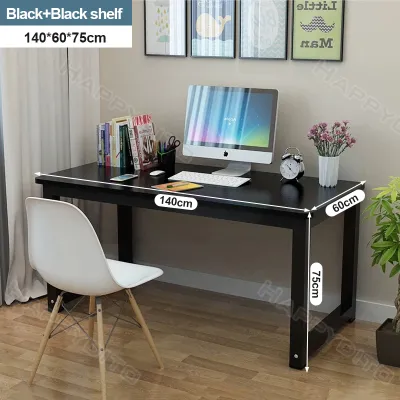
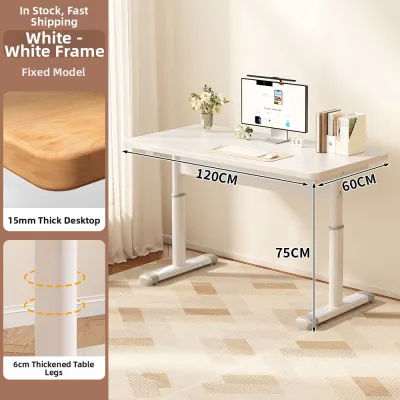
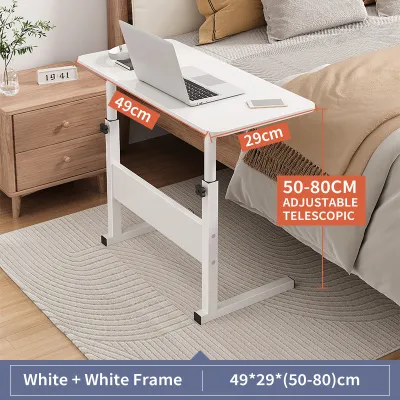
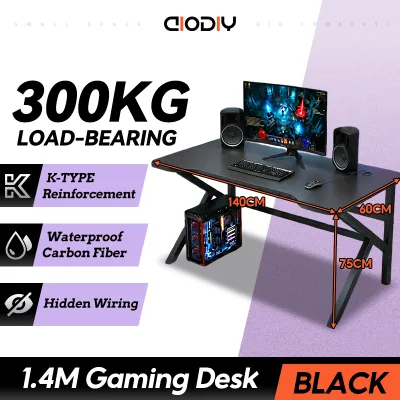
Prices are valid at publication and may change. Please refer to the product page for the latest price.
For temporary or foldable table options, the physical footprint when stored is just as important as when it is fully set up. Measure your closet depth, the gap behind your sofa, or the space under your bed to confirm the folded frame can be tucked away easily when not in use. This prevents a temporary desk from becoming a permanent obstacle in a shared living room or bedroom.
Power access is another critical layout factor, especially for motorized standing desks that require a continuous connection to a wall outlet. Check the distance from your proposed desk location to the nearest outlet, keeping in mind that height-adjustable models need extra cable slack to prevent cords from tensioning or unplugging as the surface rises. Ensure your cable routing path does not cross high-traffic areas where cords could become tripping hazards or get caught under chair wheels.
Evaluate Your Daily Work Habits and Equipment
Your daily routine and the specific hardware you use should dictate the structural demands of your table for pc computer setups. If your work involves long, uninterrupted hours of typing, programming, or editing, alternating between sitting and standing can help manage physical fatigue. A height-adjustable desk supports this active posture rotation, but it requires you to be mindful of how your equipment behaves when in motion.

Heavy hardware setups demand a highly stable foundation. If you use multiple monitors, large studio speakers, or a heavy desktop PC tower, a wide, continuous surface area with a high load capacity is essential. An L-shaped desk provides the structural depth needed to support these heavy items while keeping your primary keyboard area clear. It also allows you to separate your digital tasks on one side from physical paperwork, sketching, or notebook writing on the other.
Conversely, if your work style is highly mobile or you use a single lightweight laptop, your furniture needs are much simpler. Those who work from different rooms or need to clear their workspace at the end of the day to reclaim living space will find a foldable desk highly practical. This setup is ideal for multi-purpose rooms where a permanent office setup would disrupt the household flow.
Decision Matrix: Matching Your Profile to the Right PC Table
To simplify your purchase, use this conditional framework to match your daily habits and room constraints to the most practical desk type. By evaluating your space limitations alongside your hardware weight, you can quickly identify which category aligns with your lifestyle.
When to Choose a Foldable Desk
A foldable desk is the most practical choice if you live in a compact apartment, rent a temporary room, or frequently relocate your workspace. It allows you to set up a functional workstation in minutes and reclaim your floor space when the workday ends. This flexibility is highly beneficial in shared tropical living spaces where ventilation and open pathways are crucial for keeping the room cool.
However, safety must remain a priority when using temporary furniture. Before placing any hardware on a foldable table, check the manufacturer’s weight capacity label and inspect the locking mechanisms. Lightweight folding models are generally designed for laptops and basic writing materials; they may wobble or fail under the weight of heavy desktop monitors or external power supplies.
When to Choose a Standing Desk
An adjustable standing desk is the ideal choice if you prioritize ergonomic flexibility and want to actively manage your posture throughout the day. Transitioning between sitting and standing can help keep you alert and comfortable during long shifts. This setup is particularly valuable for dedicated home offices where you spend eight or more hours at your computer.
When selecting a standing desk, verify the motor noise ratings and the maximum load limits specified by the manufacturer. A smooth, quiet motor ensures you can adjust the height without distracting others in your household. Additionally, pay close attention to cable management; you will need specialized trays or spine organizers to keep power strips and device cables secure and tangle-free as the desk moves up and down.
When to Choose an L-Shaped Desk
An L-shaped desk is the ultimate solution for dedicated corner spaces where you need to maximize productivity and equipment organization. This configuration fits snugly into underutilized corners, providing a vast amount of desktop real estate without protruding too far into the center of the room. It is highly suited for professionals who manage multi-monitor arrays, large drawing tablets, or extensive reference materials.
Before purchasing, check the corner angles of your room to ensure they are a true 90 degrees, as uneven walls can prevent a flush fit. Examine the legroom clearance underneath to ensure you can pivot your office chair freely from one side of the desk to the other without hitting structural support beams. Finally, verify the joint construction; high-quality brackets and center support legs are necessary to prevent the desktop from sagging under the weight of heavy equipment over time.
Essential Pre-Purchase Checks and Safety Limits
Before finalizing your order on any online marketplace, you must perform several physical checks to avoid delivery and assembly headaches. Compare the finished product dimensions listed by the seller against the narrowest points of your delivery route, including doorways, hallways, stairwells, and elevator cabins. A large, non-disassembled L-shaped desktop can easily get stuck if your entryways have tight turns.
Review the manufacturer’s weight capacity labels and material care instructions carefully. In humid tropical climates, check if the desk surface has a moisture-resistant finish or sealed edges to prevent the core material from swelling or warping over time. Avoid placing hot drinks or wet glasses directly on unsealed surfaces.
Lastly, prepare your workspace for assembly. Check if the package includes all necessary tools or if you will need your own screwdriver and level. If you have delicate tile or wooden flooring, plan to assemble the desk on a soft rug or cardboard packaging to prevent scratches, and consider adding felt pads to the desk feet to protect your floors during future adjustments.
Frequently Asked Questions (FAQ)
Can I put a heavy desktop PC tower on a foldable table?
You should always check the manufacturer’s maximum load rating before placing any heavy hardware on a foldable table. Lightweight folding tables are generally engineered for portable devices like laptops and tablets, and they often lack the structural reinforcement needed for heavy desktop towers. Placing a heavy PC tower on a folding table increases the risk of structural bowing, joint failure, or tipping, which can damage your expensive equipment and cause personal injury.
Do standing desks require special floor protection?
Yes, standing desks can benefit significantly from floor protection, especially during frequent height adjustments. Check the desk’s footpad material and consult the manufacturer’s care instructions to see if they recommend specific floor pads. Placing a durable, non-slip protective mat under the desk feet helps distribute the heavy weight of the motorized frame evenly, preventing deep indentations on carpets or scratches on delicate hardwood and tile floors.

Community discussion
Share your experience or ask a question. Comments are reviewed before publication.