
Choosing the right adjustable computer table for your work-from-home (WFH) setup comes down to a fundamental choice between dedicated ergonomic performance and spatial flexibility. If you have a permanent workspace and prioritize regular sit-stand transitions to combat a sedentary lifestyle, a dedicated standing desk is generally the superior choice. However, if you live in a compact apartment, work from a shared living area, or need to pack your office away at the end of the day, a foldable adjustable desk offers unmatched versatility. Both options address the physical demands of remote work, but they serve entirely different spatial and operational needs.
Core Differences in Mechanism and Design
To make an informed decision, it is essential to understand how these two categories of adjustable computer tables operate. A standing desk is designed primarily as a semi-permanent or permanent workstation. It features a robust frame—often constructed from heavy steel—and utilizes either an electric motor system or a manual hand crank to raise and lower the entire desktop. The primary engineering goal of a standing desk is to allow seamless, vertical height adjustments so you can transition between sitting and standing throughout the workday without clearing your equipment.
In contrast, a foldable adjustable desk prioritizes portability and space optimization. These desks feature collapsible legs, hinged frames, or scissor-joint mechanisms that allow the entire unit to fold flat for storage. While many foldable models offer height or tilt adjustments, these are typically manual, requiring you to loosen knobs, adjust pins, or click joints into preset slots. The design intent here is not necessarily to facilitate frequent sit-stand transitions during a single working session, but rather to provide a highly adaptable, multi-purpose utility surface that can be set up or tucked away in seconds.
Products mentioned in this guide
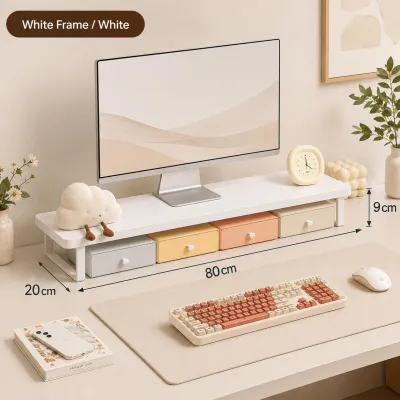
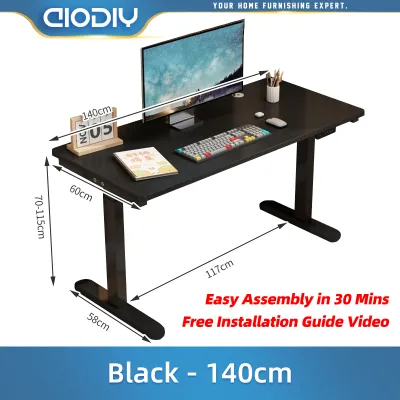
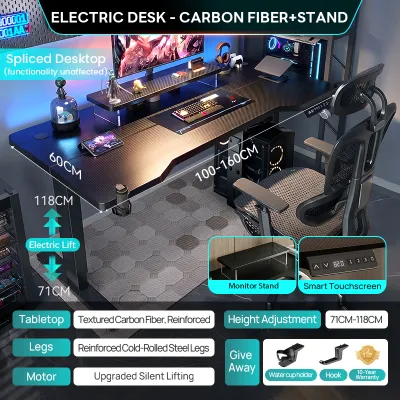
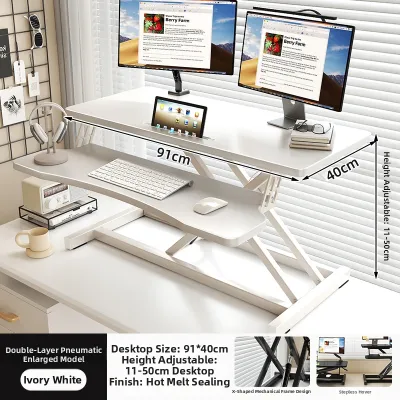
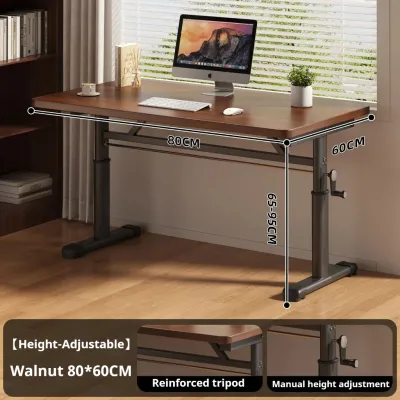
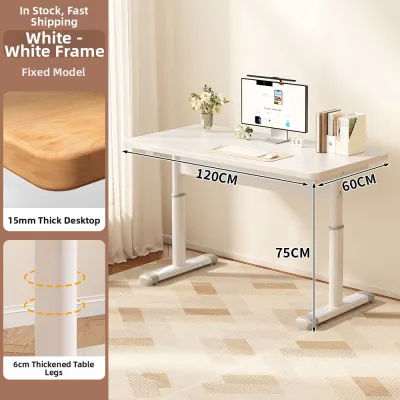
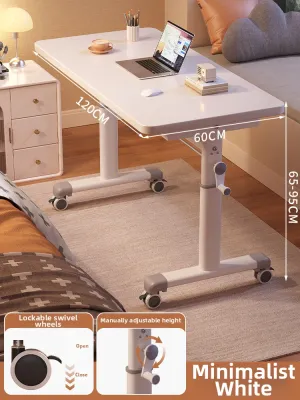
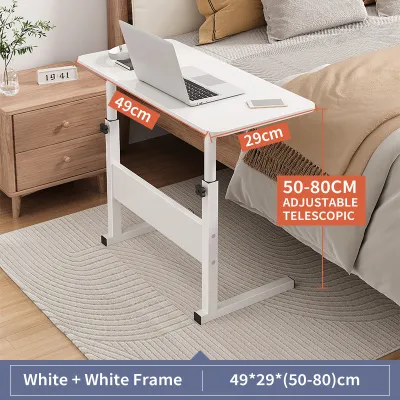
Prices are valid at publication and may change. Please refer to the product page for the latest price.
Space and Layout Considerations for Your Home Office
Your physical environment is the most critical constraint when choosing an adjustable computer table. In many homes in the Philippines, especially high-rise condominiums in urban centers or shared family residences, floor space is at a premium. If your WFH setup is located in a dedicated room or a permanent corner of your bedroom, a standing desk fits naturally. It establishes a clear boundary between your professional and personal life, serving as a dedicated anchor for your computer, monitors, and office accessories.

However, if you work from a shared living room, dining area, or a highly compact bedroom, a permanent desk can disrupt the flow of your home. A foldable adjustable desk excels in these multi-purpose environments. When your shift ends, you can collapse the frame and slide the desk under a bed, behind a sofa, or inside a closet. This ability to reclaim your living space is a significant psychological benefit, helping you disconnect from work in a way that a permanent standing desk cannot accommodate.
If you opt for a standing desk, you must also account for vertical clearance and cable management. As the desktop moves upward, power cords for your computer, monitor, and accessories must have enough slack to prevent tension or damage. This requires careful routing and often additional cable trays or spine organizers. Additionally, you must ensure the desk does not block wall art, window treatments, or low-hanging light fixtures when fully extended.
For foldable desks, storage safety is a key consideration. When collapsed, these desks are often leaned against walls or tucked into narrow gaps. In tropical climates with high humidity, storing a wooden or engineered wood desktop directly against a damp concrete wall can lead to moisture retention or warping. You should ensure the storage spot is dry, well-ventilated, and secure from tipping over, especially if you share your home with active pets or young children.
Ergonomics, Stability, and Daily Comfort
Long hours of remote work demand a stable, comfortable surface that supports healthy posture. Standing desks are engineered for structural integrity, but their stability can vary significantly at maximum height. Because the center of gravity rises as you elevate the desk, some lateral wobble is common. To minimize this, look for desks with heavy steel legs, wide footpads, and reinforced crossbars. Checking manufacturer specifications for frame weight can give you a good indication of stability; heavier frames generally offer a more solid foundation.
Weight capacity is another area where standing desks hold a clear advantage. Motorized models are built to lift substantial loads, allowing you to support multiple monitors, heavy desktop towers, external speakers, and desk organizers without straining the mechanism. Before purchasing, verify the stated maximum load of the motor system. Overloading an electric desk can lead to motor burnout or uneven lifting, which can damage your equipment.
Foldable adjustable desks, by nature of their lightweight and jointed construction, have lower weight capacities and are more prone to flexing under pressure. If you use a single laptop and a notebook, a foldable desk provides adequate support. However, if you rely on dual monitors or heavy clamp-on accessories, the joints of a folding desk may experience stress over time. The manual adjustment process also means you are unlikely to change the height multiple times a day, as doing so often requires removing your devices to safely unlock and adjust the legs.
Compatibility with ergonomic accessories like monitor arms and keyboard trays is also highly dependent on desk design. Standing desks typically feature thick, solid desktops with flat edges that easily accommodate heavy-duty clamp-on monitor mounts. Foldable desks, however, often use thinner materials or have under-table metal support bars running close to the edge. This can prevent standard clamps from securing properly, making freestanding monitor stands a safer and more practical choice for foldable setups.
Setup, Portability, and Maintenance
The practicalities of assembly and long-term maintenance should not be overlooked when selecting your adjustable computer table. Assembling a motorized standing desk can be a demanding task. The packages are heavy, often requiring two people to lift, and involve assembling complex lifting columns, connecting control boxes, and routing electrical wiring. You will need basic tools and a clear workspace to complete the installation safely.
Foldable desks offer a stark contrast, often arriving fully assembled or requiring only a few simple steps to attach the feet or locking pins. This makes them highly appealing if you prefer a plug-and-play solution or if you live alone and want to avoid heavy lifting. For renters who move frequently or individuals who like to rearrange their room layout regularly, the lightweight portability of a foldable desk is a major convenience.
Maintenance requirements also differ between the two designs. For a standing desk, especially an electric model, routine maintenance involves checking cable connections, ensuring the lifting columns are free of dust and debris, and occasionally resetting the control box if the legs become uneven. You must protect the electronic components from power surges—common in tropical areas during stormy seasons—by using a high-quality surge protector.
Foldable desks require regular physical inspections rather than electronic care. Over time, the hinges, locking pins, and folding joints can loosen due to repetitive movement. Periodically tightening these structural fasteners is essential to maintain stability and prevent sudden collapses. If you ever notice that structural joints feel excessively loose, folding hinges bind, or an electric motor stalls, stop using the adjustment features immediately and consult the manufacturer or a qualified professional to avoid injury or equipment damage.
How to Decide: Matching the Desk to Your WFH Habits
To choose the right adjustable computer table, you must align the desk’s capabilities with your daily habits, space constraints, and equipment needs. A standing desk is the ideal choice if you have a dedicated home office space, use a multi-monitor setup, and want to actively transition between sitting and standing throughout your workday. It represents a long-term investment in your physical health and professional productivity, providing a robust, stable platform for all your gear.
On the other hand, a foldable adjustable desk is the better fit if you live in a compact apartment, work from shared spaces, or need a highly portable setup that can be cleared away when not in use. It is also an excellent option for those who primarily work on a laptop and do not require frequent height adjustments during their working hours. This choice prioritizes spatial freedom and flexibility without committing to a permanent piece of heavy furniture.
If your situation demands both heavy-duty stability for professional equipment and absolute floor-space conservation, neither of these options may be a perfect fit. In such cases, you might consider exploring wall-mounted drop-leaf desks or compact wall-hung workstations as an alternative. These systems mount directly to wall studs, folding completely flat against the wall when closed while offering a highly stable work surface when deployed.
Before making your final purchase, always verify your specific home conditions. Check if your floor type—whether delicate hardwood, polished tile, or vinyl—requires specific non-marking casters or protective felt pads to prevent scratches. Additionally, if you live in a rented property, review your lease agreement to ensure there are no restrictions on heavy furniture deliveries or wall-mounting requirements if you opt for alternative space-saving designs.
Frequently Asked Questions (FAQ)
Can I use a monitor arm with a foldable adjustable desk?
Clamp-on monitor arms require a solid, flat edge and sufficient surface thickness to grip safely. Many foldable adjustable desks feature thin tops, hollow-core materials, or metal support frames running directly beneath the edge, which can prevent a clamp from securing properly. Additionally, the concentrated weight of a monitor arm can stress the folding joints of the desk. If you plan to use a monitor arm, verify the desk’s edge profile and weight limits first, or opt for a freestanding monitor stand to distribute the weight more evenly.
Are electric standing desks difficult to move to a new apartment?
Yes, electric standing desks are heavy and can be challenging to relocate. They typically feature heavy steel frames and motorized lifting columns that make them awkward to carry as a single unit. To move them safely, you will often need to perform partial disassembly, such as separating the desktop from the frame. It is highly recommended to keep the original packaging or use thick moving blankets to protect the motor, control box, and delicate cables from damage during transit.

Community discussion
Share your experience or ask a question. Comments are reviewed before publication.