
Quick Answer: How to Choose Between Standing, Foldable, and L-Shaped 80cm Desks
When selecting an 80cm office table, the ideal configuration depends entirely on your primary constraint: floor space, equipment load, or ergonomic needs. An 80cm width is a highly practical, compact size for modern homes, but the structural design changes how it functions in your space.
- Choose a foldable desk if floor space is strictly limited and you only use the desk occasionally. This configuration allows you to reclaim valuable square footage when you are not working.
- Choose an L-shaped desk if you want to maximize an underutilized corner, require separate zones for different tasks, or need to accommodate a dual-monitor setup within a compact footprint.
- Choose a standing desk if ergonomic flexibility, posture variation, and reducing sedentary fatigue are your top priorities.
Keep in mind that while “80cm” indicates the tabletop’s width, you must carefully verify the product’s depth, height adjustment range, and frame footprint before making a purchase. A desk’s usability is determined by all three dimensions, not just its width.
Space and Layout: Fitting an 80cm Desk Into Your Room
Integrating a new piece of furniture into a compact room or a shared living space requires a clear understanding of spatial dynamics. Although an 80cm office table has a relatively small horizontal footprint, the way each desk type interacts with your room’s traffic flow, walls, and vertical space varies significantly.
Products mentioned in this guide
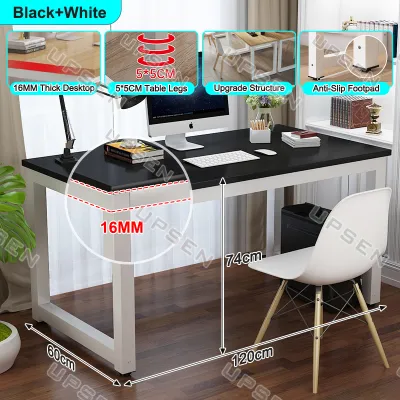
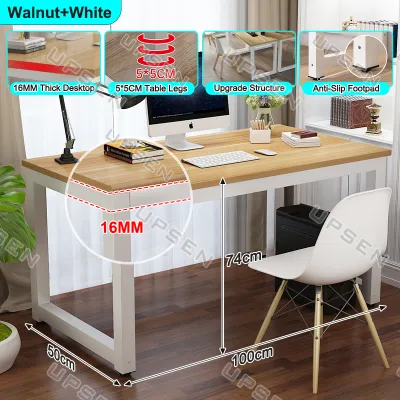
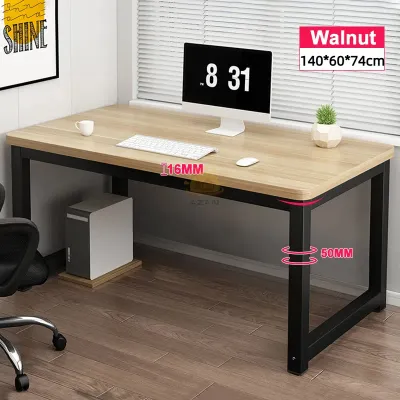
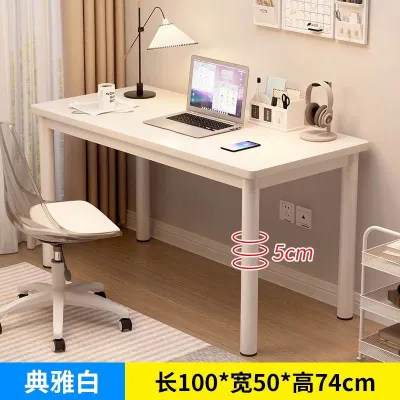
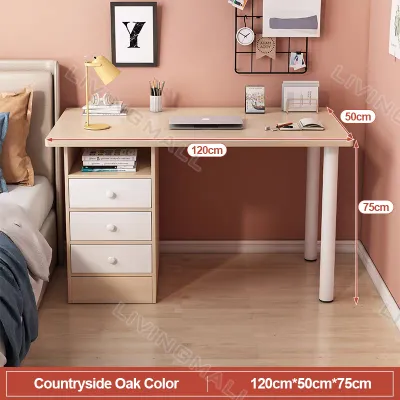
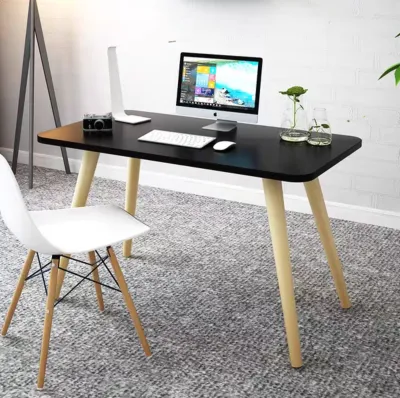
Prices are valid at publication and may change. Please refer to the product page for the latest price.

Foldable Desks for Tight Spaces and Multi-Use Rooms
The primary benefit of a foldable 80cm desk is its ability to disappear when the workday ends. In compact studio apartments or shared bedrooms, maintaining a clear distinction between professional hours and personal life can be challenging. A foldable desk resolves this by allowing you to fold the legs flat against the desktop, transforming a dedicated workstation back into a spacious living area within seconds.
When evaluating a foldable desk, compare its deployed footprint with its folded dimensions. Most foldable models collapse to a thickness of 5cm to 10cm, making them easy to slide under a bed frame, tuck behind a wardrobe, or store inside a utility closet. However, you must also consider the physical effort and clearance required to set it up daily. Ensure that the immediate area around your designated work spot has enough clearance to swing the legs open and lock them securely without bumping into surrounding furniture or walls.
Furthermore, the portability of a foldable table means it lacks a permanent anchor point. If you plan to move the desk frequently between rooms, verify the total weight of the frame. A lightweight steel frame with a high-density composite top offers the best balance of portability and structural integrity, allowing you to carry it easily without straining your back.
L-Shaped Desks for Corner Optimization and Dual Monitors
An L-shaped configuration is designed to turn underutilized corner space into a highly productive workstation. By utilizing a main wing and a secondary return wing, this desk type provides a wrap-around surface that keeps your essential tools within arm’s reach. While the primary width of the desk might be a compact 80cm, the addition of the return wing effectively increases your usable surface area without extending further into the center of the room.
Before purchasing, you must measure your room’s corners with extreme precision. Do not just measure the wall length; account for baseboards, electrical outlets, internet ports, and the swing paths of nearby doors or wardrobe panels. An L-shaped desk must sit flush against the walls to maximize stability, so any protruding wall fixtures can prevent proper alignment and create awkward gaps where items can fall.
Additionally, pay close attention to how the desktop is delivered and assembled. Some compact L-shaped desks feature a single-piece top, while others use two separate boards connected by metal brackets. A single-piece top offers a perfectly smooth, seamless surface but can be incredibly difficult to maneuver through tight hallways, narrow stairwells, or small condominium elevators. If your building has restricted access, a two-piece desktop design is much easier to transport and assemble inside your unit.
Standing Desks for Flexible Footprints and Active Workflows
A height-adjustable standing desk occupies a fixed horizontal footprint similar to a standard rectangular desk, but its vertical movement introduces unique spatial considerations. Because the desk moves up and down throughout the day, you must evaluate the entire vertical column above and around the desk to ensure safe, unobstructed operation.
Before setting up a standing desk, check for any overhead obstacles that could interfere with the desk at its maximum height. Common hazards include low-hanging wall shelves, window sills, picture frames, and wall-mounted split-type air conditioning units. If the desktop collides with any of these items while rising, it can damage the lifting motor, warp the frame, or knock expensive equipment off the table.
Cable management is another critical factor for standing desks. Because the distance between the tabletop and the floor changes constantly, your power strips, monitor cables, and charger cords must have sufficient slack. Cords that are too short will pull tight, potentially snapping ports, unplugging devices mid-task, or tipping over your monitors. Investing in a flexible cable spine or an under-desk cable management tray is essential to keep all wires organized and moving safely alongside the desk frame.
Work Style and Ergonomics: Matching the Desk to Your Daily Tasks
Your physical comfort and daily productivity depend heavily on how well your desk configuration aligns with your work habits. Each of the three desk types supports a different style of interaction, equipment setup, and physical movement.
Posture and Movement (Standing Desks)
If your work involves long, uninterrupted hours in front of a computer, a standing desk offers significant ergonomic advantages. Alternating between sitting and standing throughout the day helps distribute physical stress across different muscle groups, improves blood circulation, and reduces the lower back stiffness associated with prolonged sitting. For professionals who experience mid-afternoon energy slumps, standing for 20 to 30 minutes can help restore focus and alertness.
An 80cm width is a compact surface, meaning you must be highly intentional with your equipment layout. This size is ideal for a clean, streamlined setup, such as a single 24-inch or 27-inch monitor alongside a laptop on an ergonomic riser. However, if your daily workflow requires you to reference physical documents, take handwritten notes in a large journal, or use multiple input devices simultaneously, an 80cm standing desk may feel somewhat restricted.
To ensure a proper ergonomic fit, verify that the desk’s minimum and maximum height limits align with your body measurements. When sitting, your elbows should rest comfortably at a 90-degree angle on the tabletop with your feet flat on the floor. When standing, the desk should rise high enough to maintain that same 90-degree elbow angle without forcing you to slouch forward or strain your shoulders upward.
Heavy Equipment and Multi-Tasking (L-Shaped Desks)
For users who manage diverse tasks or rely on multiple hardware devices, the L-shaped desk is an excellent ergonomic solution. The dual-surface design allows you to establish distinct work zones. You can dedicate the primary 80cm wing to your computer, keyboard, and mouse, while utilizing the return wing for secondary tasks like writing, reviewing paper documents, or holding a tablet, printer, or desktop PC tower.
This layout offers a major ergonomic benefit by keeping your secondary work tools within a comfortable swivel radius. Instead of leaning forward or stretching awkwardly across a wide, flat desk to reach a printer or notebook, you simply rotate your office chair. This minimizes repetitive strain on your lower back and shoulders, keeping your body in a neutral, supported position throughout the day.
However, because L-shaped desks encourage you to place more equipment on the surface, you must verify the weight distribution limits of the frame. Placing heavy items like a laser printer or a heavy desktop tower solely on the outer edge of the return wing can cause the desk to tilt or sag over time. Ensure that the frame is designed to distribute weight evenly across the entire corner joint and support legs.
Occasional Use and Minimalist Setups (Foldable Desks)
Foldable desks are best suited for light, occasional work, such as managing household finances, weekend freelance projects, or temporary study sessions. Because these desks are designed for quick deployment and storage, they encourage a highly organized, clutter-free workspace. When your work session is complete, clearing the desk and folding it away prevents work clutter from permanently taking over your living environment.
While highly convenient, foldable desks do have clear limitations for heavy, daily professional use. Because the desk must be collapsed regularly, setting up complex equipment like dual monitors, external speakers, or heavy desktop towers is impractical. The constant process of unplugging, moving, and reassembling heavy gear creates significant psychological friction, which may discourage you from using the desk altogether.
Furthermore, foldable tables rarely feature built-in cable management channels, grommet holes, or under-desk power strip trays. If you use multiple wired devices, you will have to manage loose cables draped over the edges, which can be visually distracting and pose a tripping hazard. If your daily workflow requires a permanent, high-performance computer setup, a fixed standing or L-shaped desk is a more practical choice.
Stability, Weight Limits, and Assembly: What to Verify Before Buying
Before purchasing an 80cm office table, you must look beyond aesthetics and evaluate the structural engineering, material quality, and assembly requirements. These factors directly impact the desk’s lifespan, safety, and daily usability.
- Standing Desks: The most common issue with compact standing desks is lateral wobble, especially when extended to their maximum height. As the desk rises, its center of gravity shifts upward, making it more sensitive to the vibrations caused by typing or moving a mouse. To minimize this, look for frames constructed from heavy-duty, thick-gauge steel with wide foot stabilizers. Check the manufacturer's specified weight capacity (ideally 70kg or more) and verify whether the desk uses a single-motor or dual-motor system. Dual-motor systems generally offer smoother, quieter height transitions and better lateral stability than single-motor alternatives.
- Foldable Desks: The durability of a foldable desk relies entirely on the quality of its hinges, joints, and locking mechanisms. Look for models featuring spring-loaded locking pins or heavy-duty manual latches that click securely into place when the legs are fully extended. In hot, humid tropical climates, moisture can accelerate the degradation of low-grade metal components and cause raw engineered wood to swell. Ensure the metal frame has a rust-resistant powder-coated finish, and the tabletop is fully sealed with a water-resistant laminate or melamine coating to prevent warping.
- L-Shaped Desks: The structural weak point of an L-shaped desk is almost always the seam where the main wing meets the return wing. If the two sections are joined only by short wood screws, the joint can easily sag, crack, or separate under a heavy load. Verify that the desk uses heavy-duty steel connector plates or a continuous metal under-frame to bridge the joint. This structural reinforcement ensures that weight is distributed evenly across all support legs, preventing long-term structural failure.
- Delivery and Assembly: Before finalizing your order, review the product's assembly instructions and package dimensions. L-shaped desks and motorized standing desks often arrive in heavy, bulky boxes that require two people to lift safely. Measure your doorways, elevator doors, and stairwell clearances to ensure the boxes can reach your room. Additionally, check if the package includes all necessary assembly tools or if you will need to provide your own screwdriver, level, or power drill. If you are not comfortable with DIY furniture assembly, consider hiring a professional assembly service to ensure the frame is built safely and correctly.
At a Glance: Comparing 80cm Office Table Types
To help you quickly compare your options, the table below summarizes the key differences between standing, foldable, and L-shaped 80cm desks across five critical decision-making dimensions.
| Feature | 80cm Standing Desk | 80cm Foldable Desk | 80cm L-Shaped Desk |
|---|---|---|---|
| Ideal User Profile | Full-time WFH professionals seeking ergonomic movement and posture variety. | Part-time workers, students, or those living in compact studio apartments. | Multi-taskers, dual-monitor users, and those wanting to maximize corner space. |
| Space Requirement | Moderate; requires a fixed footprint and clear vertical clearance above the desk. | Extremely low; can be folded flat and stored under a bed or behind a wardrobe. | High; requires a clear corner with two unobstructed wall segments and room for a chair. |
| Equipment Capacity | Moderate; best for a single monitor and laptop setup within the weight limit. | Low; best for a lightweight laptop, mouse, and a notebook. | High; easily accommodates multiple screens, a printer, and writing materials. |
| Setup Complexity | High; requires motor calibration, cable management, and frame assembly. | Extremely low; typically arrives pre-assembled or requires unfolding the legs. | High; requires aligning multiple desktop panels and securing corner joints. |
| Key Spec to Verify | Maximum height range, motor lift capacity, and frame wobble at full height. | Leg hinge locking mechanism, folded thickness, and frame rust resistance. | Corner connection bracket strength and exact return wing dimensions. |
When using this table, compare the spatial requirements directly with your actual room measurements. Do not rely on visual estimation; use a physical tape measure to map out the exact width, depth, and height of the desk in your intended workspace to ensure a perfect fit.
Final Checklist: Steps to Take Before You Order
To ensure a smooth purchasing process and avoid the hassle of returning heavy furniture, complete these four practical steps before placing your order:
- Measure Your Floor Space: Use painter's tape or newspapers to lay out the exact footprint of the desk on your floor. Sit in your office chair within this mapped area and roll backward to ensure you have at least 70cm to 80cm of clear space behind the desk to move comfortably without hitting walls or other furniture.
- Calculate Your Equipment Weight: List every item you plan to place on the desk, including monitors, laptops, docking stations, desk lamps, and monitor arms. Sum their weights and compare the total against the manufacturer's recommended weight limit, leaving a safety margin of at least 15% to 20% to prevent straining the frame or motor.
- Verify the Delivery Path: Measure the width and height of your front door, apartment hallways, elevator doors, and any tight turns in your stairwell. Ensure that the shipping box dimensions provided on the product page can easily clear these passages without getting stuck.
- Review the Warranty and Return Policy: Read the fine print of the seller's warranty. For standing desks, ensure that the electric motor, control keypad, and structural frame are covered for at least one to two years. For foldable and L-shaped desks, check the policy regarding shipping damage, missing hardware, or warped panels.
Frequently Asked Questions (FAQ)
Can an 80cm L-shaped desk fit in a small bedroom?
Yes, an 80cm L-shaped desk can fit in a small bedroom, but it requires careful planning. While the primary wing of the desk is only 80cm wide, the secondary return wing extends outward, creating a larger overall footprint than a standard rectangular desk. You must place the desk in a corner that is completely free of obstructions. Ensure that the return wing does not block closet doors, electrical outlets, or the natural walking path around your bed. Mapping the desk’s dimensions on the floor with painter’s tape before purchasing is highly recommended to visualize the remaining space.
Are foldable 80cm tables stable enough for dual monitors?
Generally, foldable 80cm tables are not recommended for dual-monitor setups. Because foldable tables prioritize portability and quick storage, their frames are lightweight and lack the heavy, rigid stabilizing crossbars found on fixed desks. Placing two heavy monitors on a foldable surface can raise the center of gravity, making the table prone to tipping, shaking, or bowing in the center. If you must use dual monitors, a fixed standing desk with a heavy steel frame or a sturdy L-shaped corner desk is a much safer and more stable choice.

Community discussion
Share your experience or ask a question. Comments are reviewed before publication.