
Choosing the right home office desk when you have a printer depends on balancing your daily workflow with the physical demands of your equipment. A printer is not just another desktop accessory; it is a heavy, vibrating machine that requires stable support, power access, and physical clearance for paper trays and maintenance. While an L-shaped desk offers the most dedicated space and stability for heavy printing setups, standing desks provide excellent ergonomic benefits if you verify weight capacities, and foldable desks serve as ultra-compact solutions for occasional, lightweight printing.
In a tropical climate like the Philippines, where high humidity can affect paper feed mechanisms and indoor spaces can range from compact city condominiums to spacious suburban homes, planning your workstation layout is essential. Finding a table for printer integration means looking beyond aesthetics to evaluate structural integrity, weight distribution, and cable routing. By assessing how each desk type handles the physical realities of a printer, you can design a productive, clutter-free workspace that supports both your computer tasks and your document production.
Measure Your Space and Printer Clearances First
Before browsing online marketplaces or visiting local furniture showrooms, you must establish the exact physical boundaries of your room and your equipment. Start by measuring the available floor area where the desk will sit, ensuring you leave enough clearance for your office chair to glide backward and for walkways to remain completely unobstructed. Do not forget to measure the doorways, hallways, and elevator cabins along the delivery pathway, as large, fully assembled furniture pieces or heavy flat-packs can easily become wedged during transport.
Products mentioned in this guide
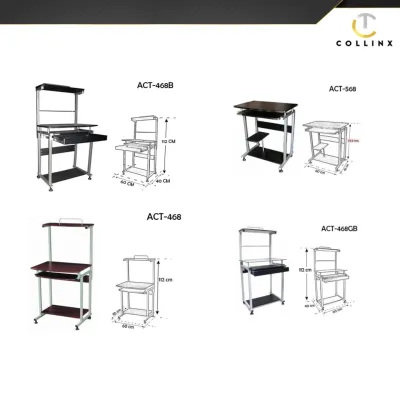
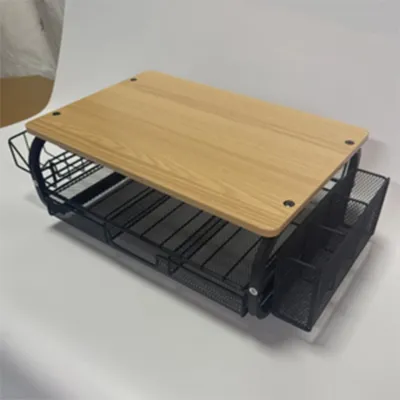
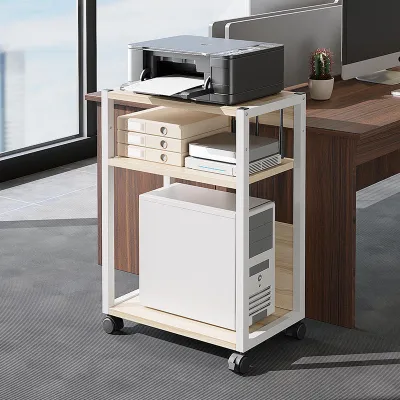
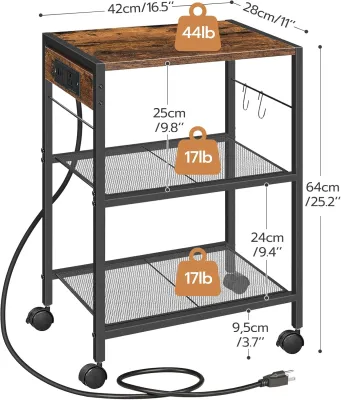
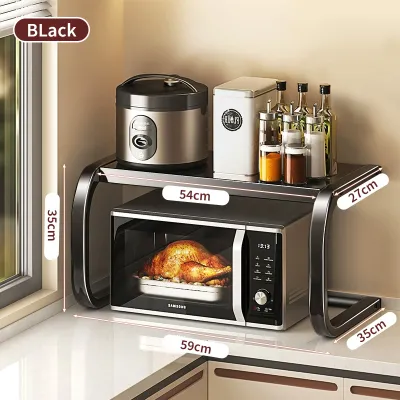
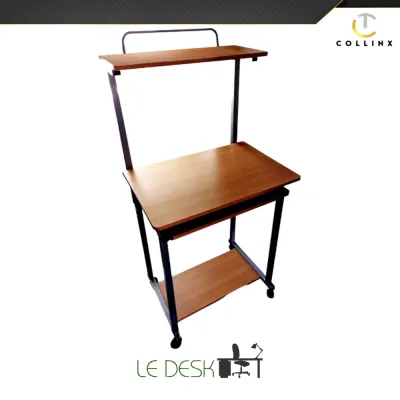
Prices are valid at publication and may change. Please refer to the product page for the latest price.
Next, turn your attention to the printer itself. Use a tape measure to record its width, depth, and height, but do not stop at its static dimensions. You must account for the operational clearance, which includes the fully extended paper input and output trays, the opening clearance of the scanner lid, and access to ink or toner compartments. Additionally, check the manufacturer’s manual for recommended ventilation clearances around the exhaust vents to prevent heat buildup, which can be particularly problematic in warm, humid tropical environments.
Weight is another critical factor that dictates your choice of desk. Place your printer on a household scale or refer to its official specification sheet to find its exact weight, and remember to add the weight of a full pack of paper and any heavy accessories. Finally, map out the locations of your wall outlets. A printer requires its own reliable power source, and routing its thick power cord alongside your computer cables requires careful planning to prevent tripping hazards and unsightly tangles.
Standing Desks: Balancing Ergonomics and Printer Stability
Motorized or manual sit-stand desks have become a staple of modern home offices, offering the flexibility to transition between sitting and standing throughout the workday. However, introducing a printer to a height-adjustable surface introduces unique engineering challenges. The primary check you must perform is verifying the desk frame’s maximum weight capacity, which must comfortably support your monitors, computer, desk accessories, and the printer itself without straining the motor.

Vibration transfer is a major consideration when a printer shares a surface with delicate electronics. During a print job, the rapid back-and-forth movement of the printhead can cause the entire desk surface to sway, especially when extended to higher standing positions. This vibration can cause your monitors to wobble, disrupt your focus, and potentially loosen internal cable connections over time. To mitigate this, look for standing desks with heavy-duty steel frames, dual motors, and thick, rigid desktop materials that naturally absorb movement.
Surface area constraints also come into play with standing desks. Because these desks typically feature a single, flat rectangular surface, a bulky printer will directly compete with your keyboard, mouse, and monitors for prime real estate. If you choose a standing desk, you may need to opt for a wider desktop model or consider placing the printer on a separate, matching mobile filing cabinet nearby to preserve your immediate work zone and maintain the desk’s balance at standing heights.
Foldable Desks: Weighing Space Savings Against Equipment Limits
For those living in compact apartments or shared spaces, a foldable desk offers the ultimate convenience of a temporary workspace that can be tucked away at the end of the day. While highly space-efficient, these desks are generally designed for lightweight laptops rather than heavy office machinery. The structural stability of a collapsible frame is inherently lower than that of a fixed desk, making it susceptible to significant wobbling when a printer is actively operating.
The practical logistics of using a foldable desk with a printer can quickly become tedious. Every time you need to fold the desk to reclaim your living space, you must unplug the printer, lift its substantial weight, and find a safe, alternative storage spot for both the machine and its paper supplies. This constant lifting and moving not only increases the risk of dropping the equipment but also subjects the printer’s internal components to unnecessary physical shocks.
Consequently, a foldable desk setup is only viable under very specific conditions. It is best suited for users who own ultra-compact, lightweight portable printers and only need to print documents occasionally. If your daily routine involves high-volume printing on a standard inkjet or laser printer, the daily chore of assembling and dismantling a folding workstation will likely outweigh the space-saving benefits, making a permanent desk a much more practical investment.
L-Shaped Desks: Creating Dedicated Zones in Larger Footprints
If you have sufficient floor space, an L-shaped desk is often the most practical table for printer integration. This configuration naturally divides your workspace into two distinct zones: a primary side for your computer, keyboard, and daily tasks, and a secondary return side dedicated to your printer, scanner, and physical filing. This physical separation keeps your main work area completely clear of clutter and isolates you from the immediate heat, noise, and vibration of the printing process.
Because L-shaped desks utilize corner spaces that are often wasted in standard room layouts, they provide a massive amount of usable surface area without protruding excessively into the center of the room. However, you must carefully plan your room layout to ensure the desk’s long sides do not block doorways, built-in closets, or air conditioning vents. It is also wise to check the assembly instructions beforehand, as some L-shaped desks have fixed orientations, while others offer reversible configurations that can be adapted to your specific room layout.
Weight distribution is exceptionally stable on an L-shaped desk due to its multi-leg support system. Placing a heavy printer in the corner junction or on the far end of the return side distributes the load evenly across the frame, preventing the desktop from sagging over time. To ensure long-term durability, look for models with sturdy metal legs, reinforced joints, and moisture-resistant finishes that can withstand the humid conditions typical of tropical climates without warping or peeling.
Comparing Desk Types for Printer and WFH Needs
To help you visualize how these three desk configurations compare, the following table outlines their performance across key home office criteria. When reviewing these options, consider which factors align most closely with your daily workflow, available space, and the specific model of printer you own.
| Desk Type | Space Efficiency | Printer Stability | Workflow Zoning | Setup Complexity |
|---|---|---|---|---|
| Standing Desk | Moderate; requires vertical clearance | Moderate; check frame weight limits and vibration | Low; printer shares main work surface | Moderate; requires motor assembly and cable routing |
| Foldable Desk | High; collapses for easy storage | Low; prone to wobbling during active printing | Low; limited surface area for multiple devices | Low; minimal assembly, but requires daily teardown |
| L-Shaped Desk | Low to Moderate; requires dedicated corner | High; stable frame with excellent weight distribution | High; separate return side for printer and files | High; requires extensive assembly and space planning |
When using this comparison, remember that the actual stability of any desk depends heavily on the quality of its joints, the thickness of the desktop material, and proper assembly. Always verify the manufacturer’s specified load capacities rather than relying solely on the general characteristics of a desk category.
How to Choose the Right Desk for Your Home Office
Making the final decision comes down to matching your available floor space with the physical demands of your printing equipment. If you have a dedicated room or a spacious corner and use a heavy, high-volume laser printer, an L-shaped desk is the ideal choice. It provides the structural integrity needed to support heavy loads, isolates operational vibrations, and offers ample storage space for paper reams, spare toner cartridges, and office supplies.
If ergonomic health is your top priority and you prefer to alternate between sitting and standing, a high-quality standing desk is a highly rewarding investment. When allocating your budget, spending a bit more ₱ on a desk with a certified steel frame is a wise investment to ensure stability. To make this setup work with a printer, select a dual-motor frame with a verified weight capacity that exceeds your total equipment load by a safe margin. If desktop space is tight, consider pairing the standing desk with a low-profile, under-desk printer cart on wheels, which keeps the heavy machine off your active work surface while maintaining easy access.
Reserve the foldable desk option for situations where space is at an absolute premium and your printing needs are minimal. This setup works best with compact, wireless printers that can be easily stored on a nearby shelf when the desk is folded away. Regardless of which style you choose, always measure your space twice, check the weight specifications of both the desk and your printer, and invest in robust cable management tools to keep your tropical home office safe, organized, and highly productive.

Community discussion
Share your experience or ask a question. Comments are reviewed before publication.