
Finding the ideal workspace setup requires balancing physical comfort, available room, and daily tasks. For students and working adults in the Philippines, where study and work-from-home (WFH) routines often share limited residential space, choosing between a standing desk, a foldable desk, and an L-shaped desk is a critical decision. The best configuration depends on your primary workflow: standing desks excel at promoting physical movement and ergonomic health; foldable desks offer unmatched flexibility for multi-use rooms and micro-apartments; and L-shaped desks provide the expansive surface area needed for heavy multitasking and dedicated equipment zones.
Assessing Your Space and Workflow Needs
Before browsing online marketplaces or local furniture showrooms, measure your physical environment. Use a metal tape measure to record the width, depth, and height of your designated workspace, paying close attention to doorway, hallway, and elevator clearances to ensure the package can be delivered safely to your room. Because of the high humidity in tropical climates like the Philippines, check the quality of the wood finish and edge joints; poorly sealed engineered wood can absorb moisture, leading to warping or structural degradation over time.
Next, list your daily tools—such as a laptop, secondary monitors, heavy textbooks, or external keyboards—to calculate the actual surface area you require. A single laptop requires minimal depth, but adding a secondary monitor or large textbooks demands a deeper surface to maintain a safe viewing distance. Finally, analyze your daily routine: do you transition frequently between typing, handwriting, and online meetings, or do you remain in a single focused posture for hours? Identifying these habits helps narrow down whether you need dynamic height adjustments, space-saving portability, or expansive desktop zoning.
Products mentioned in this guide
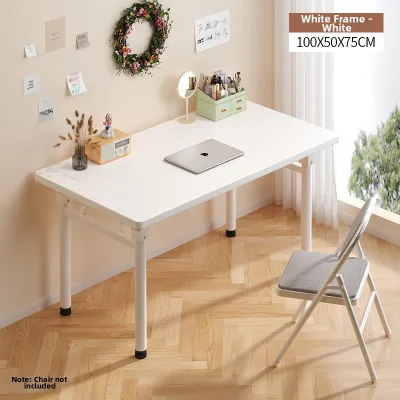
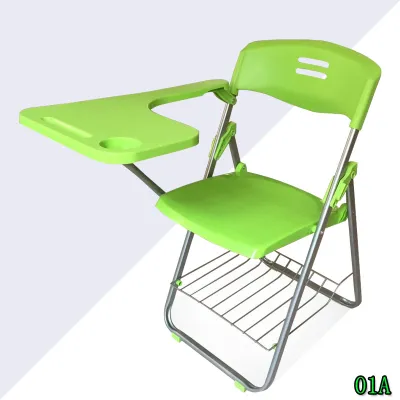
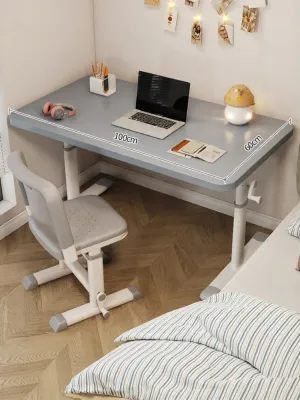
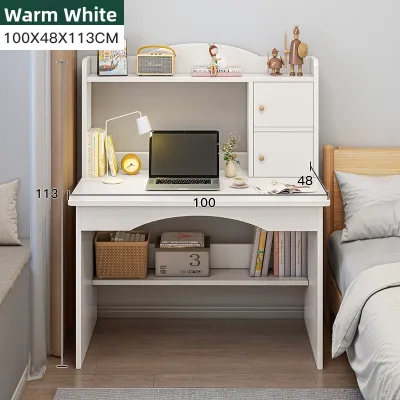
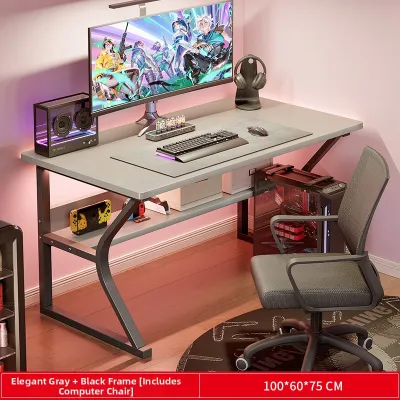
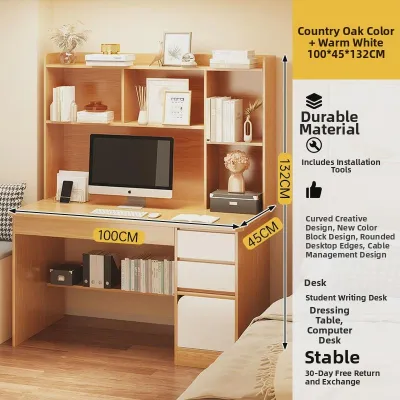
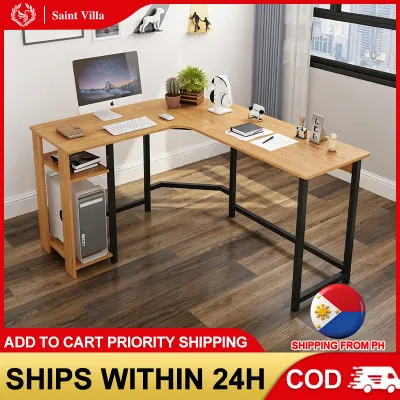
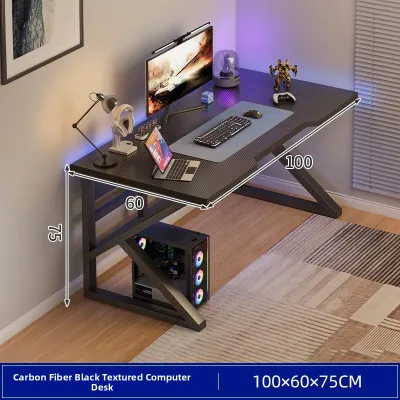
Prices are valid at publication and may change. Please refer to the product page for the latest price.
Standing Desks: Ergonomics and Active Workflows
Height-adjustable standing desks are designed to combat the physical strain of prolonged sitting by allowing you to transition smoothly between sitting and standing. When evaluating these desks, prioritize the stability of the frame at its maximum height; a desk that wobbles during typing can cause distracting monitor shake and strain your eyes. Check the manufacturer’s specified load capacity for the motor or manual crank, especially if you plan to load multiple monitors, heavy textbooks, and desk accessories, as overloading can strain the lifting mechanism.

For motorized models, verify the proximity of your power outlets and ensure the power cord is long enough to accommodate the desk’s full vertical range without pulling on the plug. Additionally, inspect the motor’s noise level and transition speed to ensure it will not disrupt quiet study environments or online professional meetings. If you live in a rental property, check if the desk requires wall anchoring for stability, as some lightweight or single-column standing desks may need extra support to prevent tipping.
Foldable Desks: Space-Saving and Flexibility
Foldable desks are highly practical for shared living spaces, studio apartments, or temporary study setups where the room must serve multiple purposes. Because these desks are frequently moved and stored, inspect the joint mechanisms, hinges, and locking pins to ensure they lock securely into place without flexing under pressure. The daily effort of setting up and packing away your workspace is a key consideration; if your setup involves multiple monitors, docking stations, and external peripherals, a foldable desk may become inconvenient unless you use a simplified laptop-only configuration.
Examine the durability of the surface material and edge banding, as frequent handling and storage against walls can chip unprotected edges, exposing the inner core to humid air. Look for models with integrated carrying handles or lightweight steel frames that allow for easy transport without sacrificing structural integrity. Additionally, check for rubber feet or protective floor pads on the desk legs to prevent scratching delicate tile or hardwood floors during daily setup and teardown.
L-Shaped Desks: Multitasking and Dedicated Zones
L-shaped desks are the traditional choice for users who require distinct zones for different tasks, such as a dedicated computer setup on one side and a clear writing or textbook area on the other. When planning an L-shaped layout, consider the orientation of the desk in relation to room corners, windows, and natural light sources to minimize screen glare. Ensure the inner corner of the desk is structurally designed to accommodate monitor arms or cable management trays, as some budget models lack the necessary clearance or structural reinforcement in this critical junction.
Pay close attention to leg placement and support beams under the desk; some designs feature diagonal bracing or middle legs that can restrict your knee clearance and limit the smooth movement of your office chair. If you plan to place the desk in the center of a room rather than against a corner, check if the back panels are finished, as many L-shaped desks leave the rear support structures exposed. Lastly, verify the assembly conditions, as these larger desks often require two people and a significant amount of floor space to put together.
Configuration Comparison and Decision Matrix
To make an informed choice, compare how each desk type balances surface area, physical footprint, and setup complexity. Standing desks require a moderate, permanent footprint but offer high ergonomic versatility, making them ideal for users prioritizing physical health during long hours of computer work. Foldable desks minimize your permanent footprint to zero when stored, but they offer limited surface area and require daily assembly effort, making them best suited for compact spaces and minimalist setups. L-shaped desks maximize both surface area and storage capacity at the cost of a large, permanent footprint, making them the premier choice for heavy multitaskers, gamers, and professionals with extensive hardware setups.
| Desk Type | Primary Benefit | Space Footprint | Setup Complexity | Best Suited For |
|---|---|---|---|---|
| Standing Desk | Ergonomic movement | Moderate (Permanent) | Low (Plug-and-play) | Active computer users, posture focus |
| Foldable Desk | Space reclamation | Minimal (Storable) | High (Daily setup) | Micro-apartments, laptop-only users |
| L-Shaped Desk | Task zoning & surface | Large (Permanent) | Low (Once assembled) | Dual-monitor setups, heavy study/work |
In some cases, none of these three configurations may fit your room without modifications. For instance, if your room has irregular wall angles, a standard L-shaped desk might block access to built-in closets or electrical outlets. If you find yourself in a highly restricted space, a small fixed-height writing desk paired with an adjustable monitor arm may serve as a practical alternative to a specialized standing or foldable model.
Final Verification and Chair Pairing
Once you have selected a desk type, perform a final physical check of your room layout, ensuring that the desk does not block walkways, power outlets, or ventilation units. Pair your chosen desk with an ergonomic chair that supports your body’s natural alignment; the chair’s seat height must adjust so that your elbows rest at a 90-degree angle relative to the desk surface. If you choose a fixed-height foldable desk, measure its clearance height to ensure your chair’s armrests can slide underneath when not in use.
Finally, review the manufacturer’s assembly instructions, tool requirements, and warranty terms, particularly for moving parts like standing desk motors or foldable desk hinges, to ensure long-term reliability. If you are purchasing a heavy L-shaped desk, confirm whether the retailer offers professional installation services, as improper assembly can compromise the desk’s stability and load capacity over time.
Frequently Asked Questions (FAQ)
Can I use a standard dining chair with a foldable or standing desk?
While you can physically use a standard dining chair, it is rarely ideal for long study or work sessions. Dining chairs are typically built to a fixed height that does not account for the ergonomic relationship between your elbows, knees, and the desk surface. When paired with a standing desk in its lowered position or a fixed-height foldable desk, a dining chair may force you to hunch forward or strain your shoulders. For proper ergonomic alignment, pair your desk with an adjustable office chair that allows you to customize the seat height and armrest clearance.
How do I manage cables on an L-shaped or foldable desk?
Cable management requires different approaches depending on the desk’s structure. For L-shaped desks, look for built-in grommets, under-desk cable trays, or adhesive clips to route power strips and monitor cords along the inner frame, keeping them off the floor and out of sight. For foldable desks, avoid permanent trays that interfere with the folding mechanism; instead, use flexible cable sleeves, hook-and-loop straps, or magnetic cable organizers that can be easily detached when it is time to pack the desk away.

Community discussion
Share your experience or ask a question. Comments are reviewed before publication.