
Quick Answer: Which Desk Style Fits Your Setup?
Choosing the right laptop and printer table requires balancing your daily workflow, physical space, and the size of your hardware. If you have a dedicated corner and a heavy multi-function printer, an L-shaped desk is generally the most practical choice because it provides distinct, spacious zones that separate active typing from printing tasks. For those who prioritize physical movement and posture changes throughout the day, a motorized standing desk offers excellent ergonomic benefits, though you must carefully verify its lifting capacity to handle both your computer gear and a heavy printer. If you operate in a multi-purpose room where space is at a premium, a foldable desk serves as a convenient, temporary workstation, but it may lack the structural rigidity required to handle the vibrations of an active printing cycle.
Space and Layout: Measuring Your Room for a Laptop and Printer Table
Before purchasing any laptop and printer table, you must accurately map out your room’s physical dimensions. Start by measuring the available floor space, keeping in mind that a functional workspace requires more than just the desk’s footprint. You need to allow at least 75 to 90 centimeters of open space behind the desk to accommodate your office chair’s movement and ensure you can sit and stand without hitting walls or other furniture. Additionally, consider the operational clearance of your printer; paper input trays, output trays, and scanning lids often extend far beyond the unit’s closed dimensions, requiring extra depth and vertical clearance.

When comparing layouts, L-shaped desks are highly efficient for utilizing unused corners, allowing you to maximize floor space in smaller rooms or apartments. In contrast, rectangular standing and foldable desks have a linear footprint that can be placed flat against any wall, though they may protrude further into your main walking paths if the desk depth is substantial.
Products mentioned in this guide
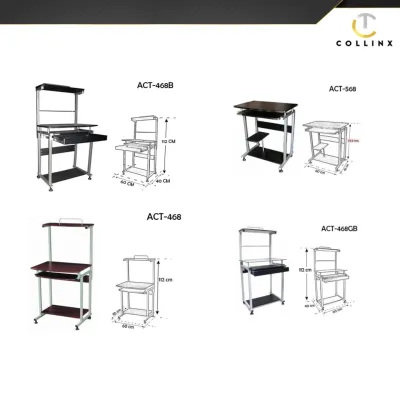
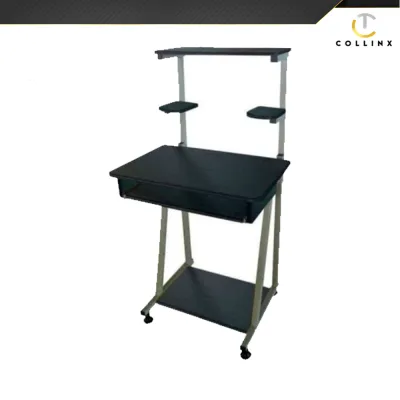
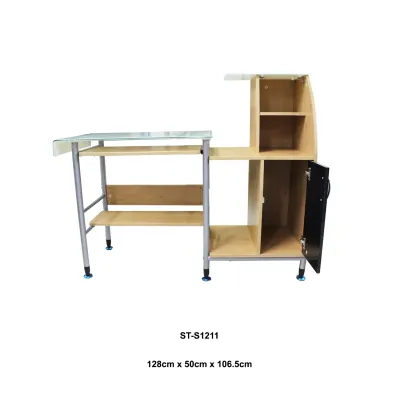
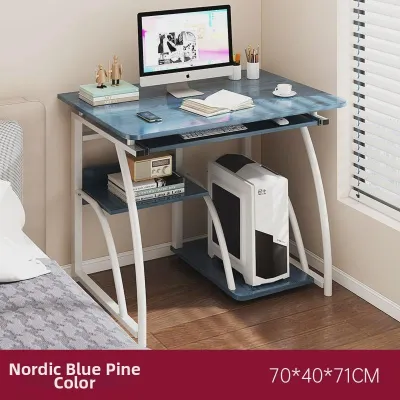
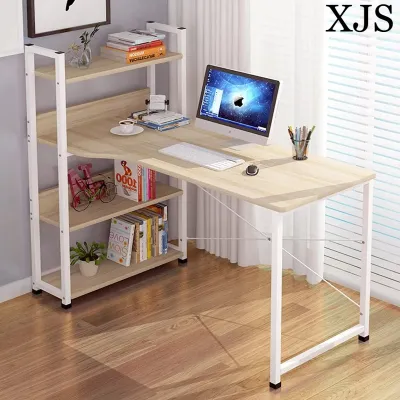
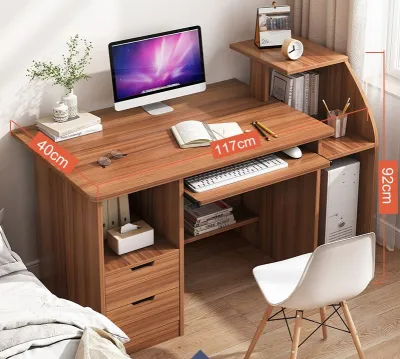
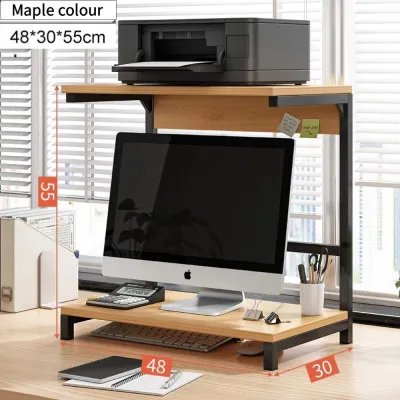
Prices are valid at publication and may change. Please refer to the product page for the latest price.
Do not overlook the logistics of delivery and assembly. Large L-shaped desks and heavy, single-piece standing desk frames can be incredibly difficult to maneuver through narrow hallways, tight stairwells, or standard doorways. Always verify the packaged dimensions of the desk and ensure you have a clear path from your entrance to the designated home office area before making a purchase.
Ergonomics and Workflow: How Each Desk Type Affects Your Daily Routine
A well-designed workspace should support your body’s natural alignment and minimize repetitive strain. The primary ergonomic challenge of a combined laptop and printer setup is reach distance. Ideally, your laptop, keyboard, and mouse should sit directly in front of you within your primary work zone, allowing your elbows to remain at a 90-degree angle. The printer, which is used less frequently, should reside in your secondary zone—close enough to reach without standing up, but far enough to avoid cluttering your immediate writing and typing space. An L-shaped desk naturally facilitates this layout by placing the printer on the perpendicular “return” side, allowing you to access printed documents with a simple pivot of your office chair.
If you opt for a standing desk, the ability to transition between sitting and standing can significantly reduce physical fatigue, which is particularly beneficial during long working hours in warm, humid tropical climates. However, raising and lowering a desk that holds both a laptop and a printer introduces unique mechanical challenges. You must ensure that the printer is positioned securely so it does not slide during transitions, and that all power and data cables have sufficient slack to prevent them from pulling tight or disconnecting when the desk reaches its maximum height.
Foldable desks, while highly convenient for temporary setups, present distinct ergonomic limitations. They typically feature a fixed, non-adjustable height that may not align correctly with your ergonomic chair or your height, potentially leading to shoulder tension or neck strain over extended periods. Because they cannot be customized to your body’s proportions, foldable tables are best reserved for shorter, task-oriented sessions rather than full-time, eight-hour workdays.
Stability, Weight Capacity, and Cable Management Checks
Supporting both a computer and a printer requires a desk with high structural integrity. Printers, especially office-grade laser models, are heavy and contain rapidly moving internal components that generate significant lateral vibrations during operation. If your desk is flimsy, these vibrations will transfer directly to your laptop screen, causing a highly distracting wobble and potentially loosening the desk’s joint screws over time. To prevent this, look for tables constructed with heavy-duty steel frames, reinforced crossbars, and thick desktop surfaces.
Before buying, always check the manufacturer’s weight capacity specifications. For standard desks, this is a straightforward static limit, but for motorized standing desks, you must look for the “dynamic” weight capacity—the maximum load the motor can safely lift while in motion. Ensure the combined weight of your laptop, external monitors, printer, paper reams, and desk accessories remains well below this dynamic limit to avoid burning out the motor.
In humid environments, the choice of desktop material is critical. Engineered woods like MDF or particleboard can absorb moisture from the air, leading to warping or sagging under the constant weight of a heavy printer. Ensure any engineered wood desk features high-quality, sealed edge banding to protect the inner core from humidity.
Cable management is another essential safety and aesthetic consideration. A dual-device setup requires multiple power cords, charger bricks, and data cables. Look for desks equipped with built-in grommet holes, under-desk cable trays, or wire management channels. On standing desks, proper cable organization is critical; loose cords can easily snag on nearby furniture, get pinched in the lifting legs, or pull your expensive devices off the desktop as the surface rises.
Decision Framework: Choose Standing, Foldable, or L-Shaped?
To finalize your choice, evaluate your primary space constraints, workflow habits, and budget.
An L-shaped desk is the ideal choice if you have a dedicated room or a permanent corner in your home, require maximum surface area, and want completely separate zones for typing and printing. This style offers the greatest stability and storage potential, making it a reliable long-term investment for dedicated remote workers.
A standing desk is the best option if physical comfort, posture variation, and active movement are your top priorities. This setup works best if your printer is relatively compact and lightweight, and if you are willing to spend the time organizing cables to ensure safe, smooth height adjustments.
A foldable desk is highly suitable if you live in a compact apartment, use a highly portable inkjet printer, and need to reclaim your living space at the end of the working day. It is a practical, low-commitment solution for multi-purpose rooms.
Your budget in ₱ will also play a significant role in your decision:
- Basic foldable tables are highly economical, often ranging from ₱1,500 to ₱3,000, making them accessible entry-level options.
- L-shaped desks offer a broad price spectrum, starting around ₱3,500 for simple flat-pack models and exceeding ₱15,000 for premium, solid-wood designs with integrated storage.
- Motorized standing desks represent a larger upfront investment, typically starting around ₱8,000 for single-motor frames and rising to ₱20,000 or more for dual-motor systems with advanced memory presets. Balance these costs against your physical comfort and how many hours you plan to spend at your desk each day.
Frequently Asked Questions (FAQ)
Can I put a heavy laser printer on a motorized standing desk?
Yes, but you must verify the desk’s dynamic weight capacity first. Most standard motorized desks can handle between 70 kg and 120 kg, which easily accommodates a laser printer and laptop. However, ensure the printer is placed close to the desk’s legs or center of gravity rather than on an extreme edge to prevent uneven motor strain. Secure all cables with enough slack to accommodate the full range of motion.
How do I prevent a foldable desk from wobbling when the printer is running?
Start by checking that all locking hinges and leg braces are fully engaged and tightened. Place the desk on a level, non-slip surface; if you are on tile or hardwood, use rubber caster cups or non-slip pads under the legs to absorb vibrations. If the desk still wobbles excessively during high-speed printing, consider placing the printer on a separate, low-profile floor stand or rolling cart nearby, keeping your main desk dedicated solely to your laptop.

Community discussion
Share your experience or ask a question. Comments are reviewed before publication.