
Finding the right chair for your computer table requires balancing your budget with the physical support you need for long hours of work or study. When shopping across the ₱3,000, ₱7,000, and ₱15,000 price points, the differences in build quality, adjustability, and comfort features define what you can realistically expect. This guide breaks down the core ergonomic features, necessary compromises, and verification steps for each budget tier, helping you decide where to invest and where to save before committing to a purchase.
Essential Features to Prioritize at the ₱3,000 Budget
When shopping for a chair for computer table at the entry-level ₱3,000 price point, your primary goal is securing safe, functional baseline support. At this budget, you must prioritize structural safety over advanced customization. The most critical component to verify is the gas lift cylinder. Look for a certified Class 3 or Class 4 pneumatic rod, which ensures the height adjustment mechanism remains stable and secure under daily pressure.
The base of the chair is another essential safety feature. At this price tier, bases are typically made of nylon or reinforced plastic. You should inspect the thickness of the five-star base and ensure the casters are suitable for your floor type. Hard nylon casters work well on thin carpets, but you may want to check if they will scratch delicate wood or vinyl tiles.
Products mentioned in this guide
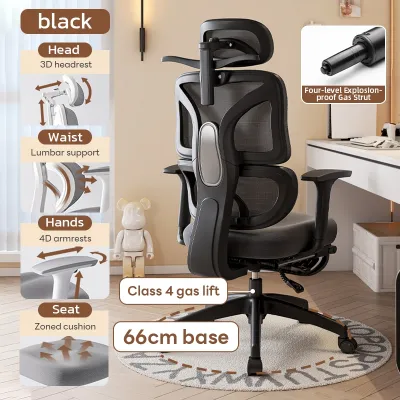
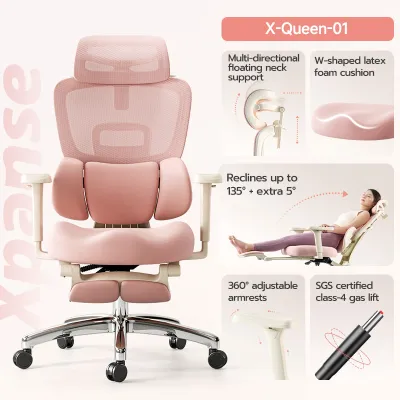
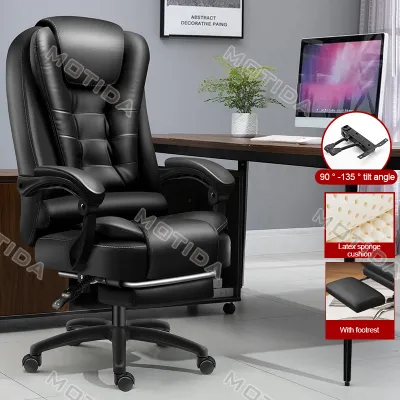
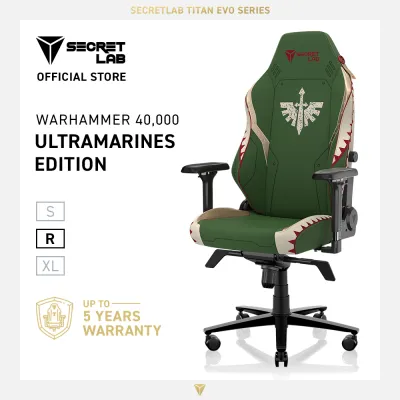
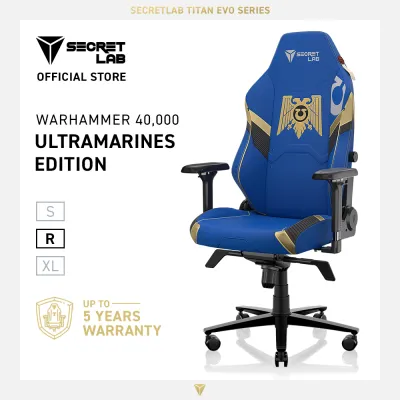
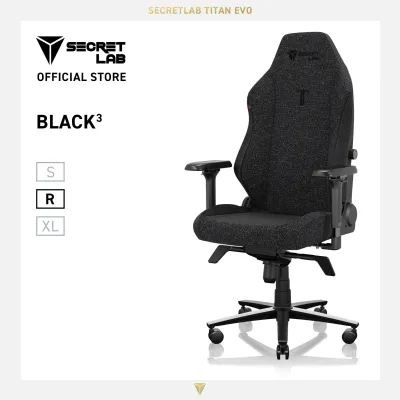
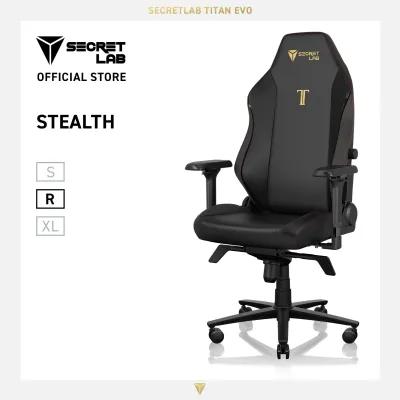
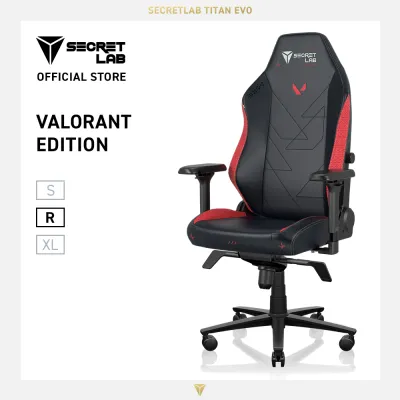
Prices are valid at publication and may change. Please refer to the product page for the latest price.
Adjustability at ₱3,000 is highly simplified. Expect basic pneumatic height adjustment to align your feet flat on the floor and your elbows with your desk. Armrests at this level are almost always fixed to the frame or offer simple single-axis height adjustment. While this limits personalization, it reduces the number of moving parts that could loosen over time.
Comfort relies heavily on material choices. In tropical climates like the Philippines, high humidity makes breathability a major factor. A basic mesh backrest allows air circulation, preventing heat buildup during warm afternoons. However, entry-level mesh can stretch over time, so check the density of the seat cushion foam. A high-density molded foam cushion is preferable to low-density cut foam, as it retains its shape longer and prevents you from feeling the hard wooden or plastic seat pan underneath.
Accepting trade-offs is necessary at this budget. You will typically find fixed lumbar support—often a plastic band across the back—and a simple upright locking mechanism with limited recline tension. While these features do not offer custom contouring, they provide a stable upright posture for standard working sessions.
Upgraded Adjustability and Comfort at the ₱7,000 Tier
Stepping up to the ₱7,000 mid-range tier introduces a significant leap in customizable ergonomics and material durability. This budget is ideal for users who spend six to eight hours daily at their computer table and require a chair that adapts to their specific body proportions rather than forcing them to adapt to a rigid frame.

The most notable upgrade in this category is the lumbar support system. Instead of a fixed plastic strip, chairs at this price point often feature independent, height-adjustable, or depth-adjustable lumbar pads. This allows you to position the support directly into the natural inward curve of your lower spine, reducing muscle fatigue during extended typing sessions.
Armrests also become highly functional tools rather than simple resting pads. At ₱7,000, you should look for multi-dimensional armrests, often labeled as 3D or 4D. These can adjust not only in height but also slide forward and backward, pivot inward or outward, and sometimes adjust in width. This level of customization is crucial for keeping your wrists and forearms properly supported, minimizing strain on your shoulders and neck.
Seat depth adjustment is another premium feature that begins to appear in this tier. Being able to slide the seat pan forward or backward ensures that users of different heights can maintain proper circulation. Ideally, you want a gap of about two to three fingers between the edge of the seat and the back of your knees. Additionally, look for multi-position recline locks that let you tilt back and secure the chair at various angles for reading or resting.
Structural materials receive a noticeable upgrade here. Frames transition from lightweight plastics to heavy-duty polymers or reinforced nylon, and the mesh fabric features tighter, more resilient weaving. This improved mesh tension prevents the sagging common in cheaper models, ensuring the backrest continues to provide firm, even support over years of daily use in humid environments.
Premium Build Quality and Advanced Ergonomics at ₱15,000
At the ₱15,000 premium tier, your investment shifts from manual adjustments to dynamic, self-adjusting ergonomic systems and exceptional material longevity. A chair for computer table in this price range is engineered for intensive, long-term use, offering structural guarantees and advanced mechanics that support your body’s natural movements throughout the day.
The hallmark of a premium chair is an adaptive or dynamic backrest. Rather than requiring you to manually lock and unlock levers, these systems feature split-back designs or flexible frames that automatically twist and pivot as you shift your weight. This ensures continuous spinal alignment and lumbar contact whether you are leaning forward to write or reclining to take a call.
Material quality is visibly superior at this level. You can expect high-tension, elastomeric mesh fabrics that offer a balance of firm support and soft contouring without trapping body heat. The structural frame often incorporates polished or powder-coated aluminum components alongside heavy-duty engineering-grade polymers. This robust construction eliminates the creaks, wobbles, and flexing common in lower-priced alternatives.
The recline mechanism also undergoes a major upgrade. Premium chairs utilize synchronized tilt mechanisms, where the backrest and seat pan recline at a synchronized ratio. This keeps your feet flat on the floor and your eyes level with your monitor even when leaning back. Weight-activated tension control automatically adjusts the resistance of the recline based on your body weight, providing a smooth, balanced float.
Finally, look closely at the manufacturer’s structural guarantees. At ₱15,000, chairs should feature higher certified weight capacities and come with comprehensive warranties covering moving parts, gas lifts, and mesh tension. This long-term reliability ensures that your initial investment pays off over years of trouble-free service, making it a highly cost-effective choice for dedicated home offices.
How to Verify Build Quality and Hidden Costs Before Checkout
Before finalizing your purchase, it is essential to look beyond marketing claims and verify the physical specifications of your chosen chair for computer table. Start by checking the product documentation for recognized safety certifications, such as BIFMA or SGS standards, which verify that the gas lift and structural joints have undergone rigorous load and durability testing. Always confirm the manufacturer’s stated weight limit to ensure it safely accommodates your body type.
Next, measure your physical workspace. Compare the chair’s maximum armrest height with the clearance under your computer table to ensure it can slide fully underneath when not in use. Check the overall width of the five-star base against your available floor space, and verify that the packaged box dimensions can easily pass through your doorways or elevator access if you live in a high-rise building.
Be sure to read the retailer’s return and warranty policies carefully. Look for hidden clauses regarding restocking fees, which can sometimes consume a significant portion of your refund if you decide the chair does not fit your body. Clarify who covers the return shipping costs for bulky furniture items, and check if the warranty excludes normal wear and tear on mesh and fabric surfaces.
Lastly, calculate the true total cost of ownership. The price tag on the screen may not include delivery fees, which can be substantial for heavy, oversized packages. Check if professional assembly is included or if it requires an additional fee. If you have delicate flooring, factor in the cost of a dedicated floor protection mat or aftermarket polyurethane caster wheels to prevent long-term scuffing and wear.
Frequently Asked Questions (FAQ)
Is a ₱3,000 chair safe for daily computer use?
Yes, a ₱3,000 chair can be safe for daily computer use, provided you verify its core safety components before buying. Ensure the chair uses a certified Class 3 or Class 4 gas lift cylinder and has a stable, wide five-star base. Always adhere strictly to the manufacturer’s stated weight capacity and avoid leaning excessively past the chair’s center of gravity. While it lacks advanced ergonomic adjustments, a certified entry-level chair offers a secure seating option for standard daily tasks.
Should I prioritize lumbar support or seat cushion at a ₱7,000 budget?
Your priority should depend on your primary source of physical discomfort. If you frequently experience lower back stiffness or fatigue during long sitting sessions, prioritize a chair with adjustable lumbar support to maintain your spine’s natural curve. However, if your main complaints are thigh pressure, numbness, or heat retention, focus on finding a high-density molded foam seat cushion or a highly breathable mesh seat pan that distributes your weight evenly and keeps you cool.
Do premium ₱15,000 chairs require professional assembly?
Most premium ₱15,000 chairs do not strictly require professional assembly, as they ship with detailed instructions and the necessary tools. However, because these chairs utilize heavy-duty steel, aluminum, and dense polymers, the individual components can be heavy and awkward to align alone. Having a second person assist you can make the process much safer and faster. Check if your retailer offers optional assembly services, and verify that self-assembly does not void any part of the manufacturer’s warranty.

Community discussion
Share your experience or ask a question. Comments are reviewed before publication.