
Finding the right study table for adults in a work-from-home (WFH) setup is more than just a design choice; it directly impacts your daily productivity, physical comfort, and room layout. With many professionals operating from shared living spaces, compact apartments, or dedicated home offices, the choice between a standing desk, a foldable table, or an L-shaped workstation depends on your specific daily habits and spatial limitations. By diagnosing your space, work style, and physical needs, you can select a desk that supports your professional demands without cluttering your home.
Assess Your Space and Room Layout
Before browsing online catalogs or visiting local showrooms, you must establish the physical boundaries of your workspace. Start by measuring the clear floor space where you intend to place the desk. Use a metal measuring tape to map out the width, depth, and height, keeping in mind that you need at least 75 to 90 centimeters of clearance behind the desk for your office chair to glide back smoothly. Factor in door swings, wardrobe doors, and nearby walkways to ensure the desk does not block daily traffic flow.
The layout of your walls also dictates which desk styles are viable. If you have a long, uninterrupted wall or an empty corner, an L-shaped desk can maximize that underutilized area. Conversely, if your workspace is integrated into a multi-purpose bedroom or a high-traffic living room, a foldable desk that mounts to the wall or collapses flat might be the only way to preserve floor space when the workday ends. Standing desks, while highly functional, require a stable, level floor area and proximity to a power outlet without creating tripping hazards with trailing cables.
Products mentioned in this guide
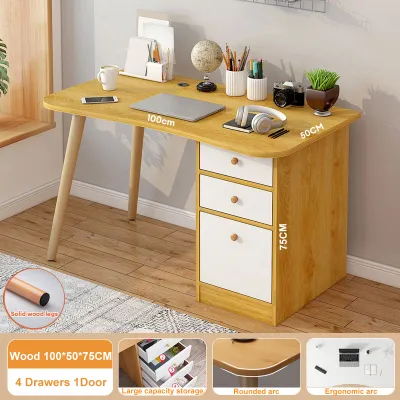
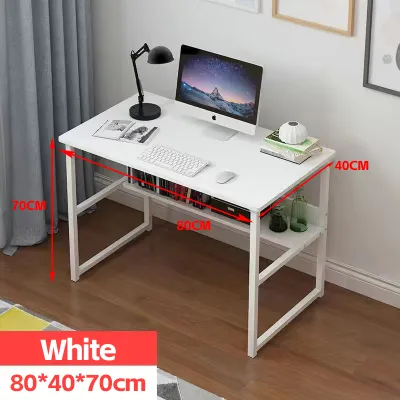
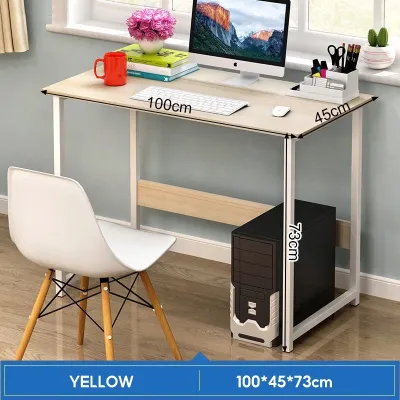
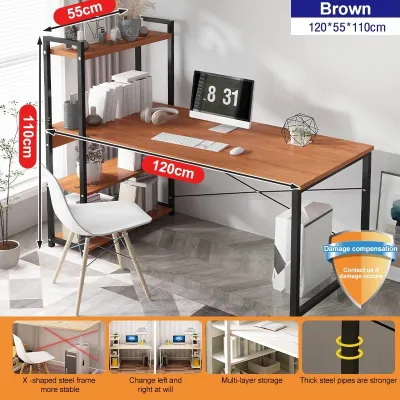
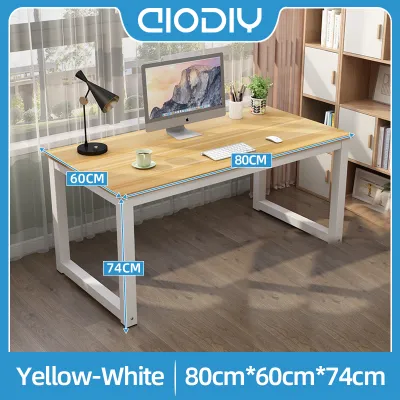
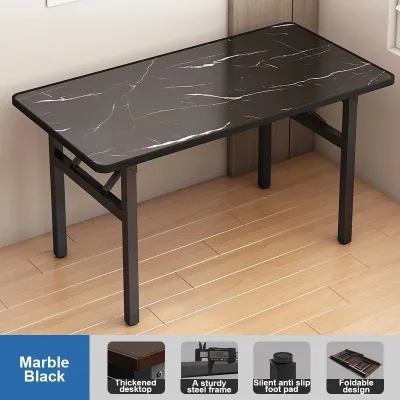
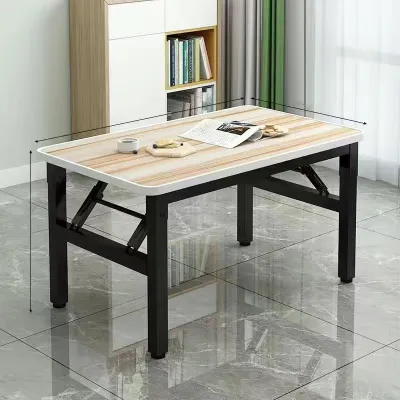
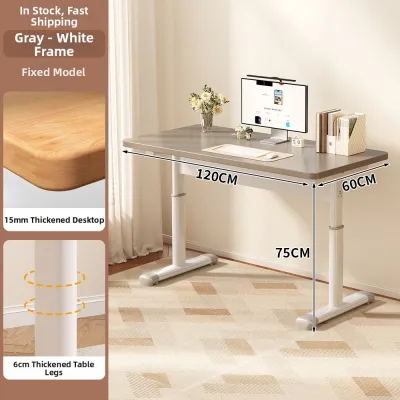
Prices are valid at publication and may change. Please refer to the product page for the latest price.
Finally, do not overlook the journey the desk must take to reach your room. In many urban residential buildings and condominiums in the Philippines, navigating narrow hallways, tight stairwells, and compact passenger elevators can be a major hurdle. If you are purchasing a pre-assembled L-shaped desk or a heavy standing desk frame, verify the packaged dimensions against your building’s entryways. Opting for flat-pack furniture that you assemble inside the room is often the most practical solution for tight urban layouts.
Evaluate Your Work Habits and Daily Routine
Your daily professional tasks dictate the ideal surface area and configuration of your study table for adults. Begin by listing all the equipment you use simultaneously. If your setup consists solely of a single laptop and a mouse, a compact foldable desk provides more than enough room. However, if your daily routine involves a dual-monitor setup, a dedicated keyboard, a tablet, and physical documents, you will require a desk surface with a depth of at least 60 centimeters and a width of 120 centimeters or more to prevent clutter and eye strain.

For professionals who manage diverse tasks, an L-shaped desk offers distinct zoning advantages. You can dedicate one side of the “L” entirely to your computer screens and digital input devices, while reserving the other side for analog tasks like sketching, reviewing printed contracts, or taking handwritten notes. This physical separation helps maintain mental focus and keeps your digital workspace free from physical clutter.
If your home does not have a dedicated office room, consider how often your workspace needs to disappear. In shared households or studio apartments, working from the dining table or a permanent desk in the living room can blur the boundaries between professional and personal life. A high-quality foldable desk allows you to physically pack away your workstation at the end of the shift, helping you transition mentally into leisure time and reclaiming valuable living space for family activities.
Check Your Physical and Ergonomic Needs
Ergonomics should be a primary driver in your decision-making process, especially if you spend eight or more hours at your desk daily. Pay close attention to how your body feels at the end of a long shift. Persistent lower back stiffness, shoulder tension, or neck strain are common indicators that your current seating and desk height are poorly aligned. A standing desk addresses this by allowing you to transition between sitting and standing throughout the day, promoting movement and reducing prolonged spinal compression.
When evaluating a standard fixed-height desk, check how it aligns with your body. When seated with your feet flat on the floor, your elbows should rest comfortably on the desk surface at a 90-degree angle, and your shoulders should remain relaxed. If a desk is too high or too low, it forces your wrists and neck into awkward angles. If you share the desk with other family members of varying heights, an adjustable standing desk—whether manual or electric—provides the customization needed to keep everyone ergonomically aligned.
If you decide to invest in an electric standing desk, pay close attention to the technical specifications. Check the manufacturer’s weight capacity to ensure the motor can smoothly lift your monitors, desktop tower, and accessories. Additionally, verify the warranty terms for the motor and electronic components, as tropical humidity in the Philippines can sometimes affect sensitive electronic parts. Look for frames with robust crossbars or dual-motor systems if you prioritize stability at maximum height extension.
Matching Your Diagnosis to the Right Desk Type
Once you have assessed your space, habits, and physical needs, you can confidently match your profile to one of the three primary desk categories.
Standing desks are the ideal choice for dedicated home offices where the user spends long hours in front of screens and experiences physical fatigue from sitting. They require a permanent footprint and access to power, but they offer unparalleled ergonomic flexibility. If you choose this route, verify that the desk frame has a stable base to prevent monitor wobble when extended to standing height.
Foldable desks are best suited for multi-purpose rooms, temporary WFH setups, or smaller apartments where space is at a premium. They allow you to maintain a clear distinction between work and home life by folding away when not in use. When selecting a foldable model, check the locking mechanisms and hinge durability, and ensure the frame material can withstand frequent folding and unfolding.
L-shaped desks are the ultimate solution for heavy multitaskers, creative professionals, and those with multi-monitor setups who have dedicated corner space. They maximize corner efficiency and provide ample surface area for dual-zone working. Before purchasing, confirm whether the L-shape is reversible, allowing you to configure the longer return on either the left or right side to fit your room’s layout.
Before finalizing your purchase, always verify the product labels and assembly instructions. Check the exact finished dimensions, the maximum load capacity, and whether the assembly requires specialized tools. When planning your budget in ₱, investing in a durable frame and moisture-resistant desktop is often more cost-effective than choosing the cheapest alternative. If you live in a highly humid environment, check the finish of the desk surface; high-pressure laminates or sealed solid woods generally resist moisture and warping better than untreated composite boards.
Frequently Asked Questions (FAQ)
Can I convert a standard desk into a standing desk later?
Yes, you can convert a standard desk using a desktop riser or converter. These units sit on top of your existing table and use a gas spring or manual lever to raise your monitor and keyboard. While this is a practical way to test standing work without replacing your furniture, keep in mind that converters add significant weight and take up a large portion of your existing desk surface. They may also have lower weight limits and less stability compared to a dedicated, full-frame standing desk.
How much weight can a typical foldable study table support?
The weight capacity of a foldable study table varies widely depending on its frame material, hinge design, and overall construction. Many lightweight, portable models are designed to support only a laptop and a notebook, often ranging from 10 to 15 kilograms. Heavy-duty foldable desks with steel frames can support more, but you must always check the manufacturer’s specified weight limit on the product label or manual. Exceeding this limit with heavy monitor arms or desktop computers can cause the hinges to fail or the surface to sag.

Community discussion
Share your experience or ask a question. Comments are reviewed before publication.